
Anyone can explain me why the 5x lines is not working with my SNES? Help please
NewHome › Forums › OSSC, OSSC Pro and DExx-vd isl › OSSC – Discussion and support › Anyone can explain me why the 5x lines is not working with my SNES? Help please
Tagged: #SNES #OSSC #HELP
- This topic has 6 replies, 3 voices, and was last updated September 20, 2023 at 12:40 AM by
JabuJabu.

-
AuthorPosts
-
September 1, 2023 at 1:42 AM #57901
Hello I’m new here! I have two-three questions. I’d like to understand why the 5x lines using an OSSC ( mcbazel 1.6 ) does not work with my SNES connected to the monitor which is a dell 2007fpb 4:3 1600×1200 . The best i can get is with 4x lines and result is very good but with 5x it does not display anything and screen will go in energy save mode. I connected the SNES with a rgb scart cable sync on luma to the OSSC, and from the ossc to the monitor with a HDMI to VGA cable as monitor doesnt have a hdmi output. So could that depend on the monitor itself ( also on my fhd gaming monitor an Odissey G4, I could not get 5x using the OSSC ) or can that depend on my SNES being a PAL model one (europe)?
My other question is why do the black bars of the mask bottom and top of the screen are so big. The only aspect ratio I can set apparently is 4:3 and that would be fine for me, just i’d like to get a bit less wide bars.
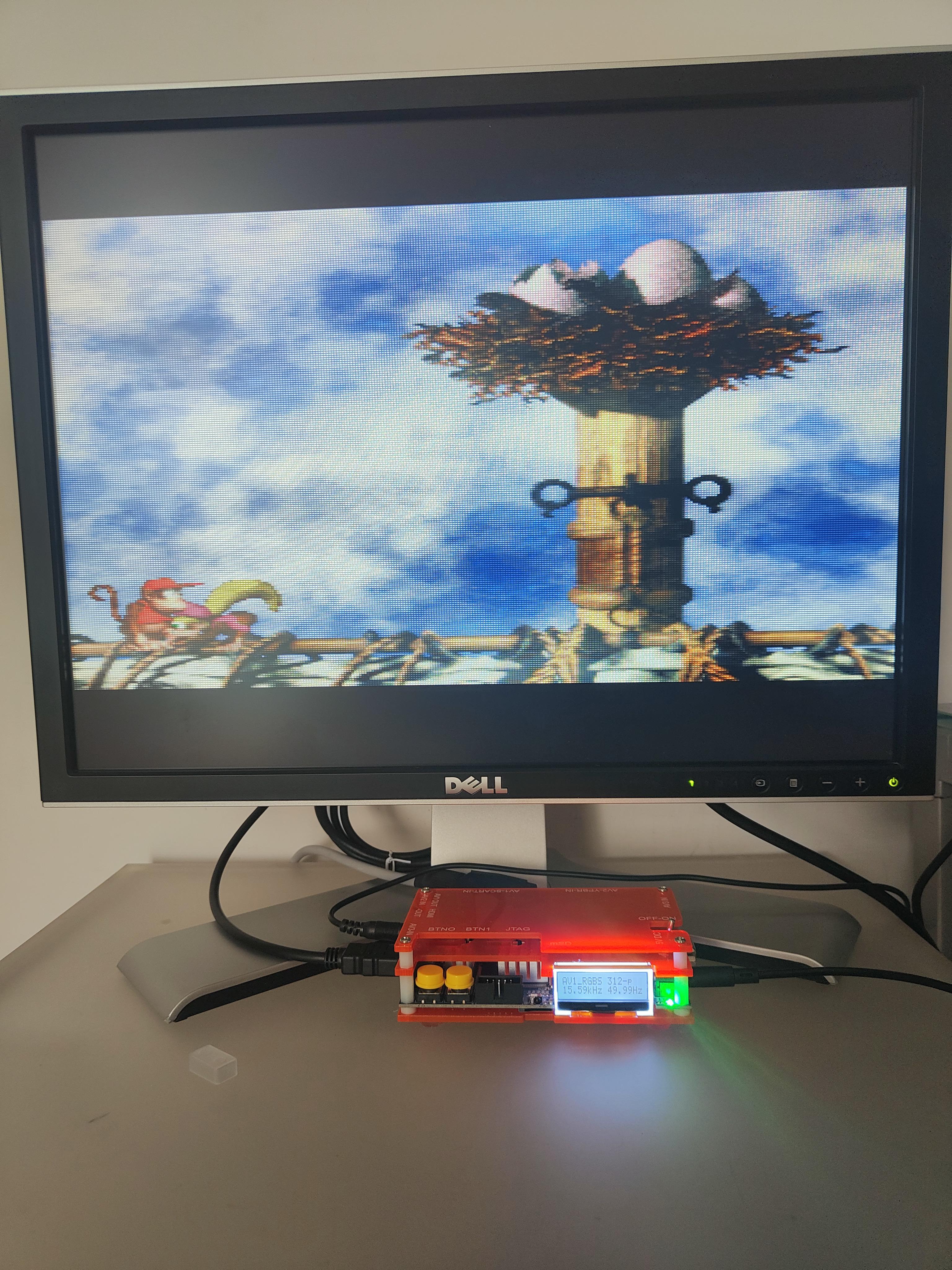
Overall i’m very happy with the quality of the image displayed ( picture maybe doesn’t give justice but I don’t see how it can get much better than this considering as personal taste I prefer a bit softer pixel then very sharp ones ) BUT, I would just like to have less black mask if possible, even trading some quality in the image. I tried almost every setting of the OSSC and monitor aswell and I can’t make it happen. Can maybe someone with knowledge in electronics give me some tip/info about this?
Also I have another doubt: I tried to plug the SNES to the monitor without OSSC just via composite and via s-video cable but both are not showing anything if not a flickering input signal on the top left side of the monitor. I’ve read thatg the SNES PAL model don’t have s-video compatibility so that would explain why it’s not working on s-video input, but why won’t the composite work at all? The monitor is not faulty for sure because i tested the composite video with a wii and works fine. And I tried also with two different cables and both won’t work. So my question is: Can this happen just because my SNES again is a PAL (europe) model? I know PAL SNES has a lower hz and a bit higher resolution being 256×240 while NTSC SNES insted is 256×224 at 60hz, could one of these be the reason?
I have found this video that shows a SNES NTSC working just fine in full screen with a s-video cable apparently, hence all my doubts, https://www.youtube.com/watch?v=FxDc896EVCI&t=216s any help is greatly appreciated!
Thanks in advance!
September 1, 2023 at 11:51 AM #579111600×1200 @ 50hz is indeed a very non standard resolution so it’s not surprising that your monitor doesn’t support it.
That above image is just weird though. What’s the image look like at 3x?
September 1, 2023 at 12:24 PM #57914Thanks for the reply. The monitor is 60hz of course but i’m pretty sure it supports 50hz as it shows from the OSSC. But if you mean the combination 1600×1200 and 50hz output of the SNES then i see. Let me show you 3x what looks like and let me know if you think then the problem could be the SNES PAL model itself or then maybe monitor. What do you mean by weird? In what terms? Just to understand.
This is the best it can get in 3x
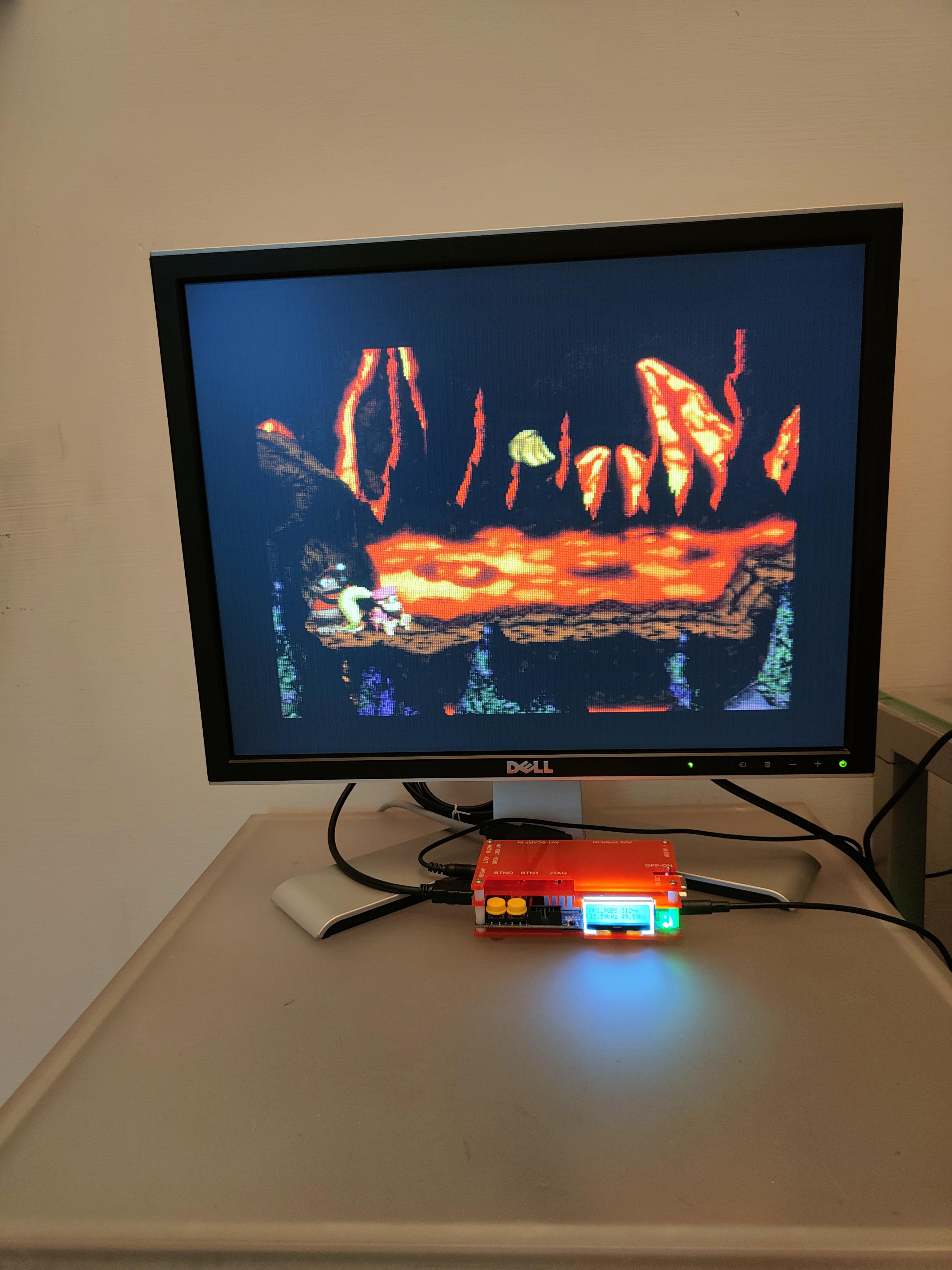
And this instead is aspect 1:1 with 4x at 256×240. 4x still looks much better.
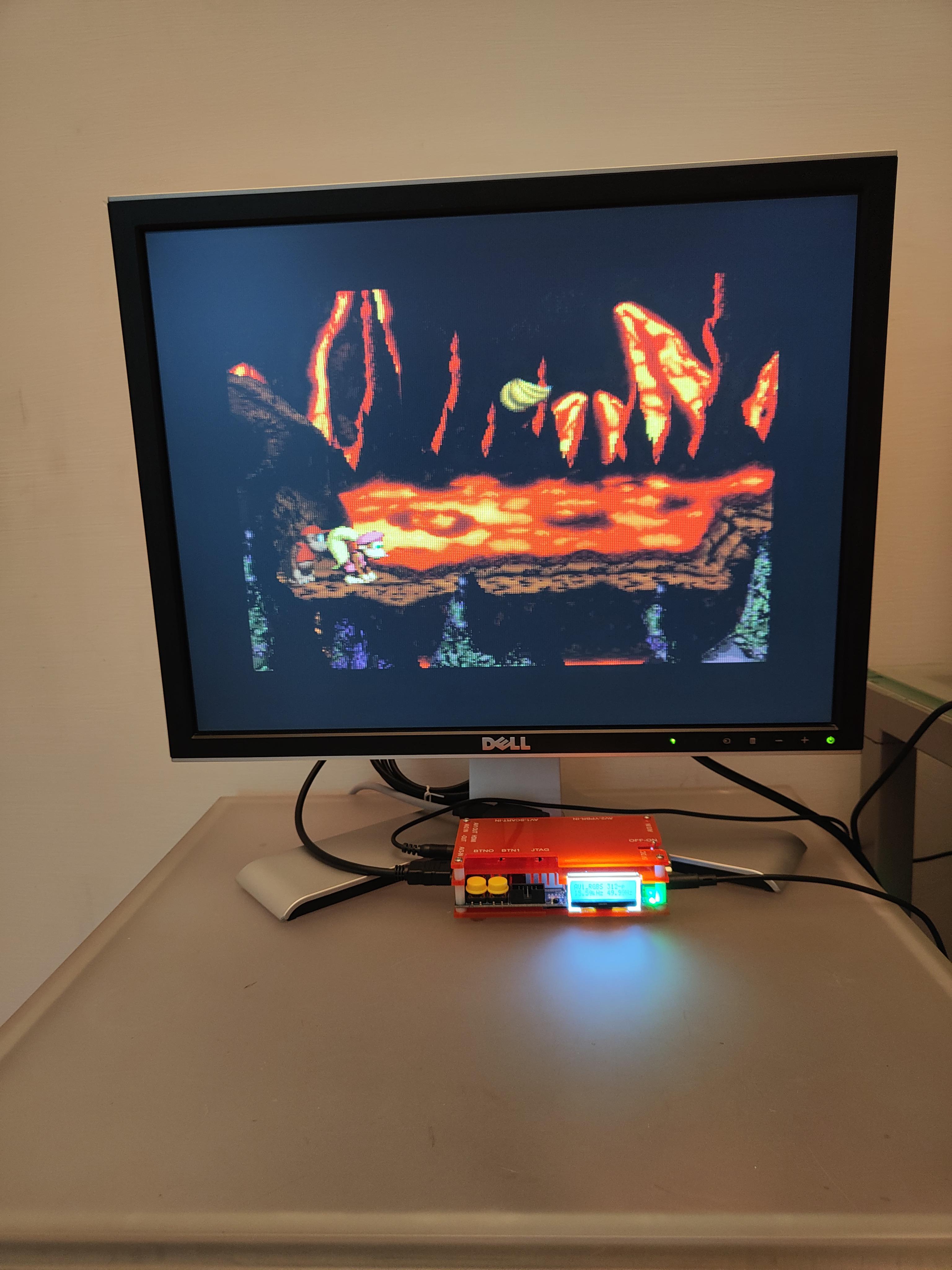
The image shown in the original post i think was still a 4x 320×240 which is a pseudo 4:3 i think… In any case if i put a resolution of 256×240 I can only get 1:1 aspect ratio or Pseudo 4:3. Any idea? Thanks a lot
September 2, 2023 at 9:00 AM #57919You have to remember that PAL NES/SNES systems natively display black black bars on top & bottom as most games are not PAL optimized. OSSC has some ways to overcome that, have you tried setting line5x format to 1600×1200? If that doesn’t help, you can try 512/256×240 optimized modes on lower lineX modes which cut the bars.
September 6, 2023 at 11:08 PM #57955Hey thanks for the reply. I tried, 5x won’t work at all in any way possible. Instead with a lower 2x using the 512/256×240 reso also won’t change the actual size of the picture. So it will still be like in the first picture o posted but in lower detail.
I tried a modded PAL switch and a part that it won’t read some PAL games at all unfortunately, it’s not making PAL games run at 60hz and therefore resolution is also the same. So i’m guessing the only thing to do is to get a NTSC SNES to make this up. But I could see the difference between the 1 chip and 2 chip SNES. 1 chip is much brighter and doesn’t have ghosting.
September 7, 2023 at 8:51 PM #57960You can also try setting V.Active to 240 instead of 288 in advanced timings, but your display may not tolerate this.
September 20, 2023 at 12:40 AM #58068Mmmmh I tried but nothing does what I wanted to. I’m pretty sure the “issue” is the console being a PAL one so nothing much to do. But thanks for the tips 🙂
-
AuthorPosts


- You must be logged in to reply to this topic.
