
Commodore C128 LumaCode trouble
NewHome › Forums › OSSC, OSSC Pro and DExx-vd isl › OSSC – Discussion and support › Commodore C128 LumaCode trouble
Tagged: c64 c128 lumacode
- This topic has 4 replies, 2 voices, and was last updated August 23, 2025 at 8:55 PM by
marqs.

-
AuthorPosts
-
August 14, 2025 at 10:29 PM #66822
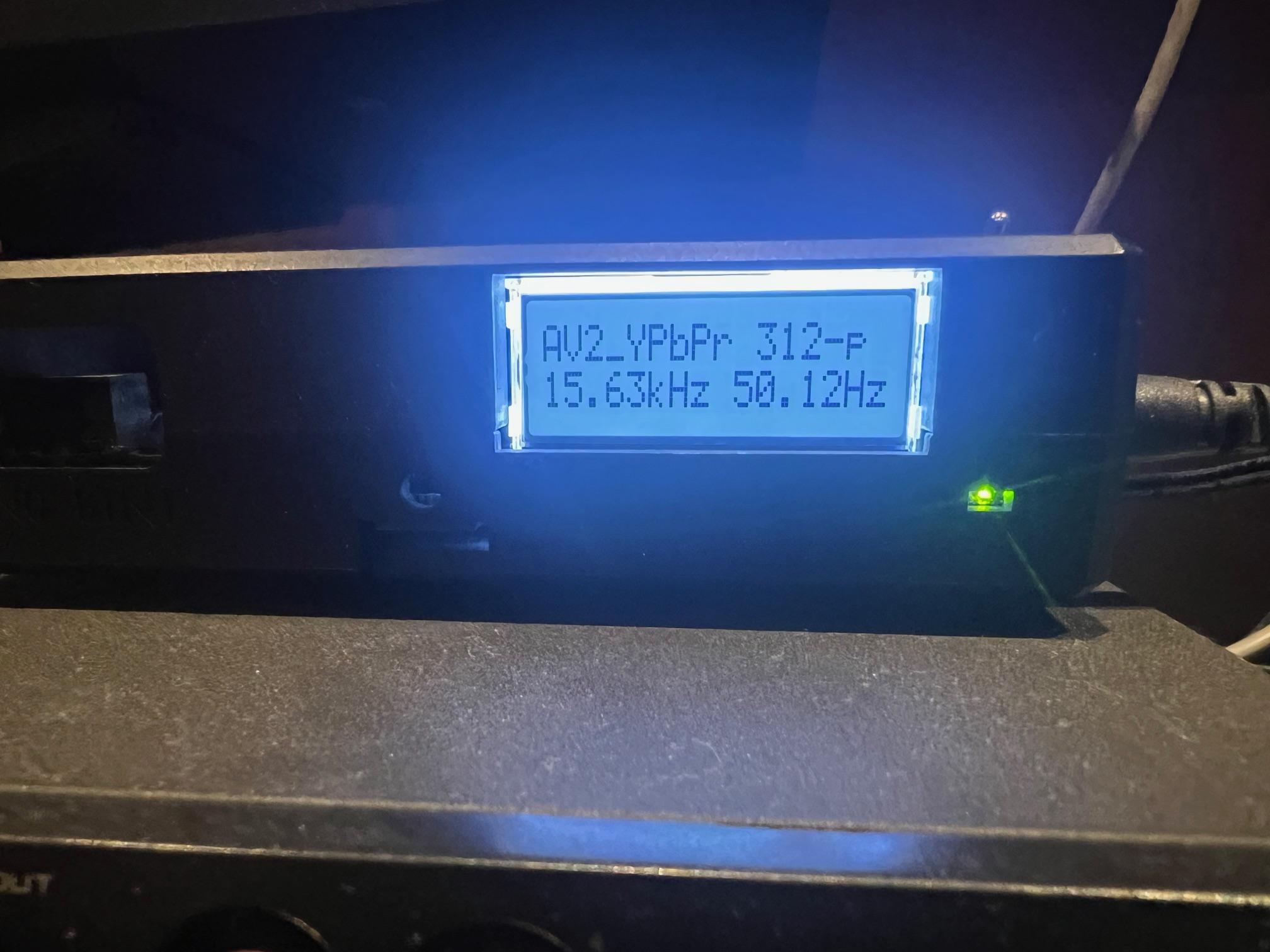
I have trouble with C128 (should be same as C64) LumaCode.
Monitor: Samsung 2493HM 1920×1200 native
I have generally followed configuration advice explained in TheRetroChannel YouTube
video ‘Lumacode on the OSSC – HDMI from the C64 and 128 without the RGBtoHDMI and audio embedders’.I have enabled LumaCode and configure ‘384×240 optim.’ mode. 2x and 3x display OK, but surely wide.
However, I have trouble going 5x, which is suggested mode to go closer to 4×3.Some lines seem to be ‘stuck’. Not only from the LumaCode signal but even from closed menu or previous menu screen.
The most easy way to notice it is by editing H back porch. Some lines remain when the rest of the screen moves.
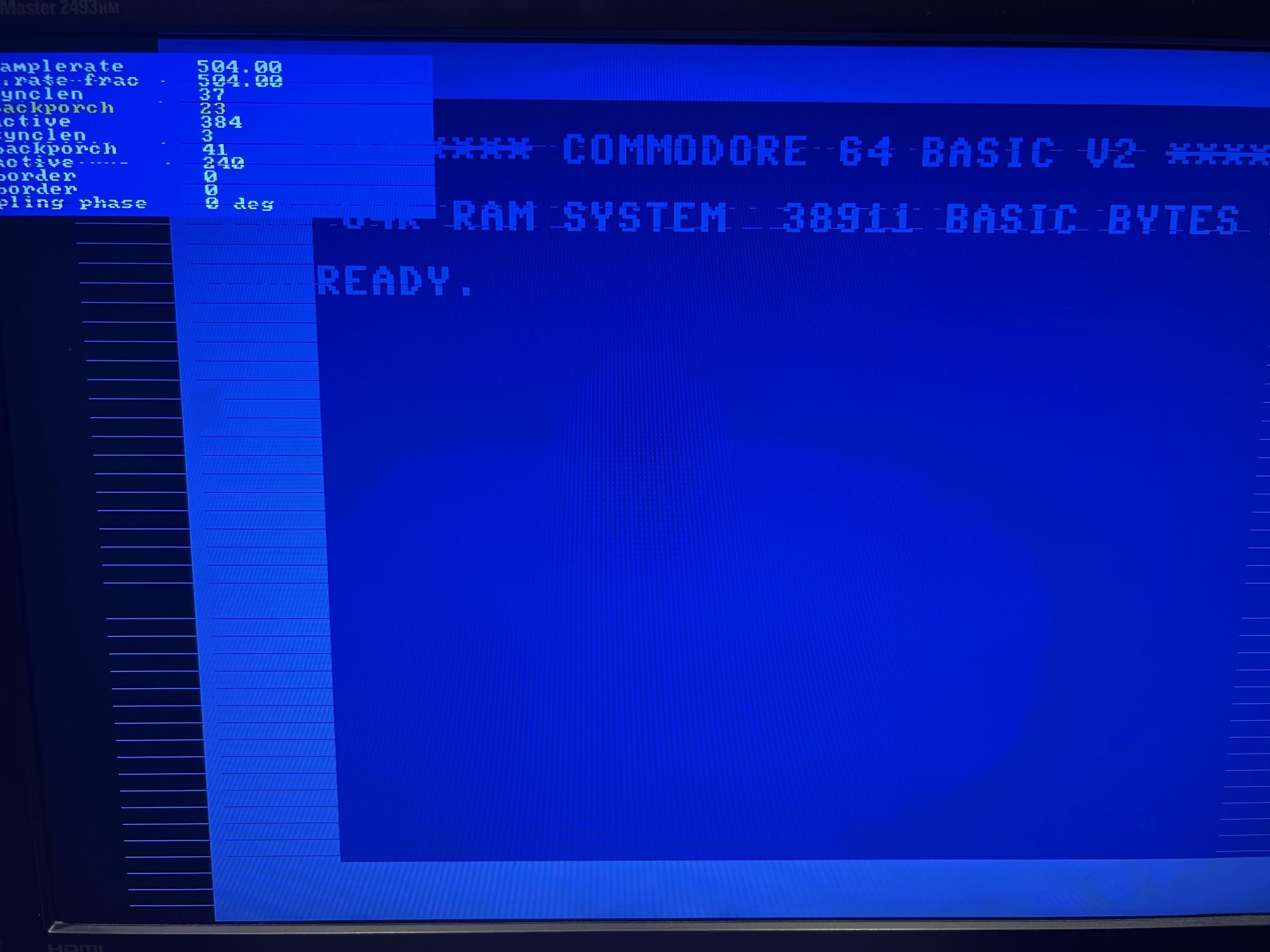
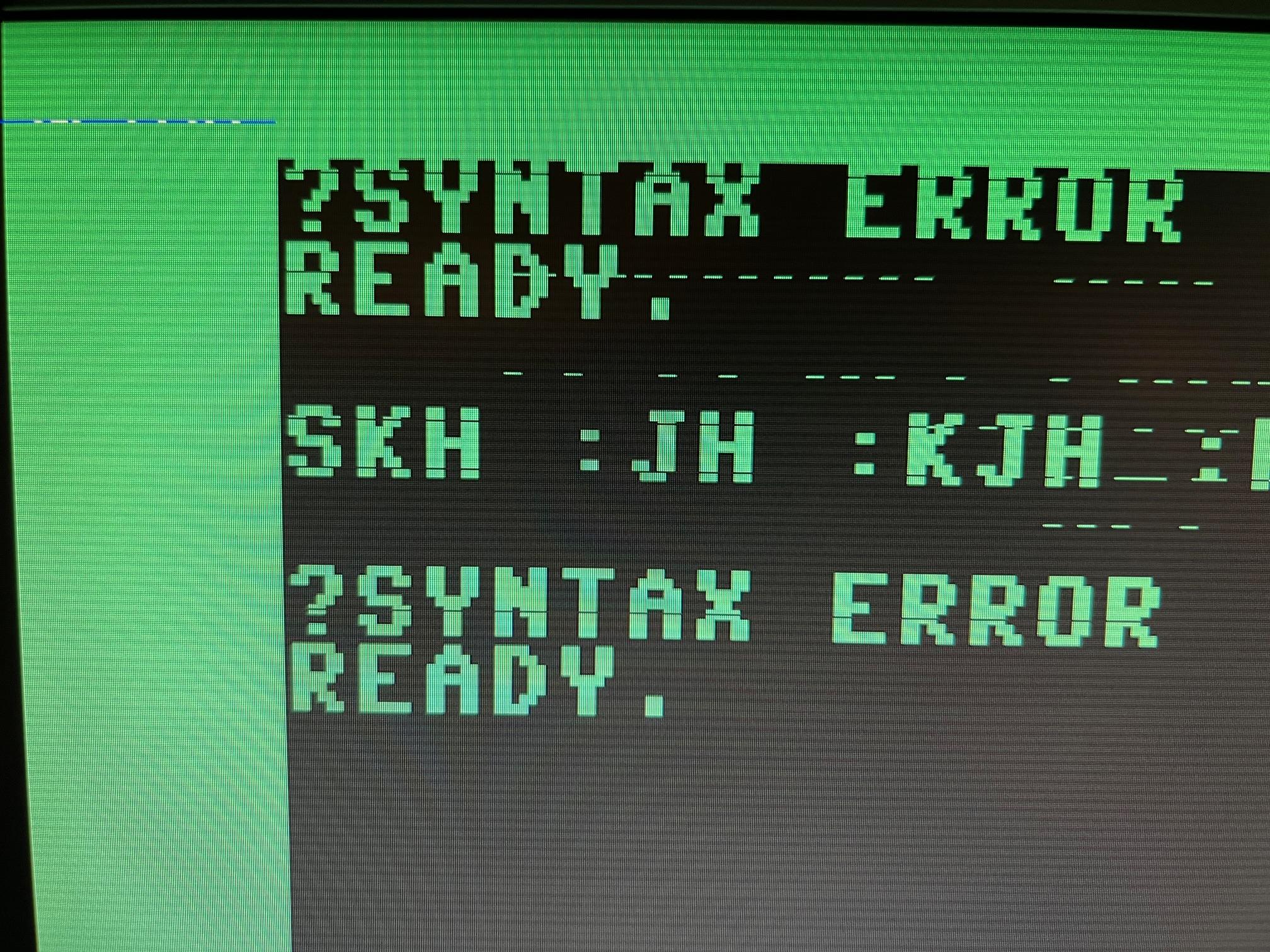
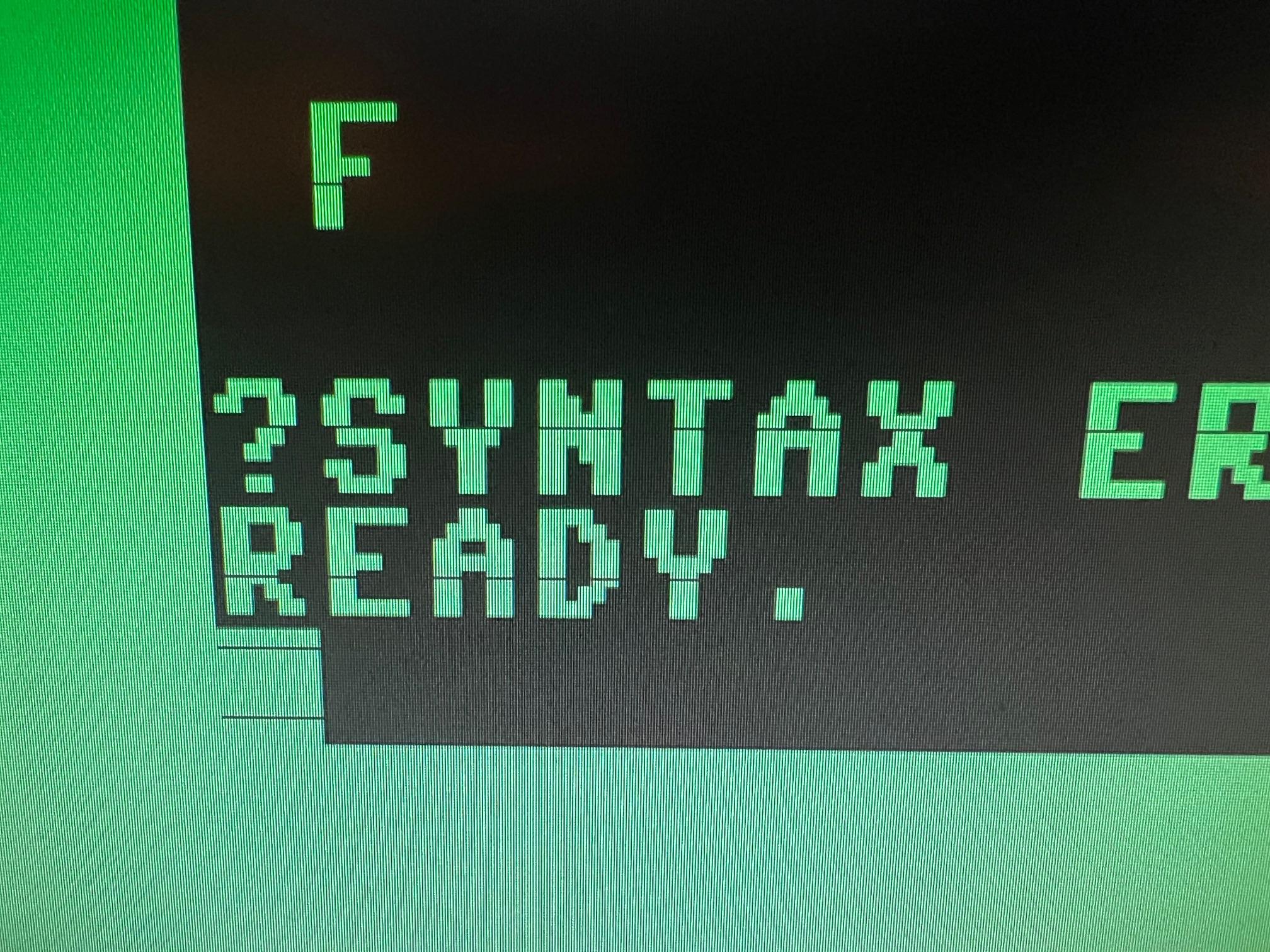
Some other things to note:
- Monitor shows something weird in 4x or 5x (which I think means it is out of sync) unless some strange ‘AV Mode’ is enabled in its settings.
- OSSC Menu doesn’t fully fit the screen in 5x.
- Monitor info panel does show 1920×1200 signal when in 5X and 1920X1200 mode is selected
- MSX machine (normal RGB) displays OK in 5X (1600×1200 at least) even without this ‘AV Mode’
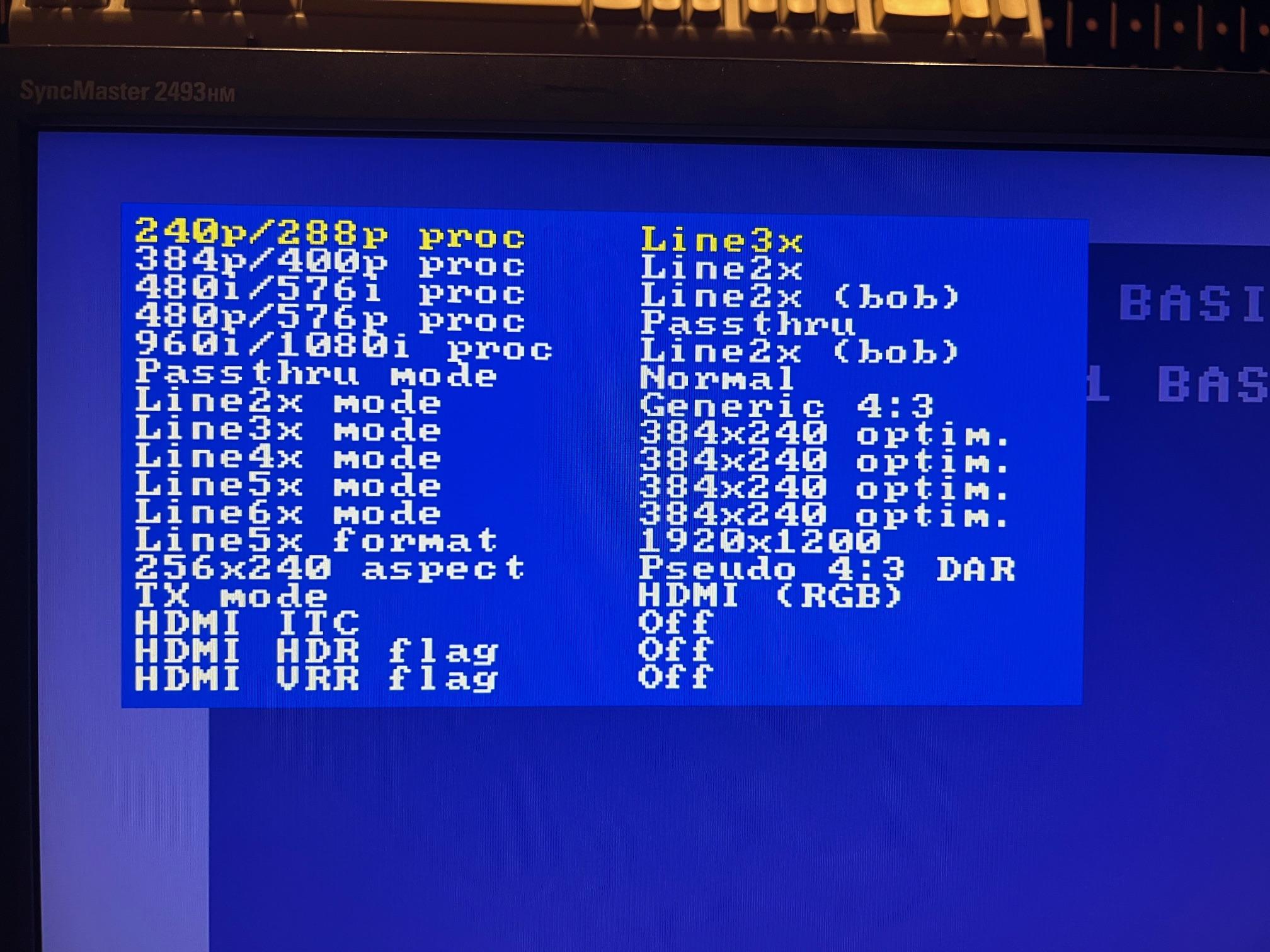

AV Mode description from monitor manual:
> This function allows the screen to be displayed at the optimal quality in accordance with
> the size of the screen when a 480P, 576P, 720P, 1080i, or 1080P video signal is input in HDMI/DVI mode.
> Set to Off when connected to a PC, Set to On when connected to an AV device.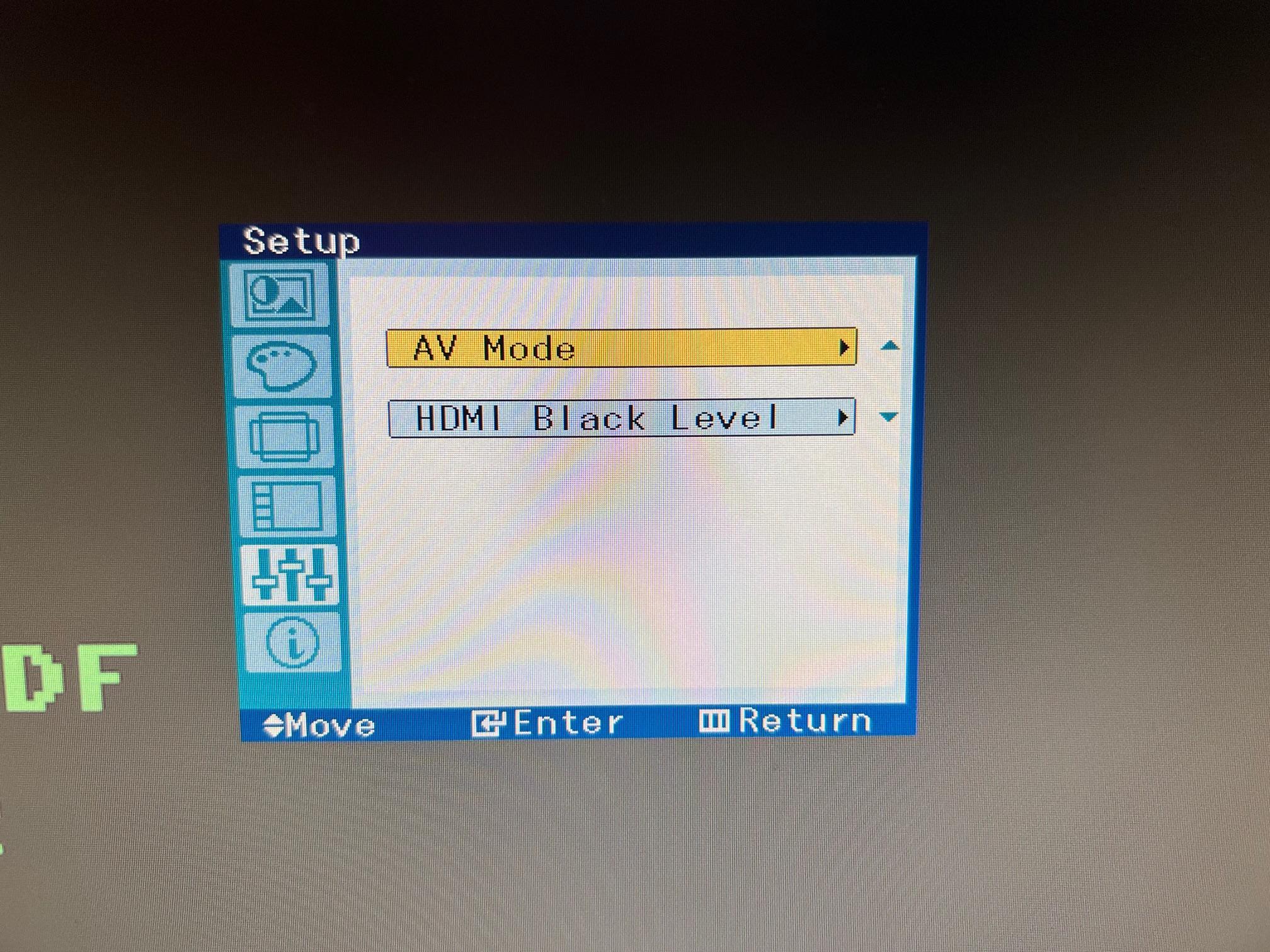
On Samsung web site for wide range of the monitors however II can see the following:
> AV: This mode enlarges the image size displayed on the product and is suitable when viewing moviesIs there any possibility to have 5x in my setup or some other way to make it closer to 4×3 (given that in 2x/3x mode, monitor’s control forwide/narrow is disabled)?
Thanks a lot for any help!
August 14, 2025 at 10:31 PM #66823Forgot to mention, OSSC 1.12a firmware
August 18, 2025 at 5:17 PM #66847Do you have another monitor to try out? The resulting timings from Lumacode decoding to 1920×1200 are not standard and some monitors may have issues with it. A freeform linear scaling would be needed for aspect correction (at the price of sharpness) but it’s unlikely to be implemented in near future if at all.
August 22, 2025 at 6:56 PM #66879Thank you for your response!
Sheds some light on why I see different results between different sources on the same monitor.
Don’t have another monitor at hand, so some logistics will be involved in order to try another one, so most likely will be able to do it in September. I am unlikely to find another 1920×1200 to test against though, rare resolution nowadays. Most likely will be able to check on 1080 monitor.
I understand from your answer that no other modes will have aspect closer to 4:3, which means I haven’t missed any useful setting.
Could H Active and V Active affect timings in any helpful way?
August 23, 2025 at 8:55 PM #66895If the monitor scales everything to full screen and doesn’t offer aspect ratio controls, increasing H. active in Line4x or below modes should make resulting aspect ratio less mismatched.
-
AuthorPosts


- You must be logged in to reply to this topic.
