Dreamcast OSSC 480p 2X settings for Retro Access scart cable
NewHome › Forums › OSSC, OSSC Pro and DExx-vd isl › OSSC – Discussion and support › Dreamcast OSSC 480p 2X settings for Retro Access scart cable
- This topic has 17 replies, 7 voices, and was last updated August 12, 2019 at 8:55 PM by
longsun_zhao.

-
AuthorPosts
-
July 15, 2019 at 7:54 AM #27006
Hey guys,
Does any one have good settings for 480p 2x using the new scart cable from Retro Console Accessories?I haven’t been able to get the sharpness right. Most of the guides including FBX are based on Toro VGA box.
Thanks
July 15, 2019 at 1:29 PM #27008should be exactly the same.
July 15, 2019 at 4:28 PM #27014I have both the Kuro VGA box and Scart cable. VGA on AV3 is sharp with FBX settings but scart on AV1 is not. Adjust sampling phase does not seem to correct issue. Not really sure what the problem is.
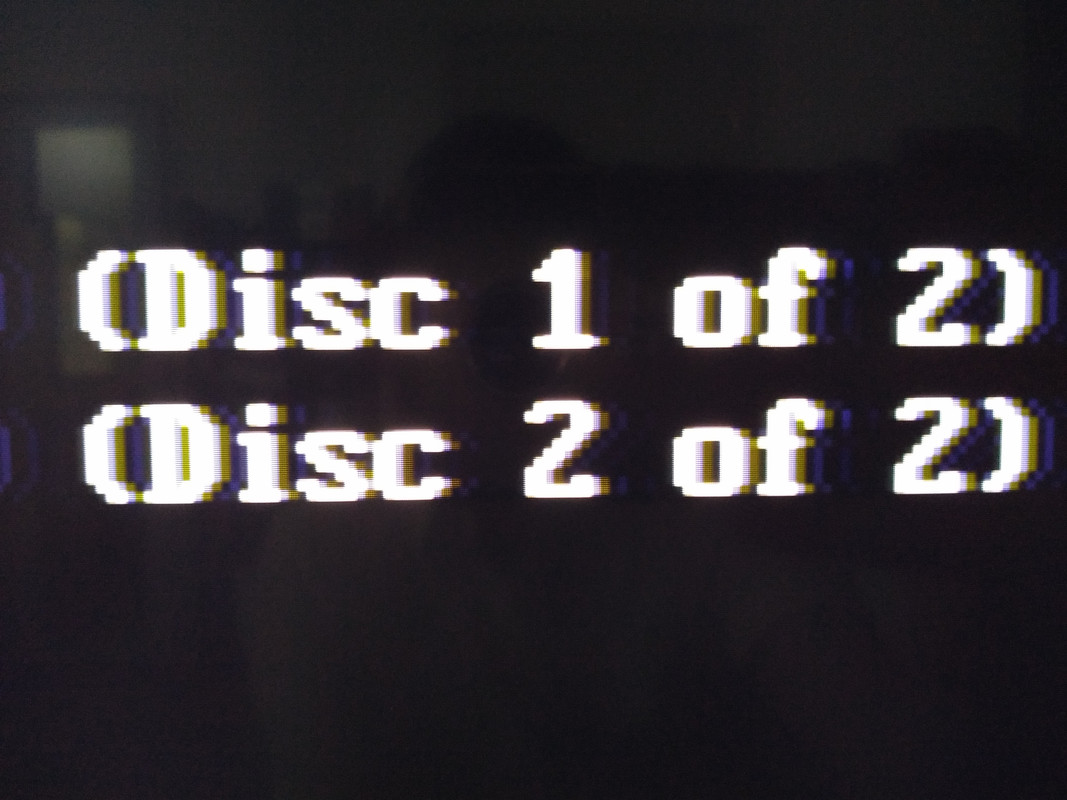
July 16, 2019 at 4:17 AM #27020See photo below showing the difference between scart (top) and VGA (bottom) connected to same OSSC with same settings.
July 16, 2019 at 8:32 AM #27023The only difference I can think of is the lack of LPF on AV3 input. So try changing the LPF setting on AV1, perhaps even set it to off.
July 16, 2019 at 5:14 PM #27026Which 480p in sampler value (in sampling menu) you are using?
July 17, 2019 at 3:53 PM #27036I’ve been experiencing the same problem. I can’t get rid of horizontal ghosting. I can get it really close, but it never goes away and is very visible depending on the colors onscreen.
I’m using the retroaccess cable with firebrandx’s exact settings.
July 17, 2019 at 3:59 PM #27037I also found that disabling the LFP and changing the Hsamplerate to 859 instead of 858 produced slightly better results, but still no crisp horizontal edges on text and such.
July 17, 2019 at 11:02 PM #27046I am using 480P DTV sampler. I tried the entire range of sampling phase options. Same issue with horizontal ghosting and not as crisp.
I would like to use scart instead of my VGA box to simplify cabling into my OSSC. The saturation is too high on VGA but the crisp test is worth it. Hopefully someone can figure this out or I just might buy a DCHDMI instead…August 4, 2019 at 4:57 AM #27265Hate to bump an old thread, but I still haven’t been able to solve this problem.
I’ve tried with both retrogamingcables and retro access’ versions and just can not get an image that doesn’t have horizontal ghosting. I have tried everything but I just don’t have the tools or know-how to produce good optimised settings. Is there no one with the knowledge to make this work right?
August 4, 2019 at 5:19 AM #27266For future reference, the best picture I can get is using the retro access cables,with Forebrand X’s exact settings, adjusting samplerate so the ghosting is more on the right side, and then using 3-5 degrees of Reverse LPF to lessen the impact of the ghosting.
August 4, 2019 at 9:01 AM #27267I’m having trouble trying to get the image look sharp on both RGB and VGA (VGA doesnt have audio coming out apparently and I have the 1.6 version of the OSSC board with the audio).
I have tried FirebrandX’s settings as well and what everyone else said here. my image still looks unsharp.
August 4, 2019 at 10:38 AM #27270Can anyone compare this to the Toro (https://www.beharbros.com/toro) as I simply don’t remember getting ghosting anywhere near that bad with their box.
August 7, 2019 at 2:40 AM #27305Here’s a couple.of picture that sort of represent what I’m seeing. You can clearly see the ghosting on the right side of all text.
August 10, 2019 at 9:49 AM #27373Do you see similar issue when connecting another console to the same (VGA or SCART) input? If not, then it’s likely that the cable is at fault.
-
AuthorPosts


- You must be logged in to reply to this topic.