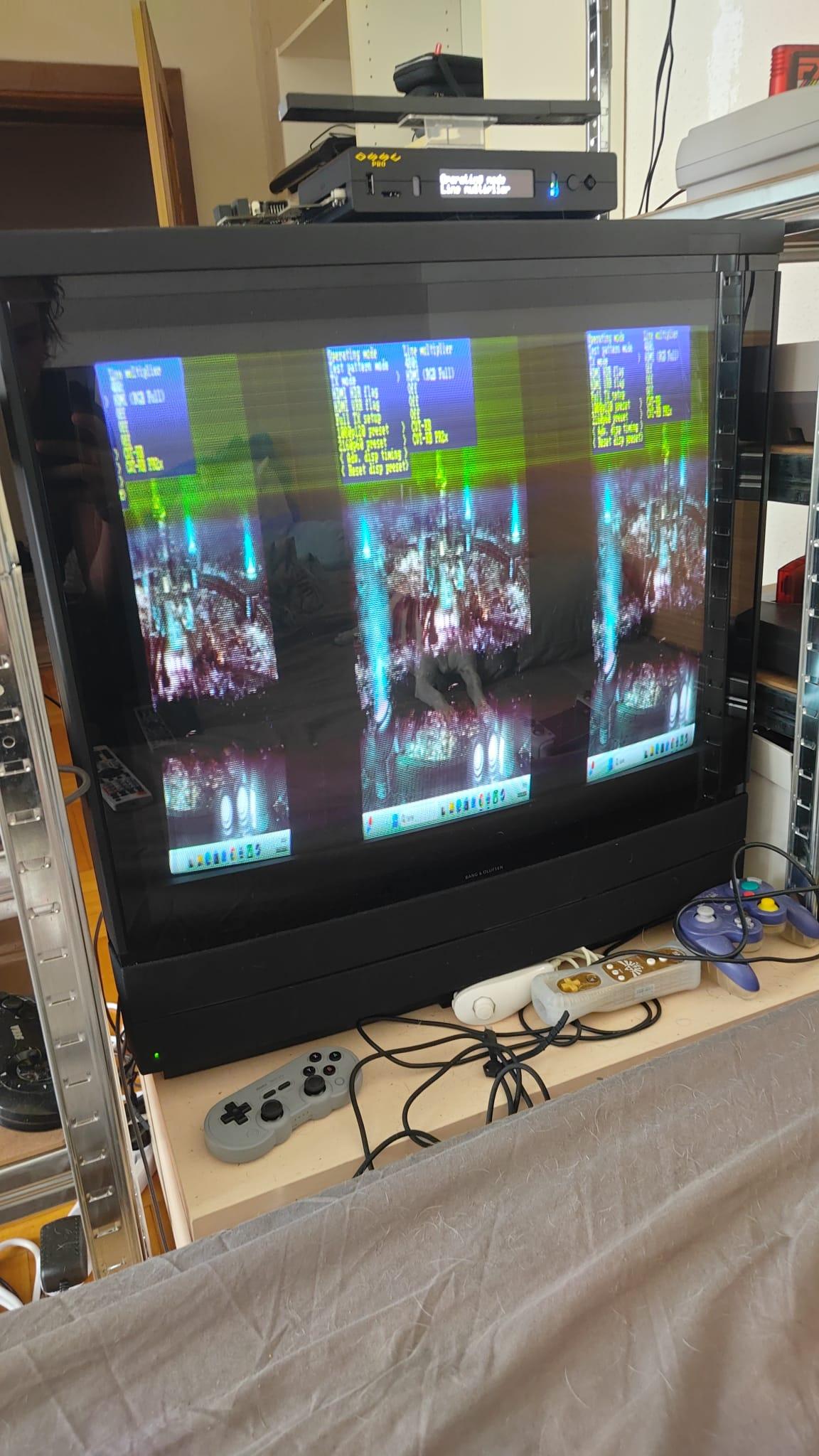
You have to set the adaptive line-multiplier Mode and set the line-dropping Mode for your input! I can remember, you are not able to call 768p but 720p … so set your resolution from your PC to 720p… very easy…
You find the option in ossc pro for line dropping to 240p in:
Line-Multiplier -> Adaptive LM opt. -> 720p proc. (left) -> 240p (Line-Dropping)
Or for some cases:
Line-Multiplier -> Adaptive LM opt. -> 720p proc. (left) -> 480i (Line-Dropping)
I think, you try the pure line multiplier modus or you set the wrong resolution of the PC!
I run 480p with my mini pc and do a line-drop to 240p for SNES and 480i for N64… very sharp fast picture and motion! I prefer the lm-a mode, one of the diamonds of ossc pro! Keep in!

.