Mercenaries PS2 OSSC photo’s
- This topic has 2 replies, 2 voices, and was last updated December 25, 2020 at 1:35 PM by .
- You must be logged in to reply to this topic.
NewHome › Forums › OSSC, OSSC Pro and DExx-vd isl › OSSC – Discussion and support › Mercenaries PS2 OSSC photo’s
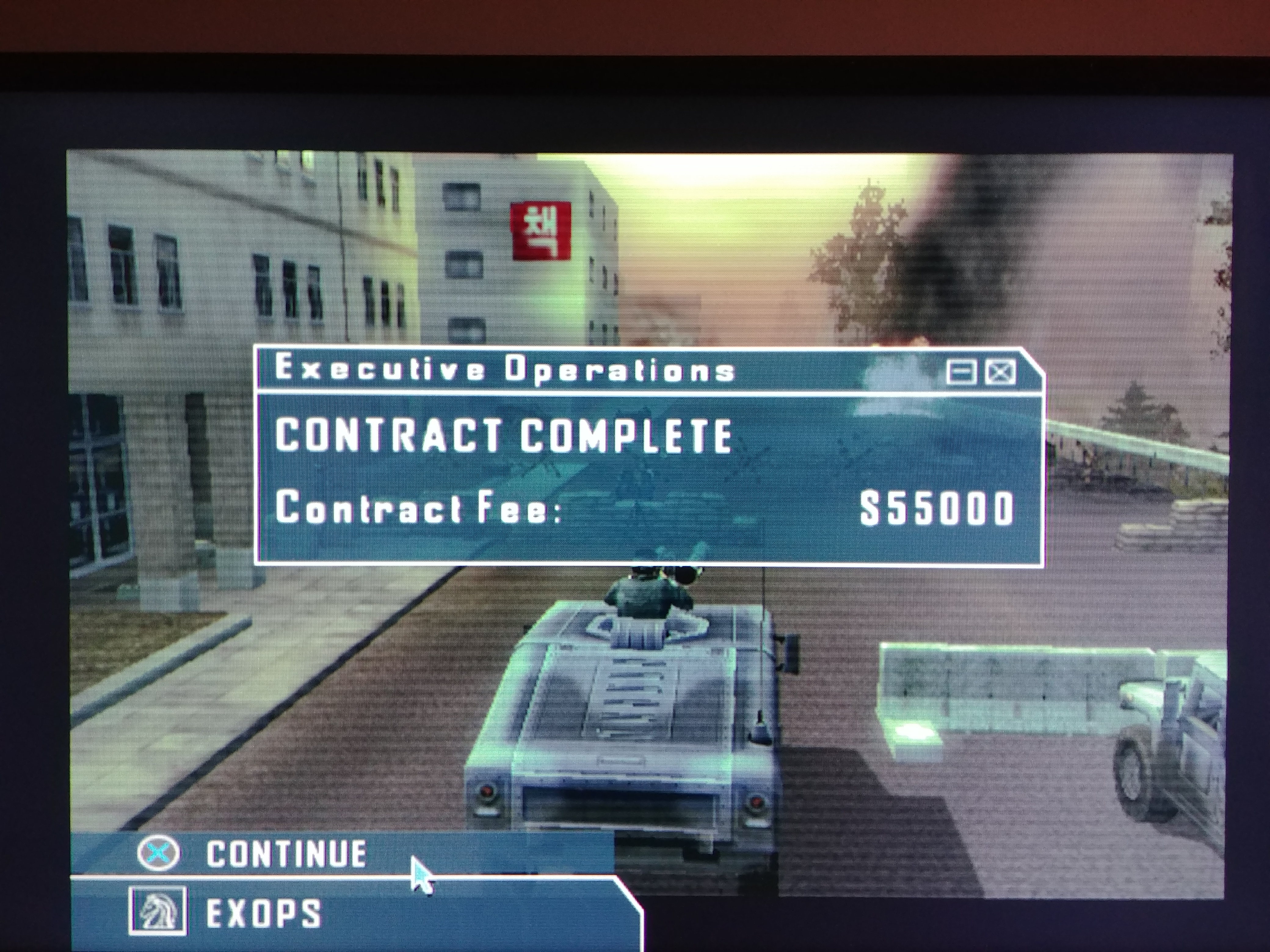
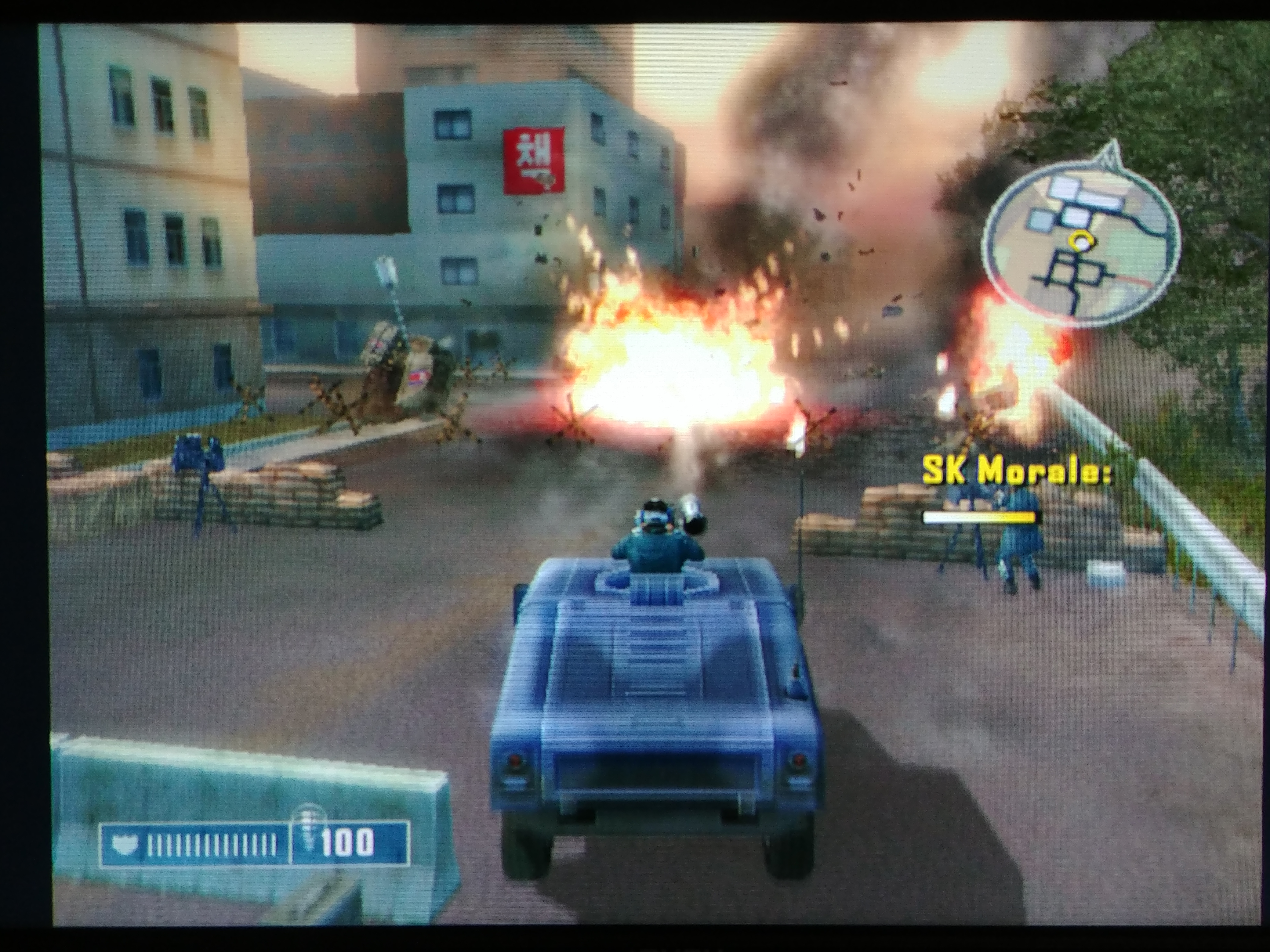
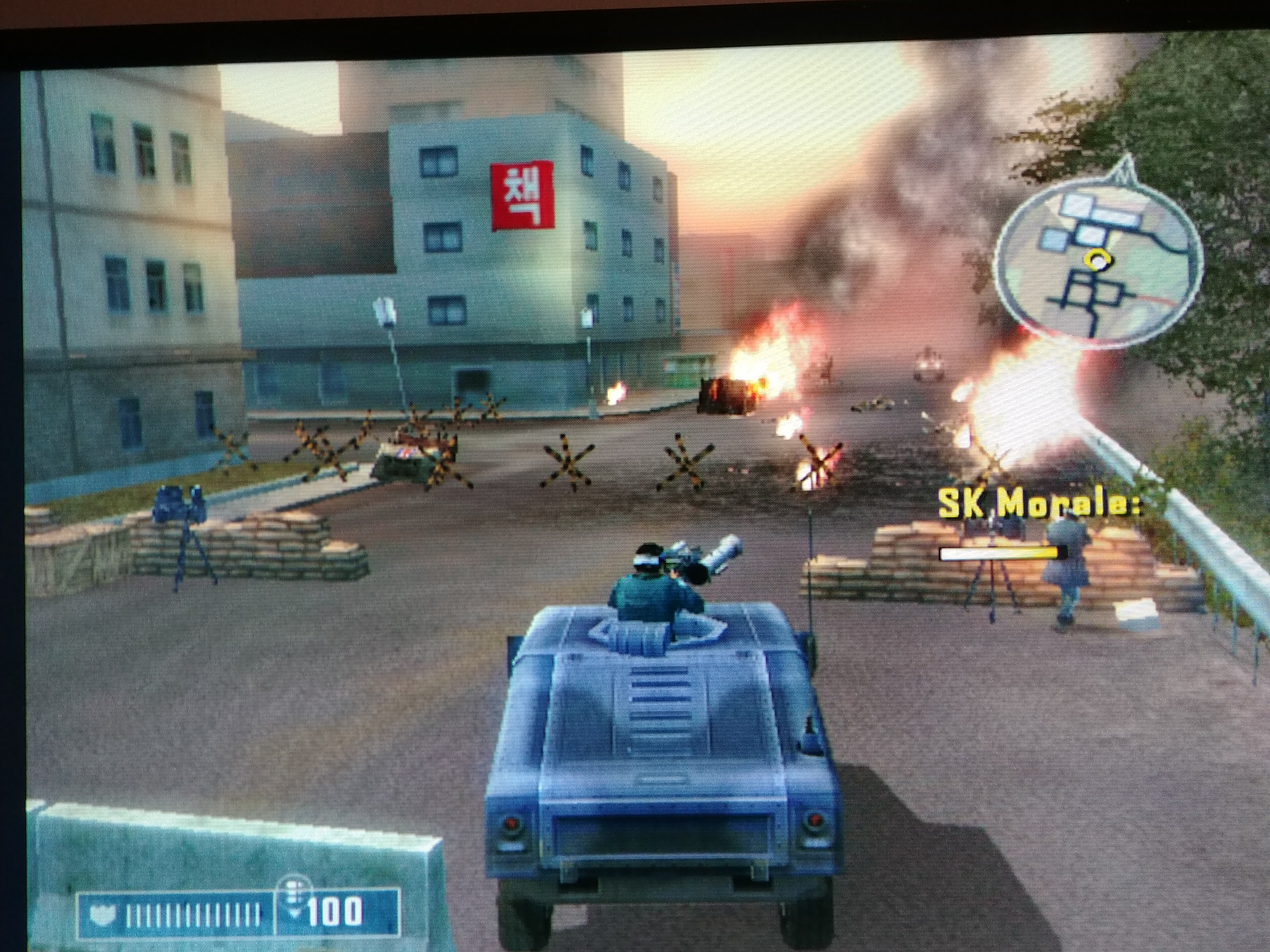
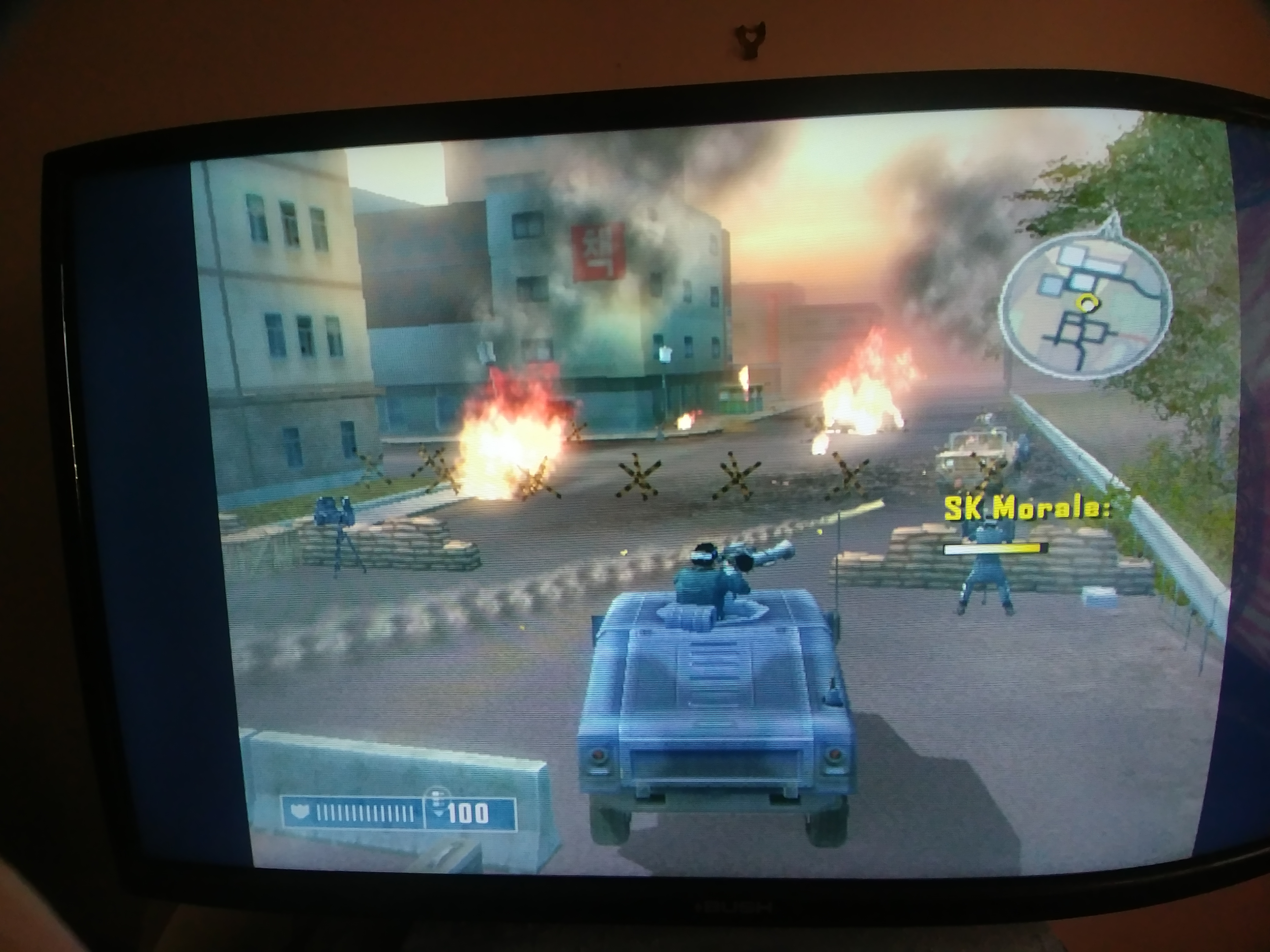
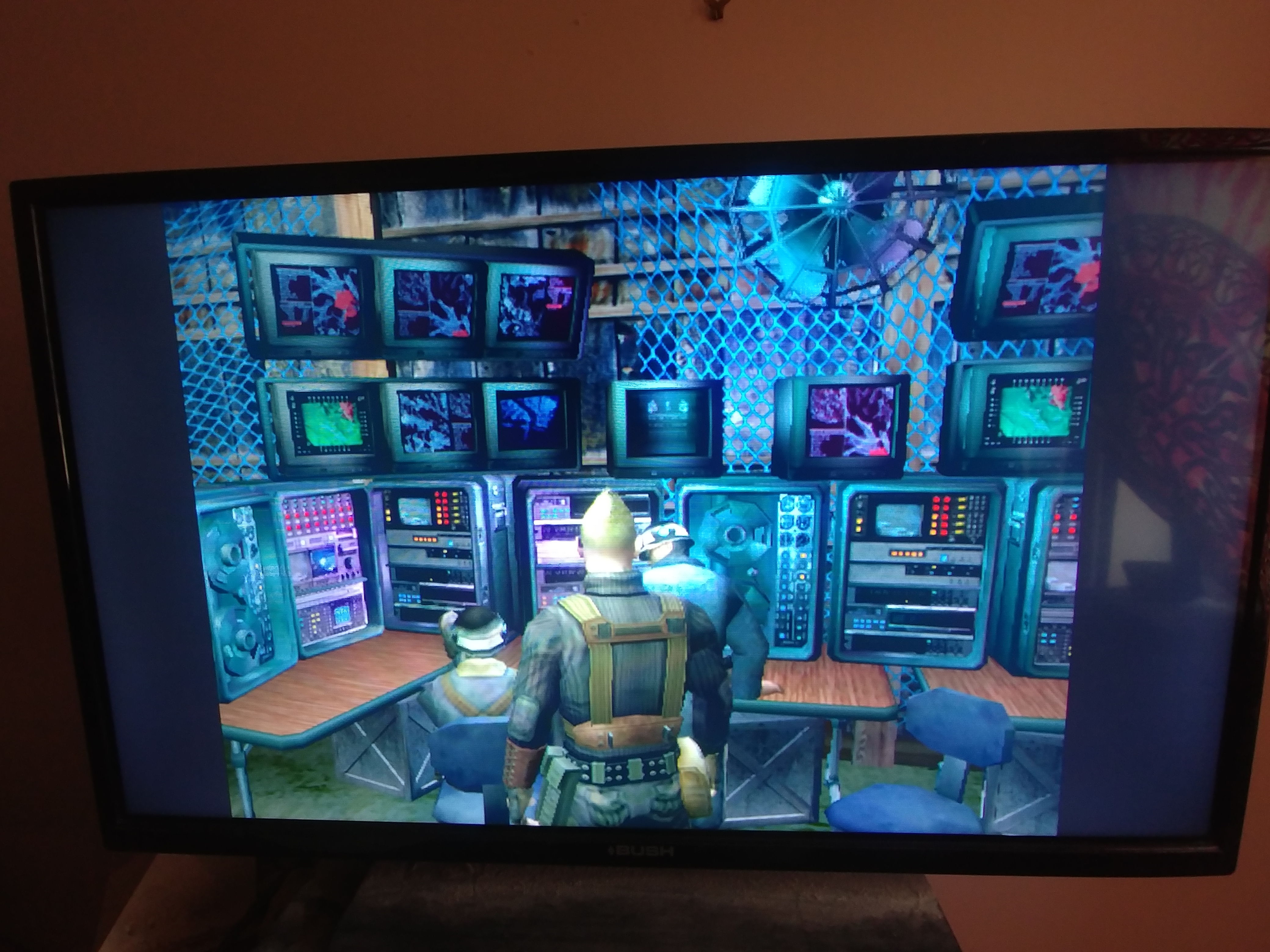
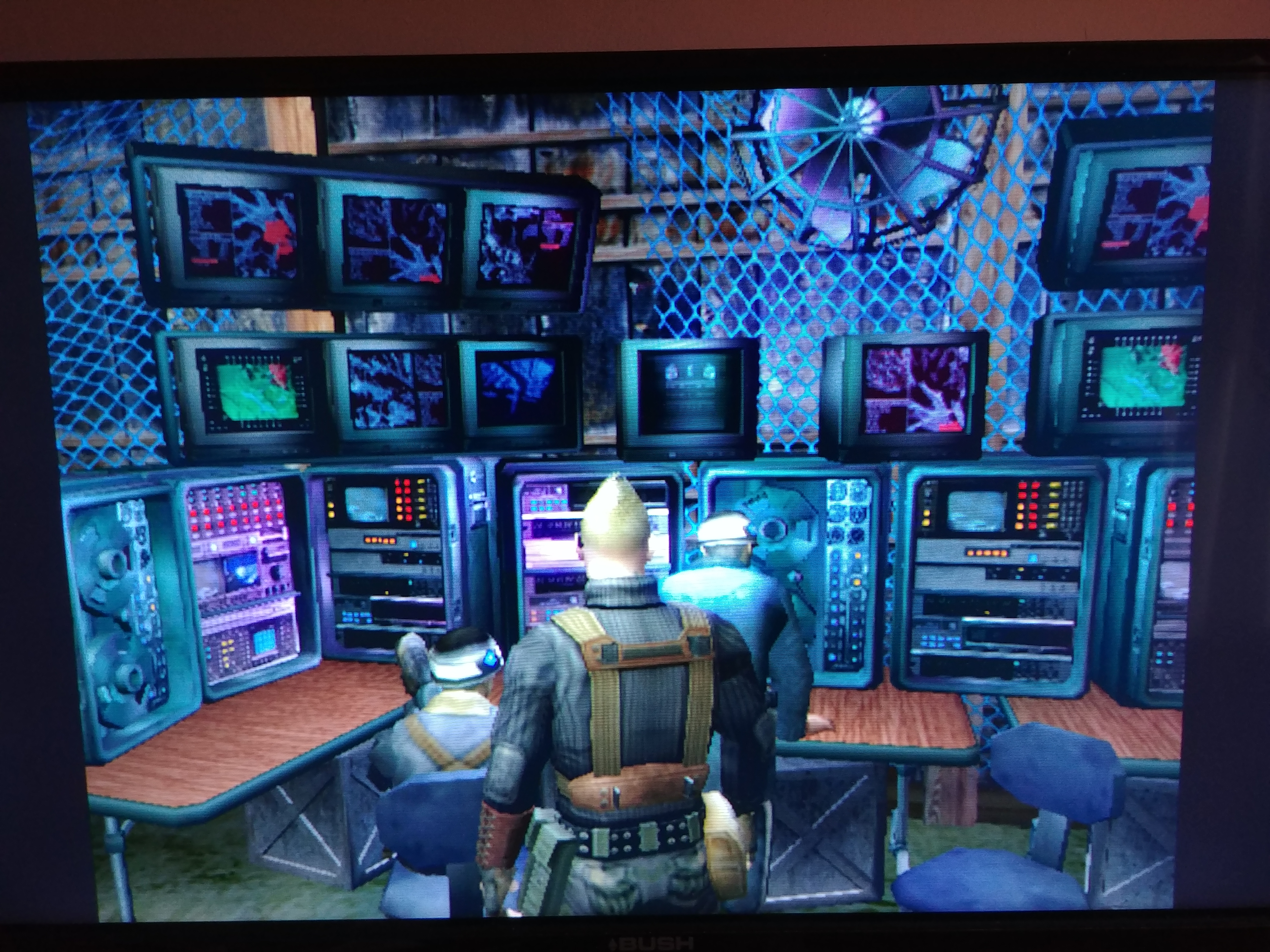
Not really the best quality photo’s as it’s my mobile phone. I need to dig my compact camera out from where ever it is. However I think it shows what the OSSC can do with the PS2. I eventually found that component cable is the only thing that will work with GSM. Then I can force 576p @ 50hz. Slight adjustment of V.active (whatever its called) to center the image and then my Bush Flatscreen TV (DLED32165HDDVD) scales it nicely @ 16:9. The OSSC output is on x2. Gain turned up on both OSSC and TV. I did a very rough adjustment of phase but have not yet worked out how to run 280p suite equivalent on the PS2.
http://files.michaelzfreeman.org/20201224_150404.jpg
http://files.michaelzfreeman.org/20201224_145648.jpg
http://files.michaelzfreeman.org/20201224_145642.jpg
http://files.michaelzfreeman.org/20201224_145626.jpg
http://files.michaelzfreeman.org/20201224_145258.jpg
http://files.michaelzfreeman.org/20201224_145244.jpg
GSM works fine with RGB too, but you won’t get anything progressive out of the console unless it’s Ypbpr or RGsB (RGB with sync on green).
2x mode will really emphasise any jaggies in the image but otherwise I’d agree, if you can get progressive out of the console it’s the way to go. On a 4k TV, adding CRT monitor like scanlines I think gives the image a super pleasing look and just takes the edge off those jaggies enough. Make sure your TVs scaling engine is good enough to render them evenly though else they will look terrible.
and while OSSC is often berated for it’s interlace handling, my current preferred method of playing 480i PS2 games is actually with an OSSC connected to my multisync CRT VGA monitor. This very much looks like interlace on a consumer CRT TV (I don’t have room for a CRT television in my setup too).

I used to have an old “tube” TV a few years ago for a ps2 I had at one point. But these old ray gun TV’s always give me headache. I need to try what I photographed on my Viewsonic Gaming monitor. Also I just read this hilarious forum post that basically proves to me that what I’m getting from the OSSC is already very good …
Just play the stupid game, and stop looking at the canvas like if you were a pretentious ART critique. 😆 — and I mean no offense for that… 😀
Source: PS2-Home Forum.
“pretentious ART critique”, lol … this was me until I read his post !
NewHome › Forums › OSSC, OSSC Pro and DExx-vd isl › OSSC – Discussion and support › Mercenaries PS2 OSSC photo’s
Not really the best quality photo’s as it’s my mobile phone. I need to dig my compact camera out from where ever it is. However I think it shows what the OSSC can do with the PS2. I eventually found that component cable is the only thing that will work with GSM. Then I can force 576p @ 50hz. Slight adjustment of V.active (whatever its called) to center the image and then my Bush Flatscreen TV (DLED32165HDDVD) scales it nicely @ 16:9. The OSSC output is on x2. Gain turned up on both OSSC and TV. I did a very rough adjustment of phase but have not yet worked out how to run 280p suite equivalent on the PS2.
http://files.michaelzfreeman.org/20201224_150404.jpg
http://files.michaelzfreeman.org/20201224_145648.jpg
http://files.michaelzfreeman.org/20201224_145642.jpg
http://files.michaelzfreeman.org/20201224_145626.jpg
http://files.michaelzfreeman.org/20201224_145258.jpg
http://files.michaelzfreeman.org/20201224_145244.jpg
GSM works fine with RGB too, but you won’t get anything progressive out of the console unless it’s Ypbpr or RGsB (RGB with sync on green).
2x mode will really emphasise any jaggies in the image but otherwise I’d agree, if you can get progressive out of the console it’s the way to go. On a 4k TV, adding CRT monitor like scanlines I think gives the image a super pleasing look and just takes the edge off those jaggies enough. Make sure your TVs scaling engine is good enough to render them evenly though else they will look terrible.
and while OSSC is often berated for it’s interlace handling, my current preferred method of playing 480i PS2 games is actually with an OSSC connected to my multisync CRT VGA monitor. This very much looks like interlace on a consumer CRT TV (I don’t have room for a CRT television in my setup too).
I used to have an old “tube” TV a few years ago for a ps2 I had at one point. But these old ray gun TV’s always give me headache. I need to try what I photographed on my Viewsonic Gaming monitor. Also I just read this hilarious forum post that basically proves to me that what I’m getting from the OSSC is already very good …
Just play the stupid game, and stop looking at the canvas like if you were a pretentious ART critique. 😆 — and I mean no offense for that… 😀
Source: PS2-Home Forum.
“pretentious ART critique”, lol … this was me until I read his post !
| Cookie | Duration | Description |
|---|---|---|
| _gat | 1 minute | This cookie is installed by Google Universal Analytics to restrain request rate and thus limit the collection of data on high traffic sites. |
| Cookie | Duration | Description |
|---|---|---|
| __gads | 1 year 24 days | The __gads cookie, set by Google, is stored under DoubleClick domain and tracks the number of times users see an advert, measures the success of the campaign and calculates its revenue. This cookie can only be read from the domain they are set on and will not track any data while browsing through other sites. |
| _ga | 2 years | The _ga cookie, installed by Google Analytics, calculates visitor, session and campaign data and also keeps track of site usage for the site's analytics report. The cookie stores information anonymously and assigns a randomly generated number to recognize unique visitors. |
| _gid | 1 day | Installed by Google Analytics, _gid cookie stores information on how visitors use a website, while also creating an analytics report of the website's performance. Some of the data that are collected include the number of visitors, their source, and the pages they visit anonymously. |
| Cookie | Duration | Description |
|---|---|---|
| IDE | 1 year 24 days | Google DoubleClick IDE cookies are used to store information about how the user uses the website to present them with relevant ads and according to the user profile. |
| test_cookie | 15 minutes | The test_cookie is set by doubleclick.net and is used to determine if the user's browser supports cookies. |
| Cookie | Duration | Description |
|---|---|---|
| ct_checked_emails | session | No description |
| ct_has_scrolled | session | No description |
| ct_mouse_moved | session | No description |
| ct_screen_info | session | No description |
| wordpress_apbct_antibot | session | No description |
| wp_woocommerce_session_9cc3598a6315be16da4f85bb374cf6a5 | 2 days | No description |