NTSC PS2 PAL 240p games, top of text separated?

NewHome Forums OSSC, OSSC Pro and DExx-vd isl OSSC – Discussion and support NTSC PS2 PAL 240p games, top of text separated?

Viewing 3 posts - 1 through 3 (of 3 total)
  • Author
    Posts
  • #70559
    ddr4lyfe
    Participant

      Samsung TV, model QN65S90DAFXZA (also confirmed same issue on an ancient Vizio)

      OSSC board v1.6, firmware 0.85a

      NTSC PS2, model SCPH-70012

      Running PS2 PAL 50 Hz 288p games via Open PS2 Loader through Pi-PSX-SMB

      Retro Access brand PlayStation SCART cable being ran directly into AV1 input, HDMI output going directly to TV

      4x Generic 4:3 line multiplier

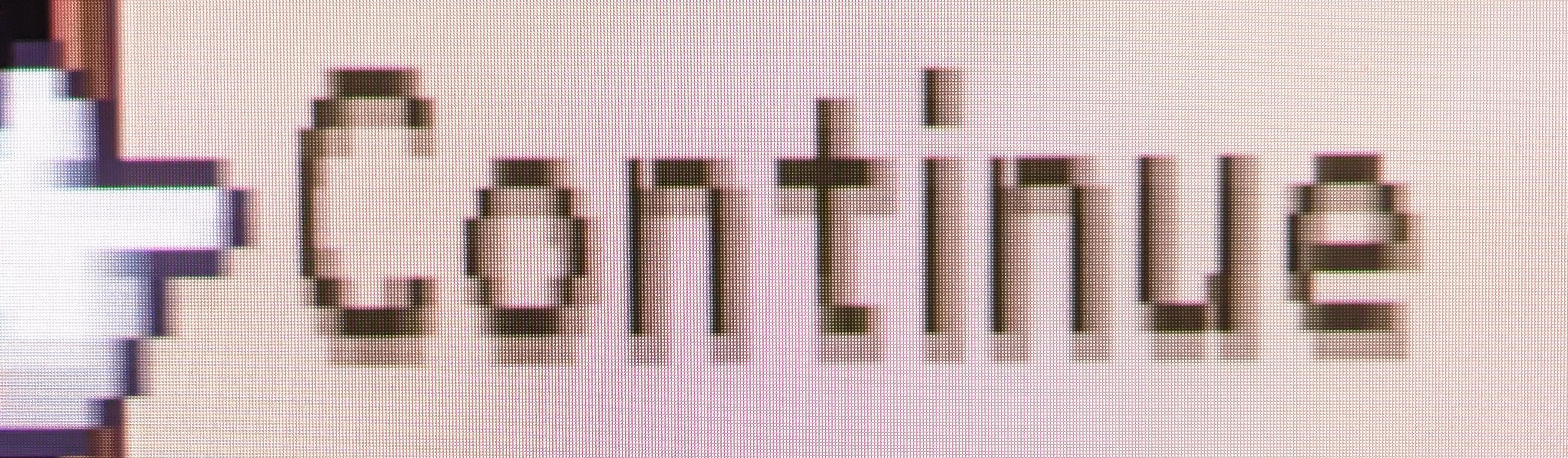
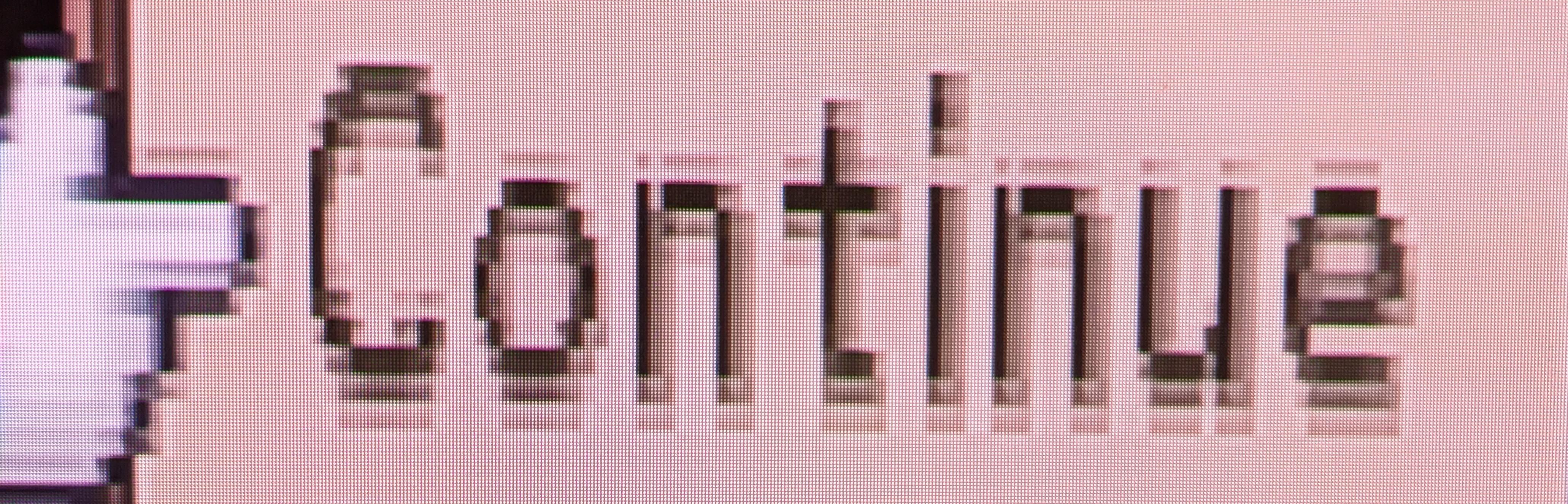
      I’m experiencing an issue where PAL50 288p games are displaying text with the top pixel row of the text visibly separated from the rest of the text. The two games I’ve tested so far are ICO and Disgaea 1. For ICO, if I run it at PAL60 instead, this text display issue goes away, though for specific reasons, I want to play at 50 Hz. I’m currently using the tweaks posted by Harrumph.

      I’ve tried playing around with the sample rates and whatnot, but haven’t found a setting that alleviates this issue. The issue worsens if I bump up to 5x, but is less apparent at 2x. Thoughts?

      ICO PAL60:

      ICO PAL60

      ICO PAL50

      ICO PAL50

      Disgaea 1 NTSC

      D1 NTSC

      Disgaea 1 PAL

      D1 PAL

      #70565
      Zacabeb
      Participant

        To me it looks like aggressive sharpening/edge smoothing being done in the display as part of rescaling the input, possibly because the TV assumes a 50 Hz signal to be a video source rather than graphics irrespective of resolution (many TVs don’t even accept non-standard resolutions at 50 Hz.)

        Make sure that the TV picture profile is in Custom mode or similar and all picture enhancements are disabled.

        #70569
        ddr4lyfe
        Participant

          Well, it definitely seems to be at least partially a sharpness issue. Turning down my TV’s sharpness down to 0 almost gets rid of the issue. I can also turn on my TV’s Game Mode, which does fix the issue, but my TV’s Game Mode can only do 16:9. So I have to see if it’s possible to fudge a 4:3 output from the OSSC at 4x line mode. 3x line mode does give me a 4:3 picture with Game Mode, at least, but it’d be cool to have 4x line mode working at 4:3 for the extra sharp pixels.

        Viewing 3 posts - 1 through 3 (of 3 total)
        • You must be logged in to reply to this topic.