
[OSSC BITFUNX] – Dark display with scart input
NewHome › Forums › OSSC, OSSC Pro and DExx-vd isl › OSSC – DIY & Repair Support › [OSSC BITFUNX] – Dark display with scart input
- This topic has 15 replies, 3 voices, and was last updated July 22, 2026 at 12:03 AM by
marqs.

-
AuthorPosts
-
July 2, 2026 at 4:43 PM #70012
Hello,
To manage my retro consoles (mostly using SCART), I have two OSSC units (v1.8) BITFUNX
Suddenly, one of the OSSCs started producing a very “dark” output (this happens when using the SCART input; I tested with VGA input and it works fine, though I couldn’t test RCA RGB as I don’t have a compatible console). So, I likely have an issue with the SCART input stage.
I should mention that when I swap the faulty OSSC for the second one in my setup, everything works perfectly (using the same cables).
I reset the configuration to factory defaults, but that didn’t help (and I hadn’t changed any settings prior to the failure anyway).
Upon opening the OSSC, I noticed the SCART port was loose. I replaced it (the new one fits perfectly on the PCB), but that didn’t fix the issue.
I suspect a faulty component in the SCART processing stage, given that the other inputs work fine.
Could someone help me troubleshoot this board?
I have the necessary testing and repair equipment (oscilloscope, soldering iron, etc.).
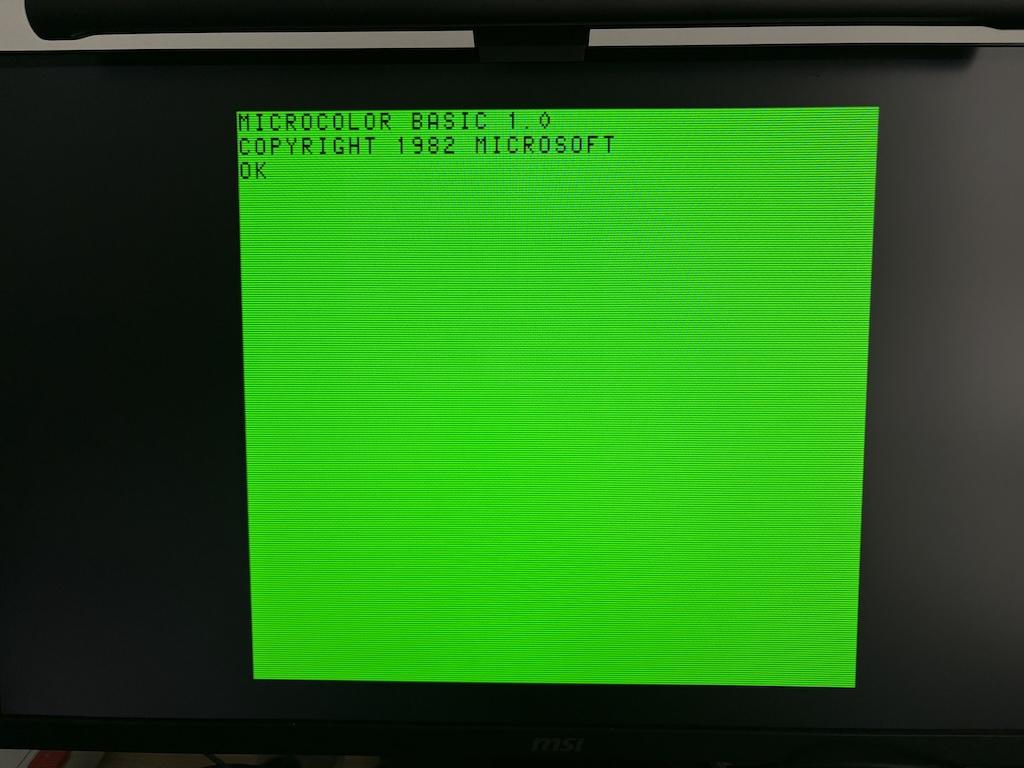
It’s not very visible (my phone enhances the image), but I’m attaching a photo (from a Matra Alice, a French 8-bit computer from the 80s):
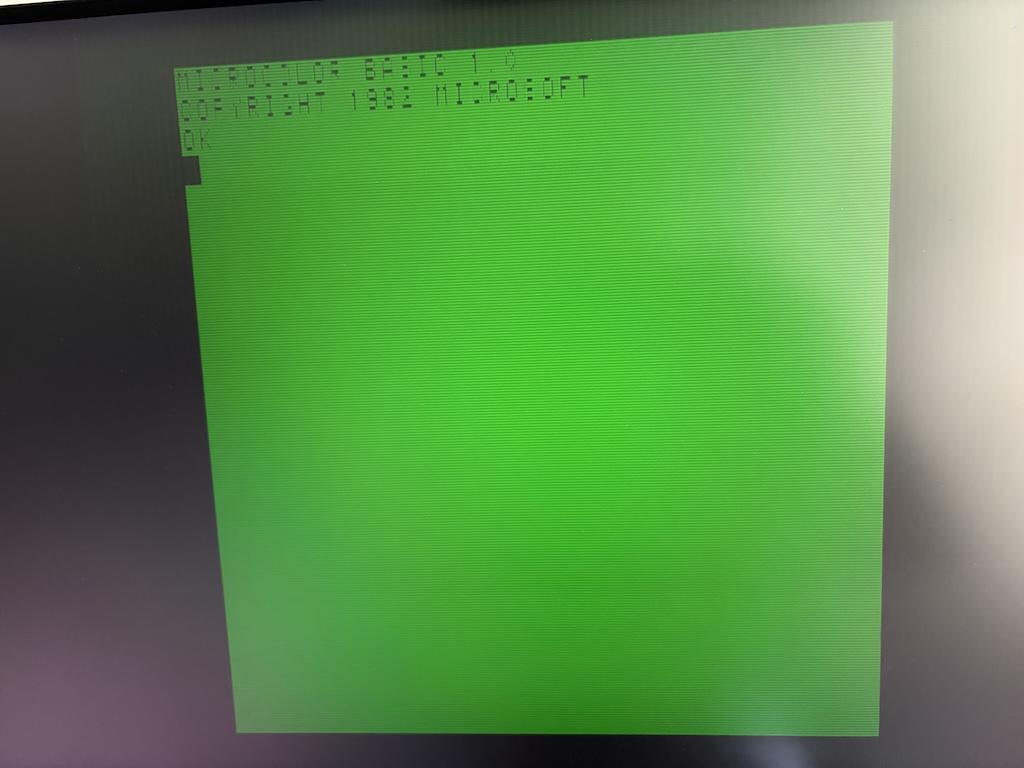
With the other OSSC (same cables) – Very good picture
Thank you
ps: I have the V1.8 schematic and the bill of materials to guide me on what needs checking.
-
This topic was modified 4 months ago by
Michael1260.
-
This topic was modified 4 months ago by
-
This topic was modified 4 months ago by
-
This topic was modified 4 months ago by
-
This topic was modified 4 months ago by
July 5, 2026 at 10:41 AM #70036Can you try a screen with multiple colours on, e.g 240p test suite perhaps?
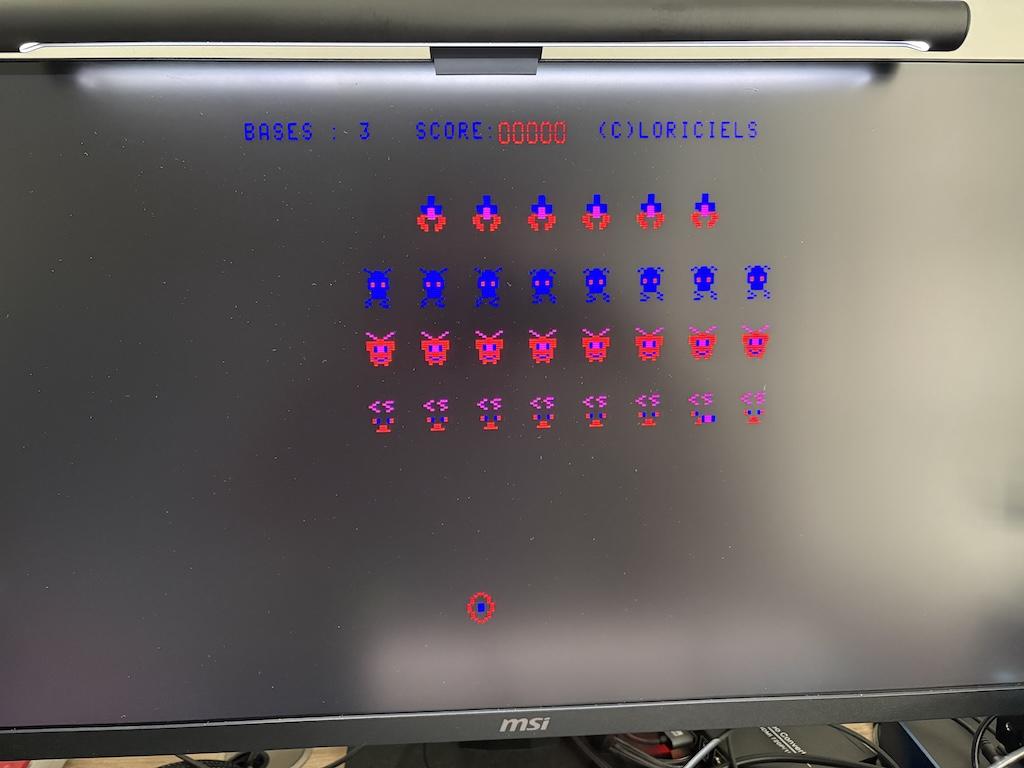
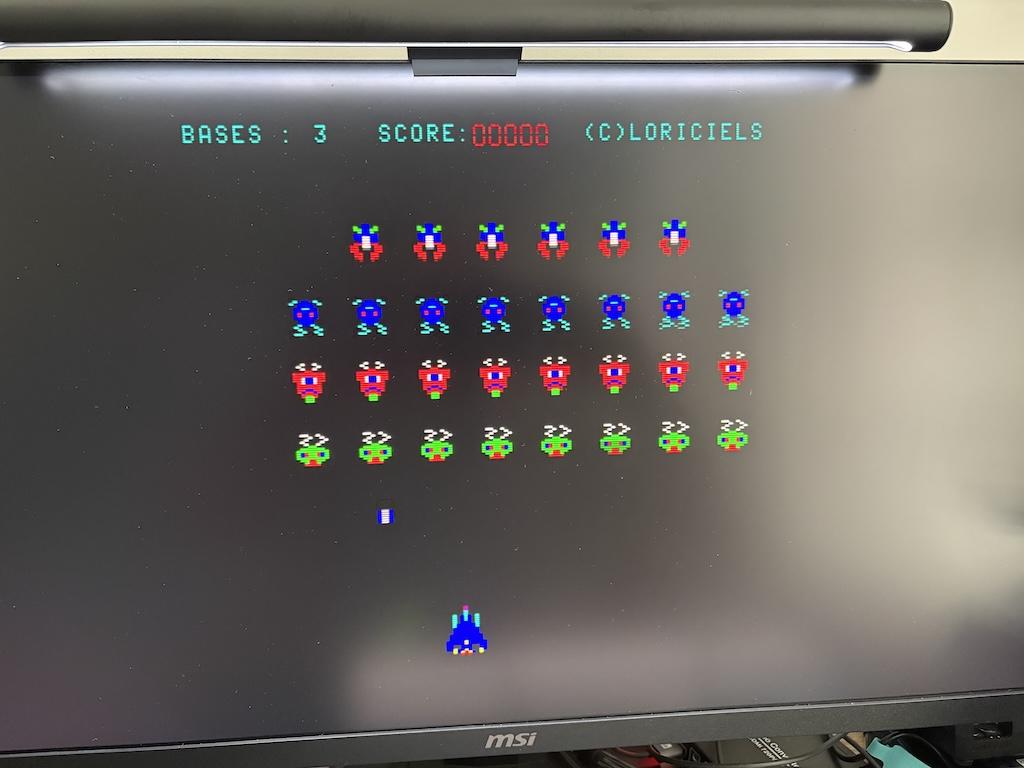
July 5, 2026 at 11:00 AM #70037First, thank you for your reply 🙂
Can it help ?
Faulty OSSC (green problem ?)
Good OSSC :
 July 8, 2026 at 8:02 AM #70057
Are you able to test a AV2 (component video) source? Both that and AV1 are routed via a LPF+mux chip so knowing if both have similar issue would better indicate where the fault is.
July 8, 2026 at 8:07 AM #70058Unfortunately, no. I can’t test AV2; I don’t have a source for it. As I said, I was only able to test via VGA (which works).
July 8, 2026 at 10:18 AM #70060Is it possible to use a function generator on the AV2 inputs to simulate the signal? If so, what voltage and frequency?
July 9, 2026 at 7:22 AM #70070I should have the cables to test AV2 on Saturday (for a PS2 and a compatible PSP). I’ll post the results in this thread.
July 9, 2026 at 7:31 AM #70071LPF is THS7353 (U17A) ? Am I right ?
AV1 and AV2 are the inputs (on PIN 2 – 7) then the outputs (RGB_12_x) are going to U1 ?
I hope it’s not a problem with U17A (Difficult to replace)
We’ll see on saturday with the cables
-
This reply was modified 3 months, 3 weeks ago by
July 9, 2026 at 6:58 PM #70085If the green channel on AV2 is completely dead, then you don’t even get sync from component. You could also try connecting a CVBS source into Y-jack to check if you get B/W picture via AV2.
July 9, 2026 at 7:06 PM #70086My cables are scheduled for delivery tomorrow. I’ll run the tests and post a message with the results.
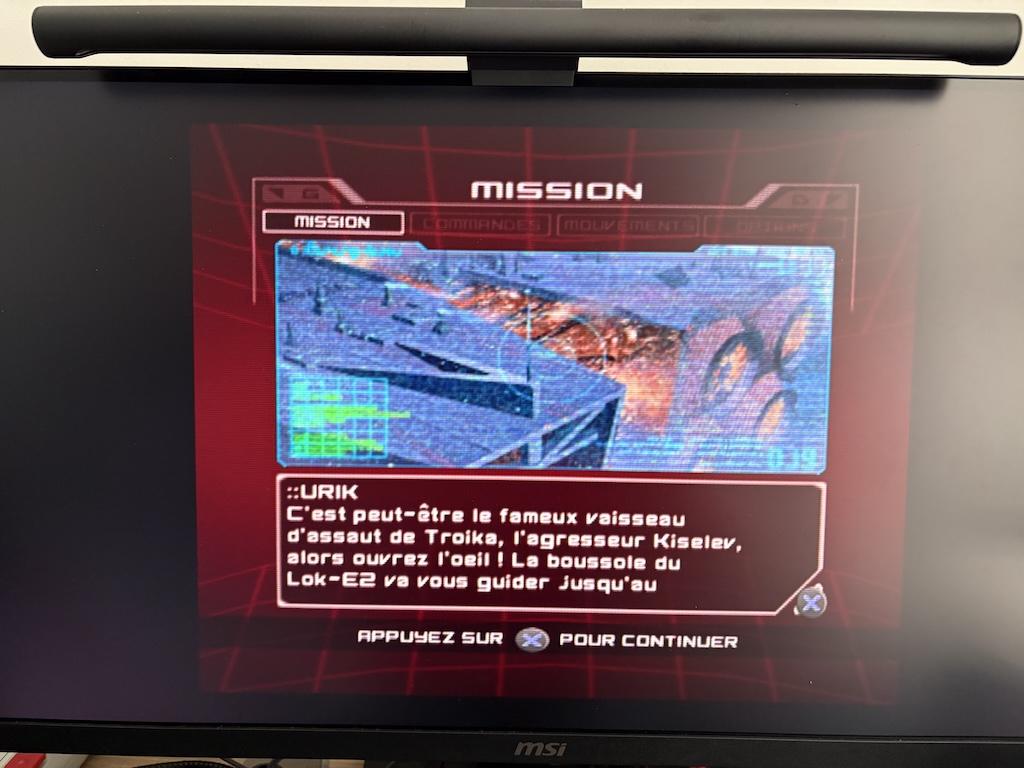
July 10, 2026 at 10:34 AM #70090With PS2 on AV2 :
Good OSSC
Swap OSSC with bad one :
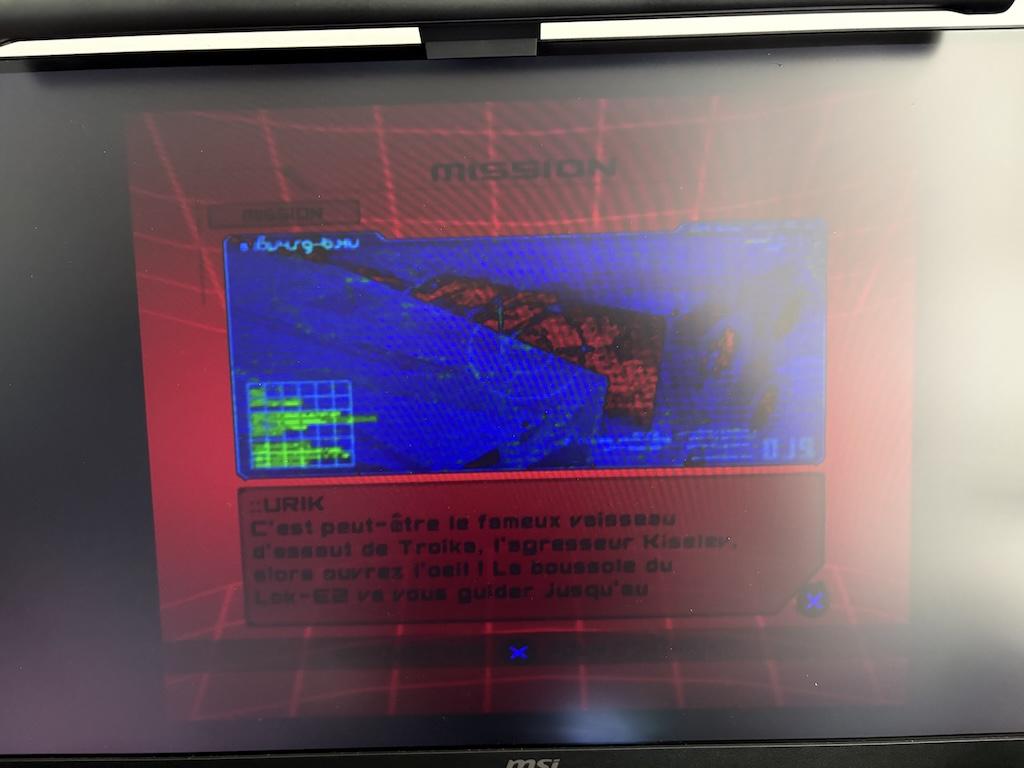
So, there is also something wrong with AV2 🙁
Can it help ?
July 13, 2026 at 8:21 AM #70116Since you mentioned you have a scope, can you scope output on U17A pin 19 (or from C11 pin facing it) with PS2 source? You should see same periodic sync / Y as from U17A input (pin 2). That should reveal whether the issue is with U17A or U1.
July 15, 2026 at 10:10 PM #70151Actually if you get sync via AV2, then it already indicates the fault is with U1, or C103. If you have good luck, then it’s the latter or just a weak solder joint on U1 pin 2.
July 15, 2026 at 10:14 PM #70152Yes, I believe the first thing to do is to look with scope and reflow U1 and / or C103. Probably this week end (I hope it’s not a faulty U1, impossible to find / buy and replace).
I have also C103 (SMD 603) if I need.
I just need some time 🙂
-
This reply was modified 3 months, 2 weeks ago by
July 18, 2026 at 6:15 PM #70176Which pin to check for output of U1 ? (Input looks like it’s good). Thank you
-
This topic was modified 4 months ago by
-
AuthorPosts


- You must be logged in to reply to this topic.
