
OSSC sync settings required with Sega Mega Play hardware
NewHome › Forums › OSSC, OSSC Pro and DExx-vd isl › OSSC – Discussion and support › OSSC sync settings required with Sega Mega Play hardware
- This topic has 26 replies, 3 voices, and was last updated November 4, 2023 at 8:38 AM by
marqs.

-
AuthorPosts
-
October 3, 2023 at 8:54 PM #58210
Aside from “Analog sync Vth” I don’t see anything above which would need to be changed from defaults to get more stable sync. This setting should also have similar effect between firmwares as it is just a video ADC configuration value.
The linked mod is unlikely to help you here, it sounds like something else is wrong. Can you check which kind of circuit is built around LM1881? I don’t see why a sync separator is even used in a supergun which gets C-sync from JAMMA. If LM1881 is connected without proper resistors on input and output sides, it’s likely to just degrade sync quality.
Can you also elaborate if OSSC reports “no sync” with Atomiswave or rolling numbers etc. on the display?
October 4, 2023 at 4:08 PM #58225I’ve to edit “Analog sync Vth” until I get the game displayed.
I was surprised as well about LM1881, but the supergun hasn’t it. I’ve written what the guy said on the Web before checking.
The small board before RGB out in Vega Jr. supergun :


And I’ve finally got Green Beret/Rush’n Attack running, it needed a bit more than 5V.
About Atomiswave, this is the message I get :
AV1-RGBS
NO SYNCOctober 4, 2023 at 9:02 PM #58235I’ve to edit “Analog sync Vth” until I get the game displayed.
That’s a sign of sync buffering / level conversion not being properly done in the supergun. Could you trace the path from JAMMA c-sync pin (P) to supergun c-sync output pin? Is there perhaps a buffer chip followed by a series resistor, or is csync output taken from CXA1145P pin 11?
And I’ve finally got Green Beret/Rush’n Attack running, it needed a bit more than 5V.
So sync issues with that after all? Are you sure Atomiswave is operational? It’d be strange if ossc reports ‘no sync’ via both JAMMA and VGA output.
October 5, 2023 at 8:25 AM #58244OK, I’ve traced the path between JAMMA pin P (video sync) and CXA1145P pin 11 (csync output), and it appears they’re not in the same path.
Atomiswave mobo is working, I’ve tested it in the cab as well. I think I’ve to edit something in OSSC settings.
October 7, 2023 at 10:14 AM #58260OK, I’ve traced the path between JAMMA pin P (video sync) and CXA1145P pin 11 (csync output), and it appears they’re not in the same path.
Can you check what is the endpoint when tracing from a) JAMMA pin P b) sync output pin of the RGB connector?
Atomiswave mobo is working, I’ve tested it in the cab as well. I think I’ve to edit something in OSSC settings.
With VGA none of the analog sync settings make a difference since sync should be TTL level. Do you know if the VGA output is RGBHV or RGBS (ossc input should be set accordingly)?
October 8, 2023 at 11:05 AM #58275Thanks again for the reply 🙂
I’ve traced the path between JAMMA pin P (video sync) and the output of the RGB connector (I’ve tried all the pins) and the multimeter hasn’t rung.
Btw, I use an official RGB cable from PAL MD1 with the small board, which has the same pinout than Vega Jr. RGB connector :
When I use Atomiswave mobo with the cab, I use GBS8220 and the input signal is in RGBHV.
October 8, 2023 at 9:20 PM #58280With the information & pics you provided, I’m making the following assumptions:
* JAMMA pin P is directly wired to CXA1145P pin 10 (CSYNC in).
* CXA1145P pin 20 (CVBS out) is wired directly to DIN connector pin 3 (CVBS)
* DIN connector pin 3 (CVBS) is connected directly to scart pin 20 (cvbs) i.e. no parts on this line on the cableIf above is correct, that would explain why you need to raise sync Vth since CXA1145P driver is missing 75ohm resistor and AC coupling cap. Resulting sync level thus end up being too high and more prone to noise due to DC coupling.
October 9, 2023 at 10:12 AM #58286Your assumptions are good, JAMMA pin P (video sync) is directly wired to CXA1145P pin 10 (CSYNC in), the continuity test is OK.
About CXA1145P pin 20 (C-video out) to DIN 8 connector pin 3 and DIN 8 connector pin 3 to SCART pin 20, the multimeter doesn’t ring. The wiring is not direct, but it should be something like that.October 21, 2023 at 4:51 AM #58367I’ve finally soldered a small adapter (JAMMA to RGBS) to connect to GBS8220 before entering into OSSC.
I’ve launched Atomiswave in 31 kHz via GBS8220 then AV3 from OSSC, and it has worked fine !
I’ve succeeded in getting Sega System 24 running as well (JAMMA to GBS8220 adapter + GBS8220 with options Clamp St up to 03 and Clamp Sp up to 04 + OSSC) :
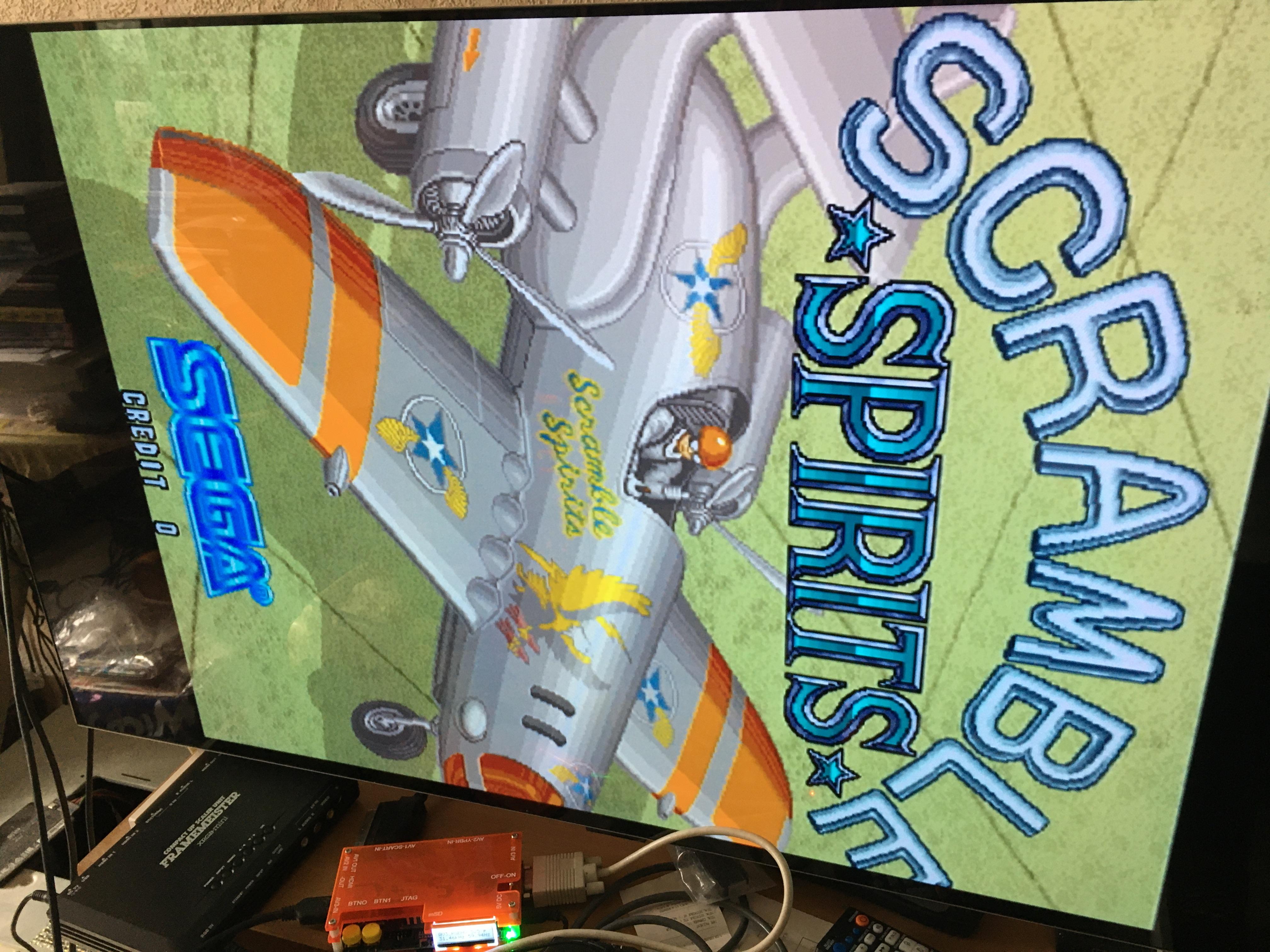
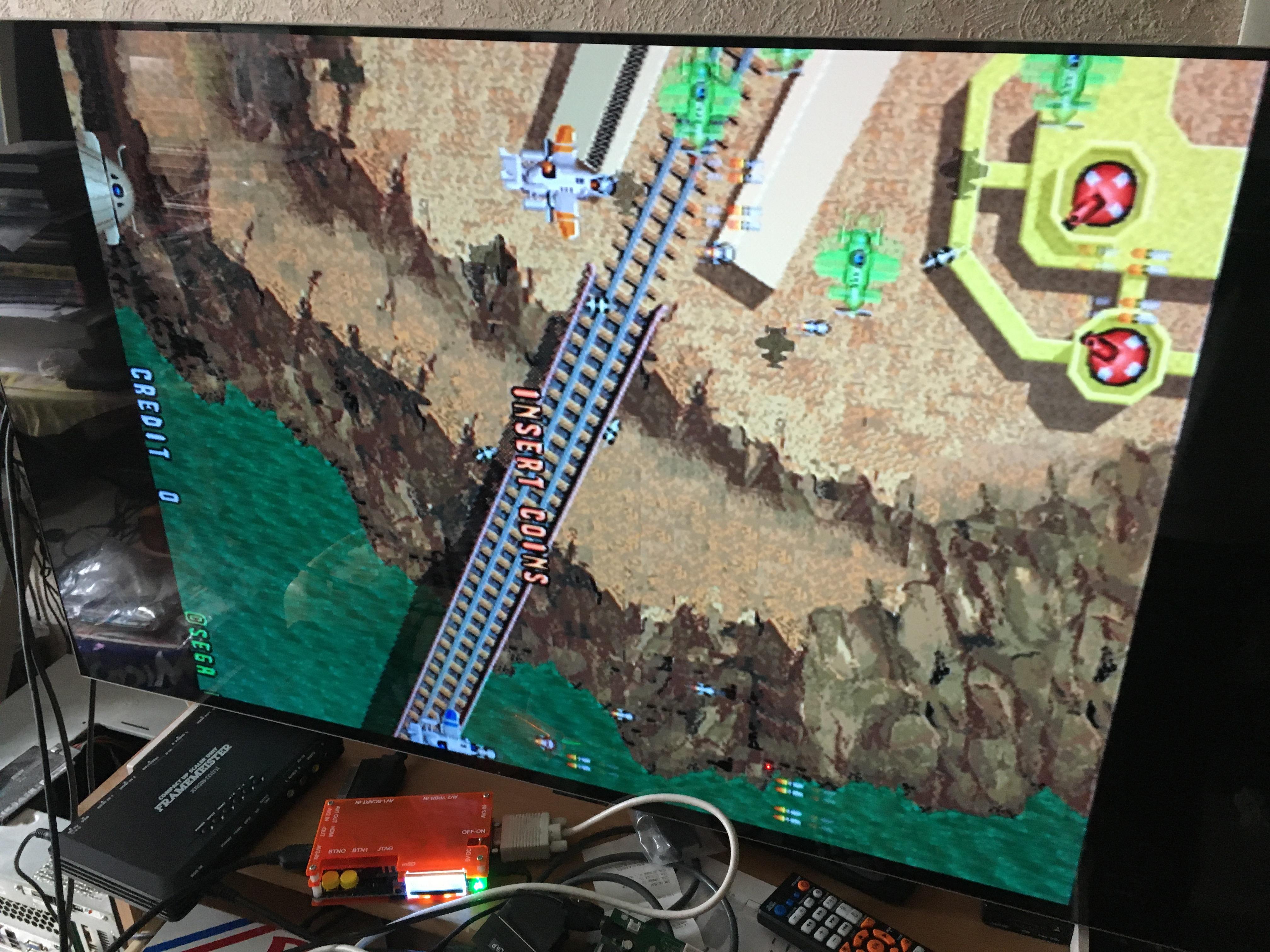
Btw, I still have sync issues with Sega Mega Play, it’s more stable now, but sometimes the sync is lost.
October 22, 2023 at 12:27 AM #58373My recommendation is still to probe what is the sync path from JAMMA to SCART connector output. If you sync Vth (on ossc) or clamp level (on GBS) need to be adjusted, there is a good chance that connection is sub-optimal due to e.g. extra/missing components. The big box in the RGB cable looks suspicious as well so I’d open it and look what’s inside.
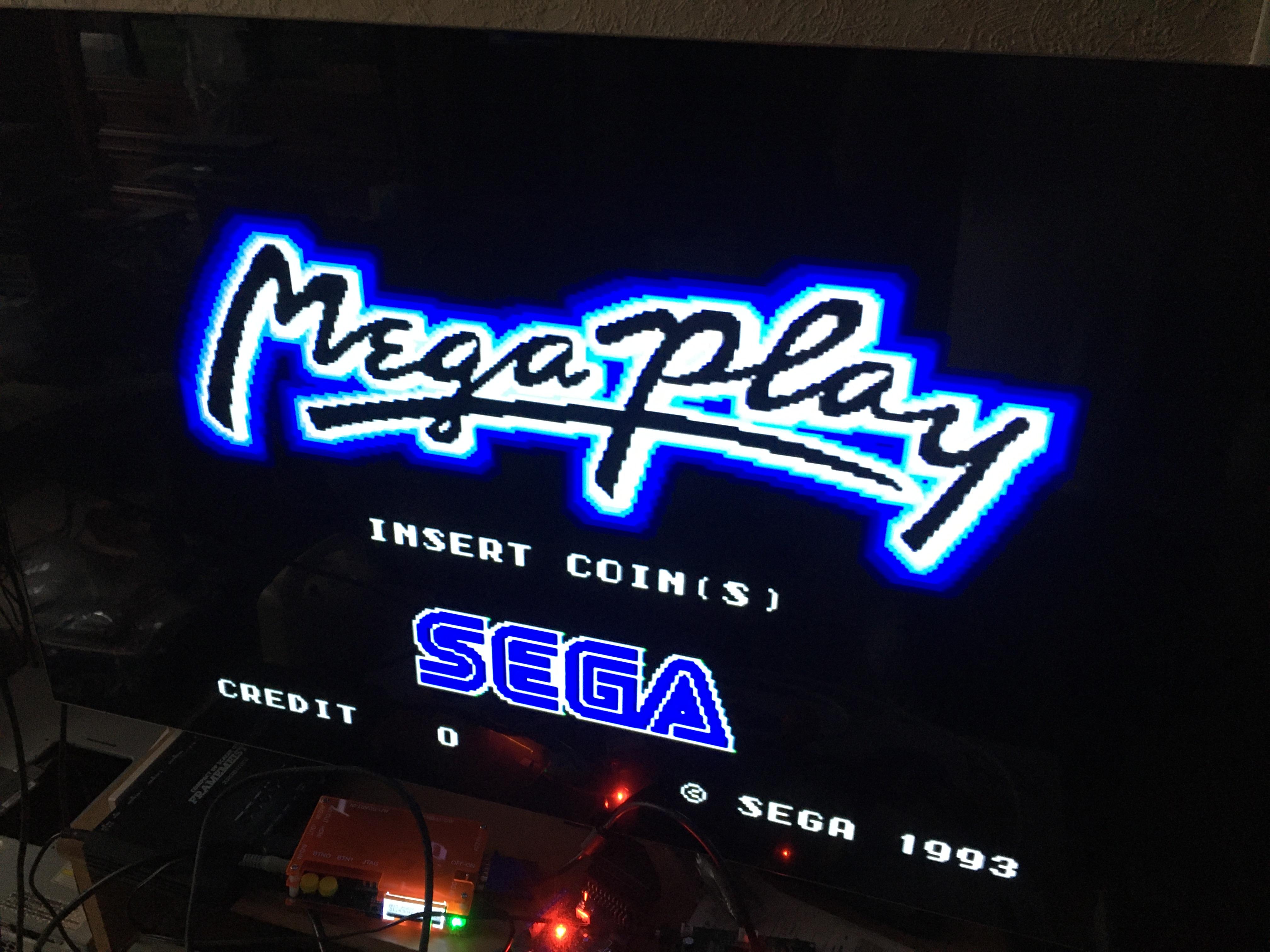
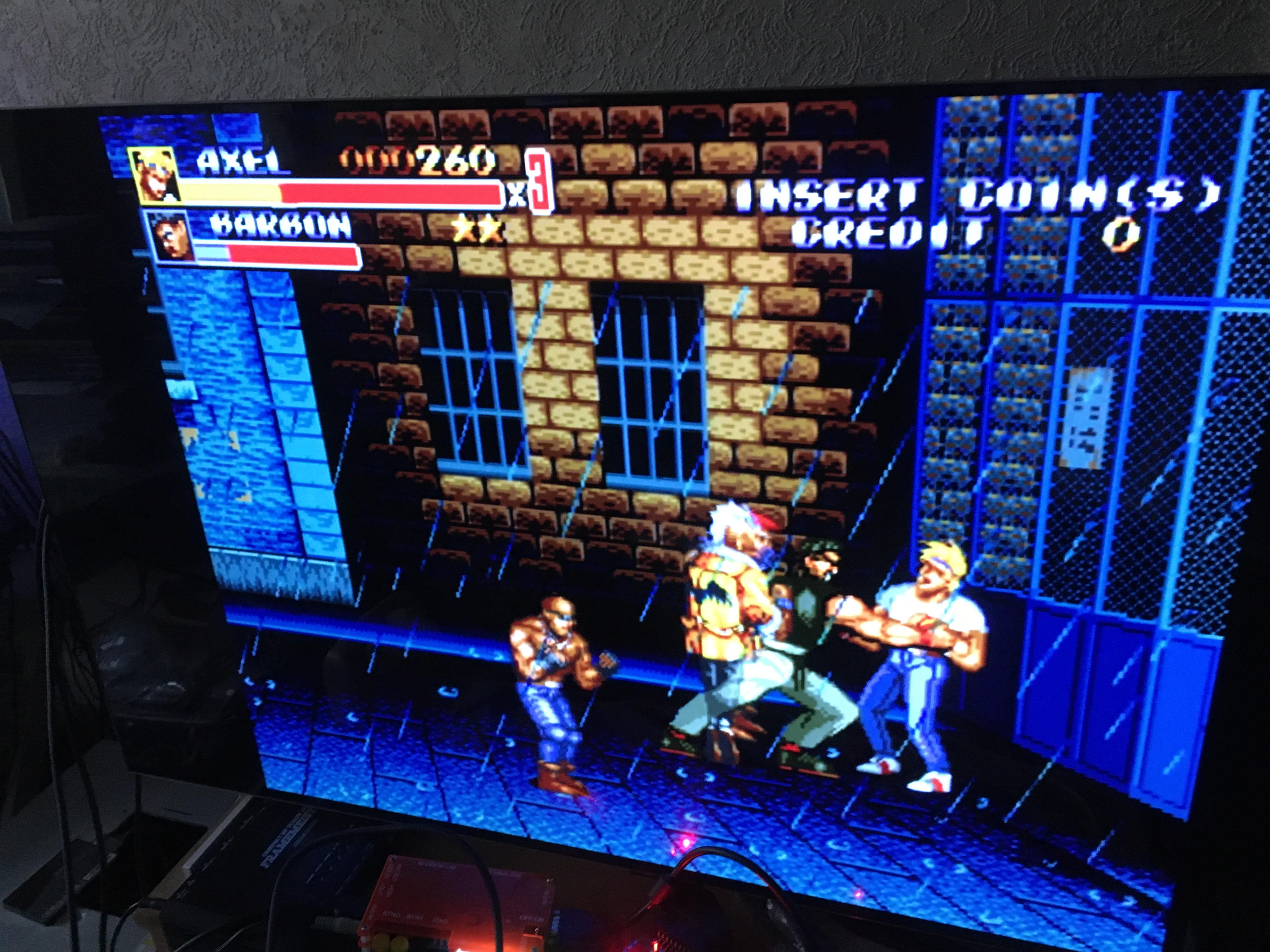
November 1, 2023 at 9:31 AM #58516I’ve finally got it fine, I’ve used Sync Strike + GBS8220 without editing Clamp St & Sp + OSSC without editing Analog sync Vth :
-
This reply was modified 2 years, 10 months ago by
Layer.
November 4, 2023 at 8:38 AM #58589Nice to hear it works that way, but it would be still good to know the sync path from PCB to end of the RGB cable since most likely there is something wrong in there that decreases compatibility.
-
This reply was modified 2 years, 10 months ago by
-
AuthorPosts


- You must be logged in to reply to this topic.
