PC Win95 problem with 512×384 resolution

NewHome Forums OSSC, OSSC Pro and DExx-vd isl OSSC – Discussion and support PC Win95 problem with 512×384 resolution

Viewing 4 posts - 1 through 4 (of 4 total)
  • Author
    Posts
  • #69499
    Grassini
    Participant

      Hello,
      since this is my first post on this forum, I wanted to extend a warm welcome to everyone.
      I’ve been using OSSC since 2021, and so far it’s been working flawlessly, but recently I’ve encountered a rather unusual (for me) problem.
      I have a 486 DX4/100 with an S3 Virge 2MB card and a Diamond Monster 3D 3Dfx 4MB card. I have Windows 95 OSR2 installed, along with all the drivers.
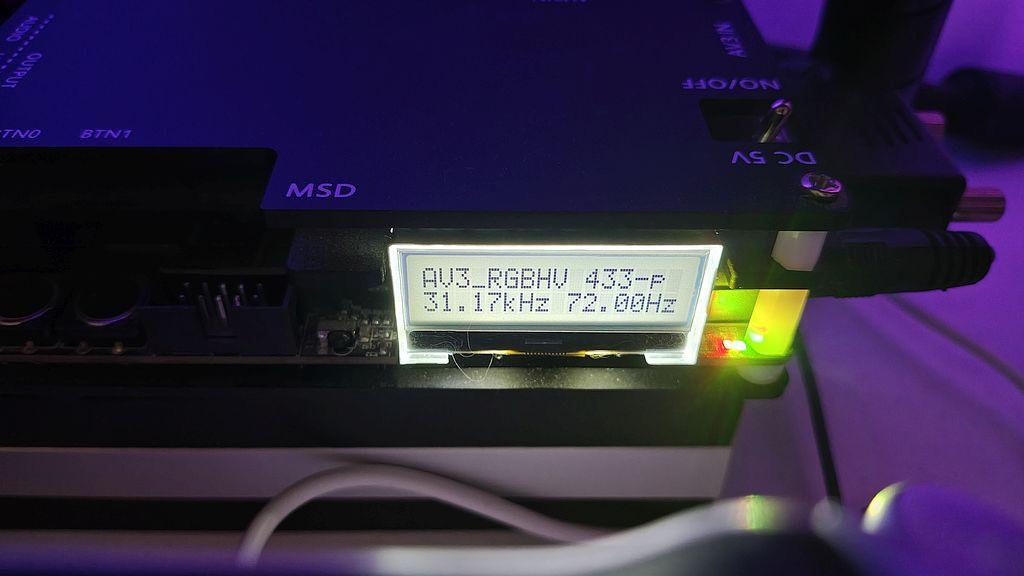
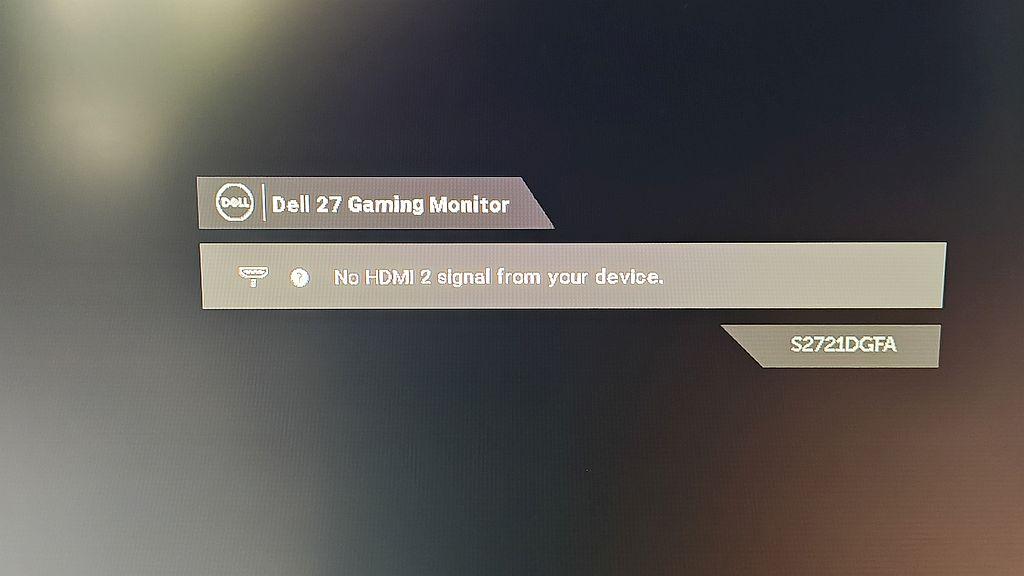
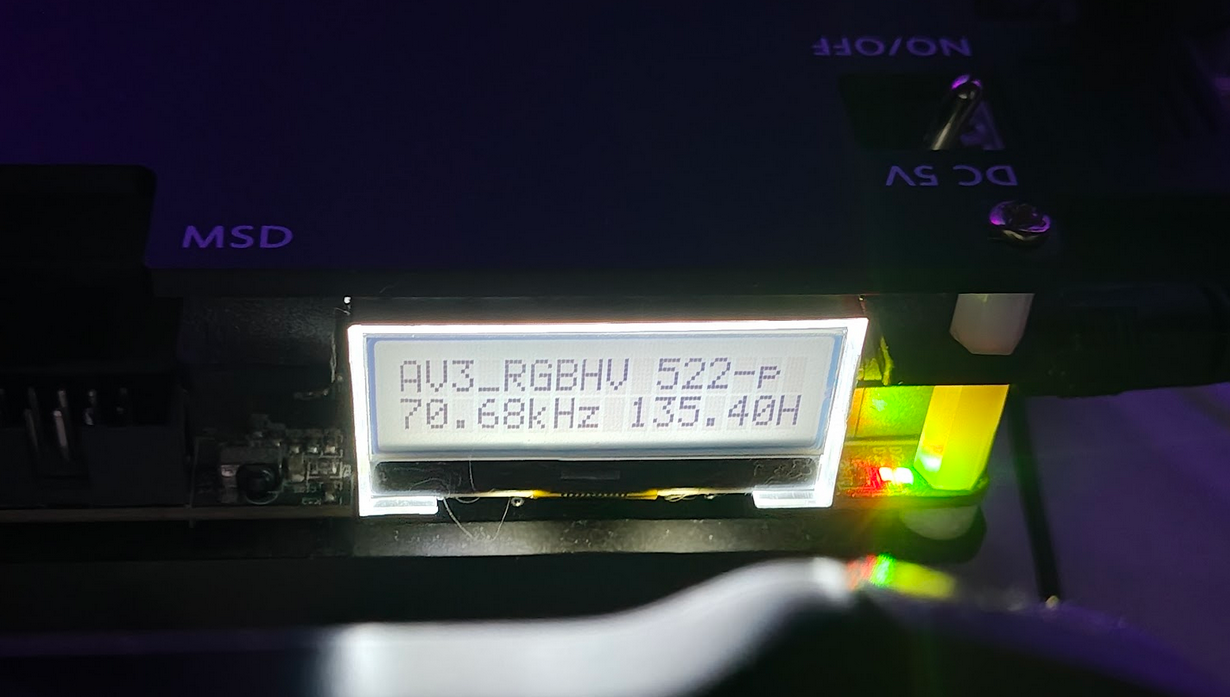
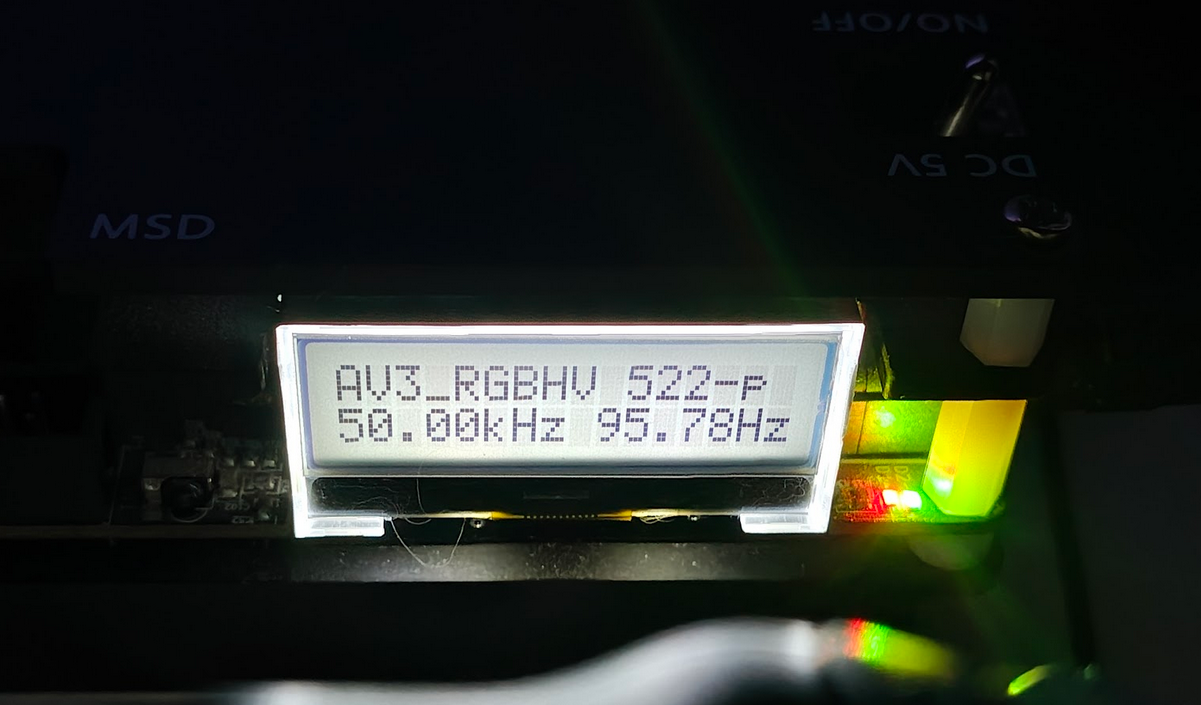
      Everything works correctly in the system; the resolutions I set for the desktop (640×480, 800×600, 1024×768) work fine, but when I run game installers (e.g., Tomb Raider 1), the image on the screen disappears. In the Voodoo drivers, I have the option to test resolutions—there are 512×384, 640×400, 640×480, and 800×600—and the image only disconnects when I test 512×384; the rest of the resolutions are displayed correctly.
      I tried various OSSC configurations, but unfortunately nothing helped.
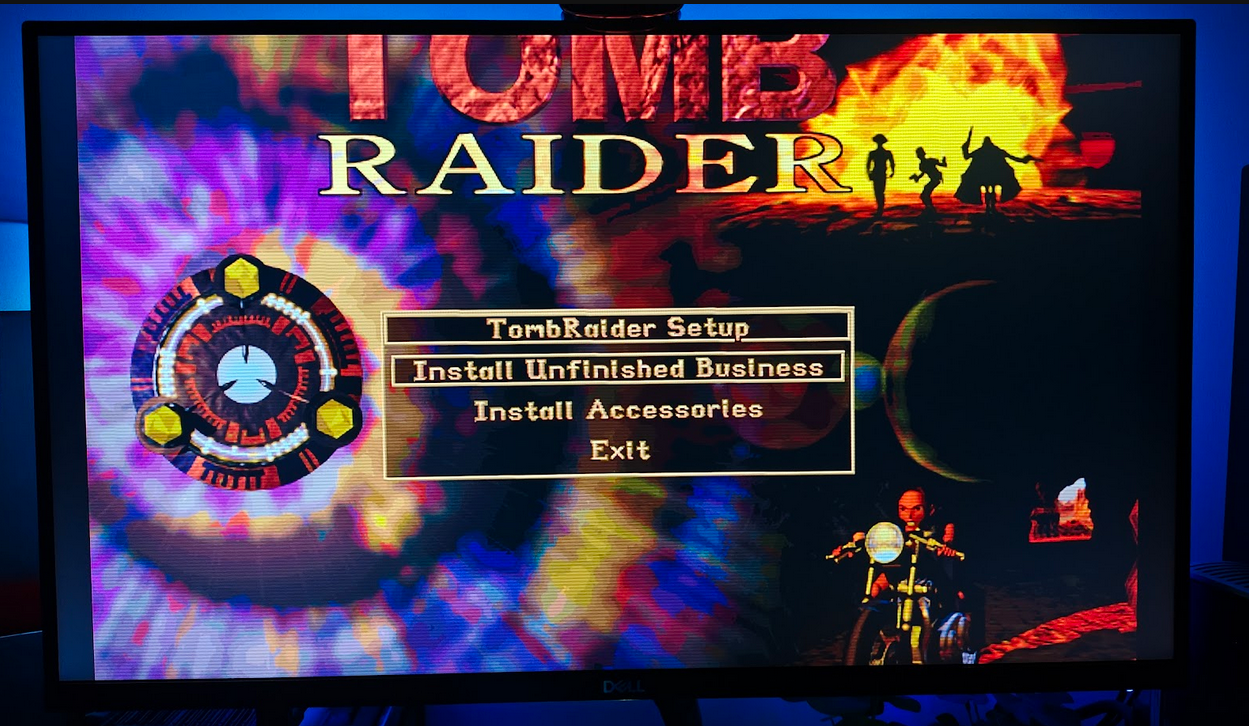
      I also have DOS 6.22, and surprisingly, the installer for the aforementioned Tomb Raider displays without any problems there!
      So why doesn’t OSSC display the image under Win95, but everything works fine under DOS? How can I fix this?
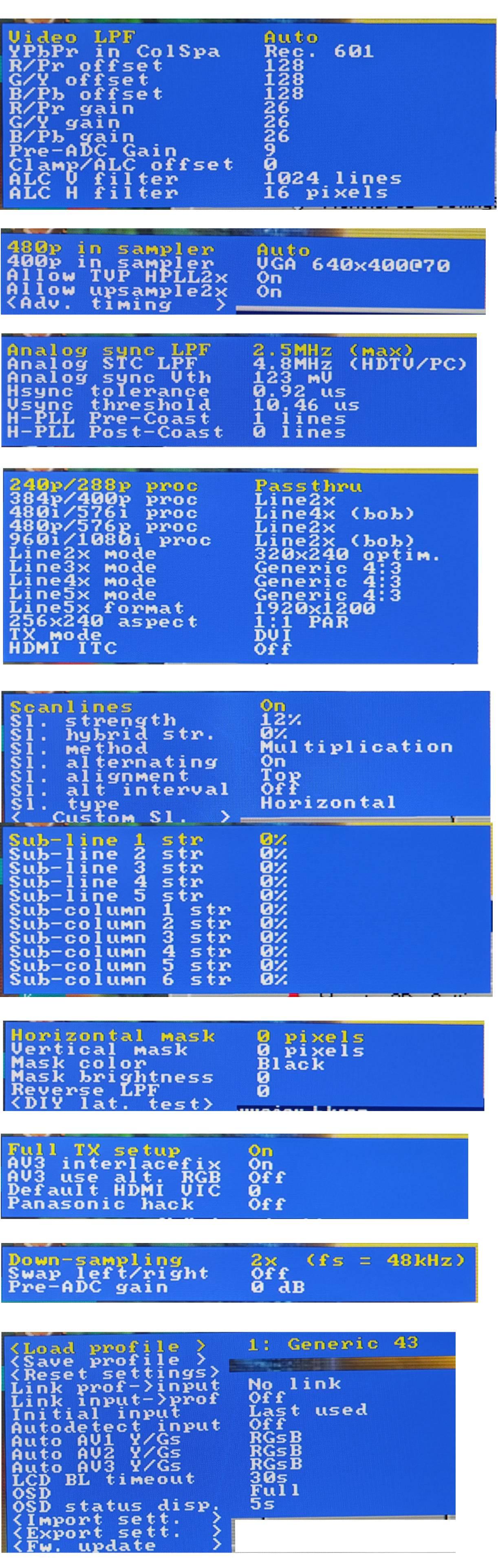
      I’m attaching my OSSC configuration as well as a few screenshots.
      Thank you for your advice and for your time.
      #69500
      BuckoA51
      Keymaster

        Having 240p/288p set to passthrough is a little unusual, though PC shouldn’t output those resolutions anyway.

        Perhaps your monitor simply cannot handle 72hz? As you can see its a monitor issue rather than the OSSC itself. The other modes I suspect are 60hz?

        #69503
        Grassini
        Participant

          In both the S3 and VooDoo drivers, I can change the refresh rate, and resolutions like 640×480, 800×600, and 1024×768 even work at 85Hz. With VooDoo, I can also adjust the refresh rate—from 640×400 to 800×600, everything works at 60Hz, but 512×384 at 72Hz does not, and I cannot change the refresh rate for that resolution alone.
          In OSSC, there was no difference between Line2x and passthru (initially I had it set to 2x, but I consulted various settings with friends who also use OSSC, and they suggested trying passthru at 240/288p as well as 384/400p.
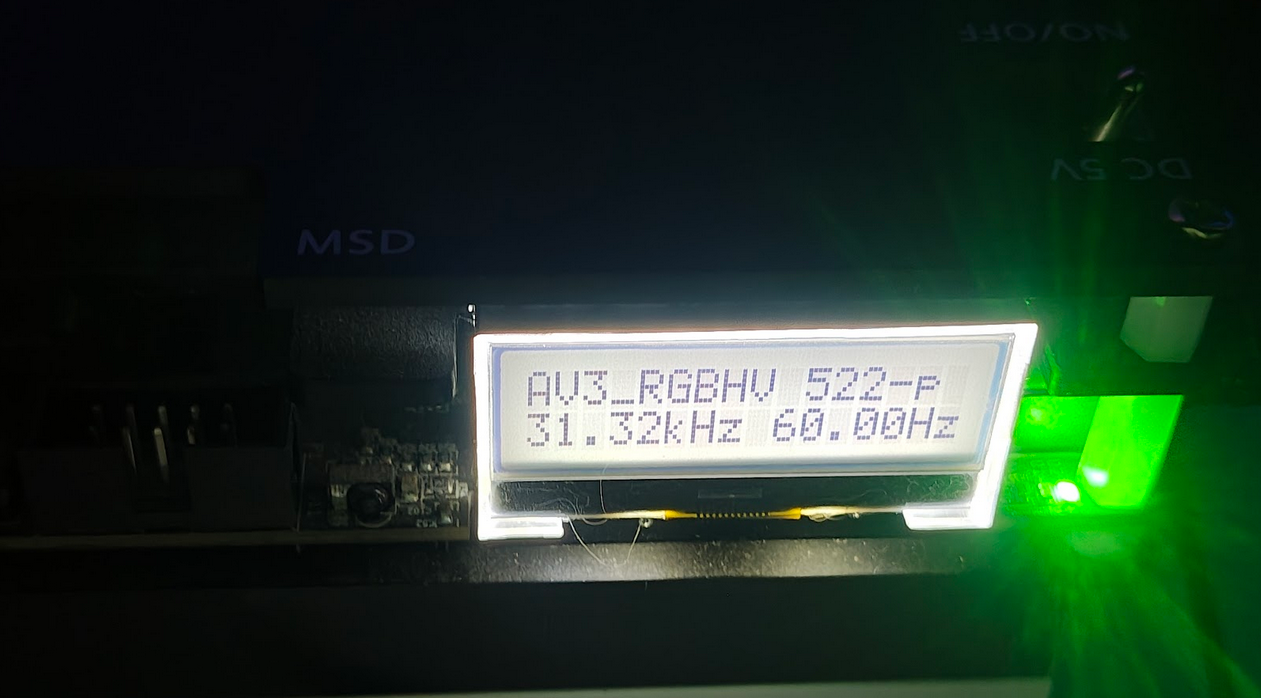
          It may also be that monitors of this type don’t support lower resolutions, and DOS displays 522p at 60Hz, although the installer screen is too large and extends beyond the monitor’s screen.


          #69505
          Grassini
          Participant

            And on Windows, depending on which line setting I choose (2x, 3x, passthru), OSSC displays it like this:

          Viewing 4 posts - 1 through 4 (of 4 total)
          • You must be logged in to reply to this topic.