
Hayden

@hayden
Forum Replies Created
-
AuthorPosts
-
This is a great question, and I don’t know. All I can say is the at Frame Lock x1 the image warbles sometimes (not always). And at 7 the image stabilizes and seems fine.
2-6 display nothing but black and white garbage output.
I am playing 4:3 N64 PC ports (which is the same as indie games for sure).
1. I am just dumb and did not realize the OSD status display is set to display every 5 seconds.
2. I did end up turning frame lock on, but at 1x the image was very jittery, 2+ I lost the image, and at 7 I got a stable image. I currently have it set to 7 (although I truthfully do not truly understand what it means)
3. I just used the position tab to move the image down.I still sometimes have to power cycle to get an image, but other than that it is working really well! Still at 1280 x 960, which seems to work for me. Although (obviously), I am extremely new to this part of the hobby, so I am doing a lot of bumbling around to get it to work.
Fixed, works great! Thank you for taking the time to help!
Well, I kinda fixed it. There are two main issues:
1. Every few seconds or so, the blue bar from the OSSC comes on screen saying AV4 1280 x 960 SCL 60.00khz 60.00hz ++. While not game breaking, it is very distracting. It is almost as though it thinks there is a new input or something every couple of seconds.
2. It is extremely inconsistent. Sometimes I connect the deck and I get noise or nothing. Turn off the OSSC once or twice and I get an image. Or sometimes I just unplug the steam deck several times until an image appears.
3. Sometimes games are set “too high” and the top of the screen is cut off.
Steam Deck Settings:
Outputting 1280 x 960 @ 60hz Limited Colour Range.
OSSC:
AV4 video in opt.
Default RGB range Limited
Pixel decimation Auto (1x)DV1 menu mode On
EDID selection DefaultLine multiplier opt
Line multiplier mode Adaptive
Deinterlace mode Bob
NI restore Y offset 0Scaler opt
DFP output mode 1920×1080CRT Output mode 240P
Framelock off (60hz)
Framelock mult 1x
Aspect Ratio Auto
Scaling algorithm autoEdge threshold 7
Deinterlace mode Motion adaptive
Output opt
Operating mode scalerFixed it, I had to turn frame lock off.
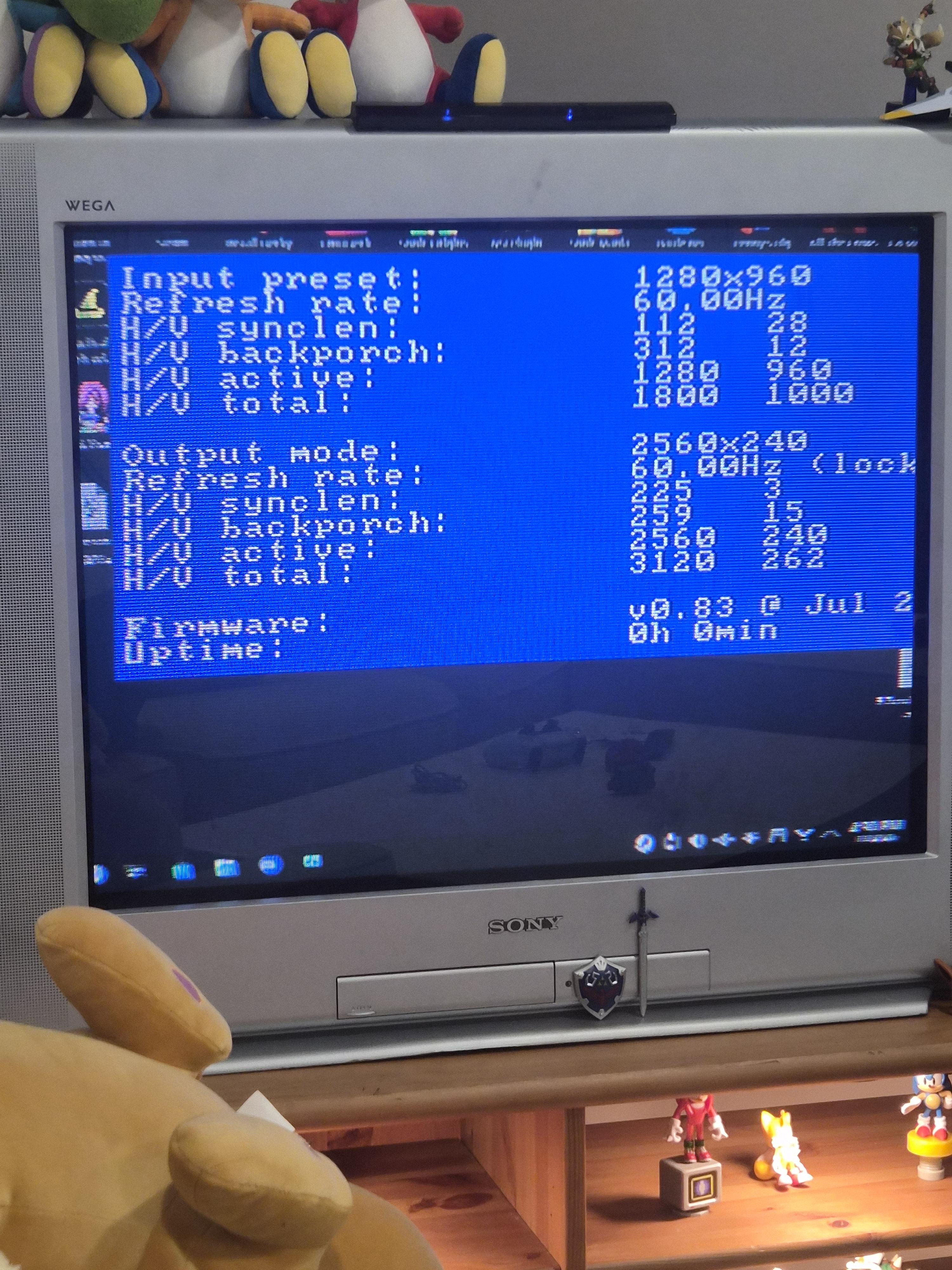 Progress! I got an image, but it is very inconsistent. I am doing 1280 x 960, but often nothing shows up at all. Sometimes I power cycle a few times, the image ‘locks’ in and it perfect. But often it has a very odd warble to it, like it has lost sync.
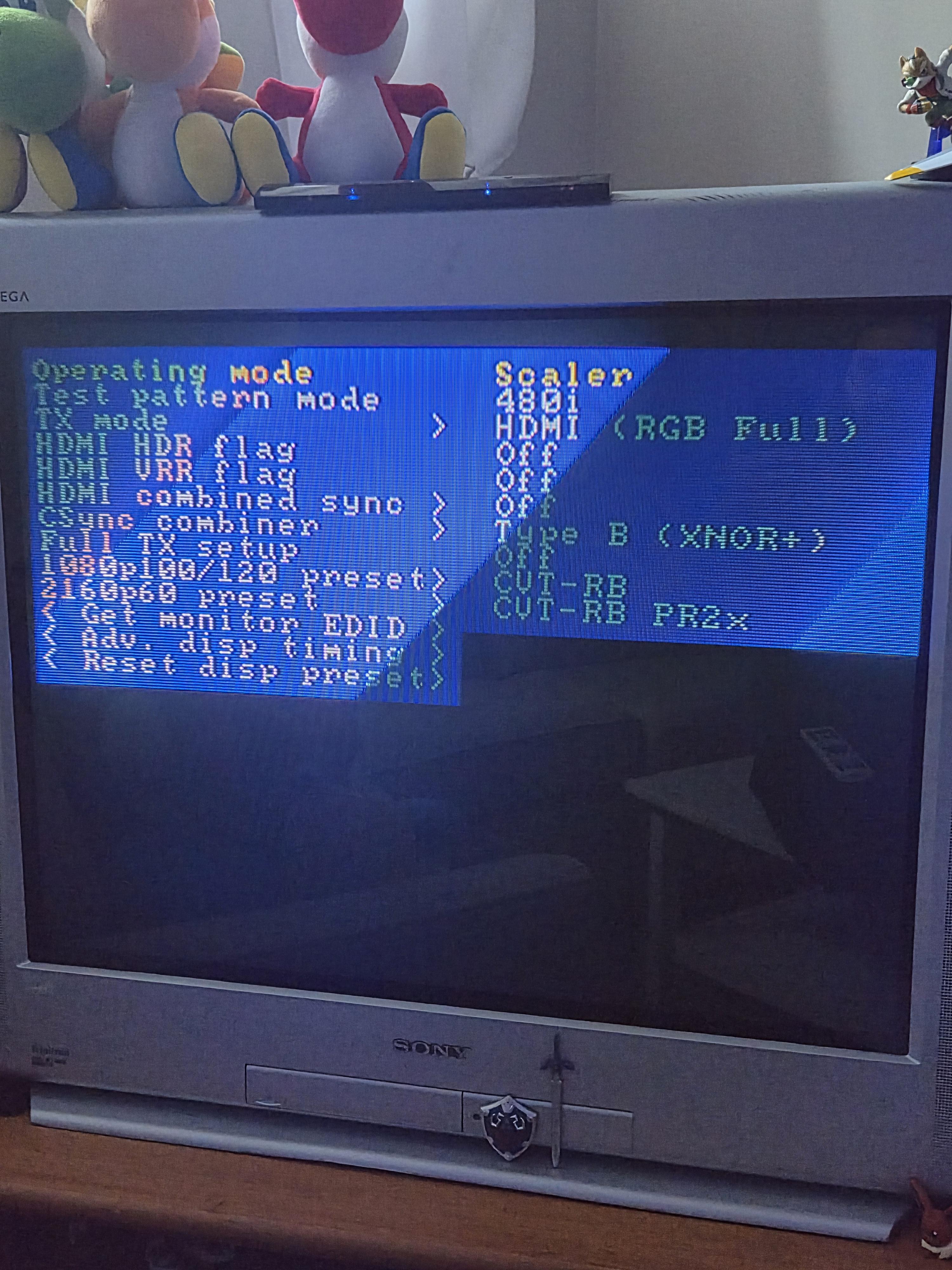
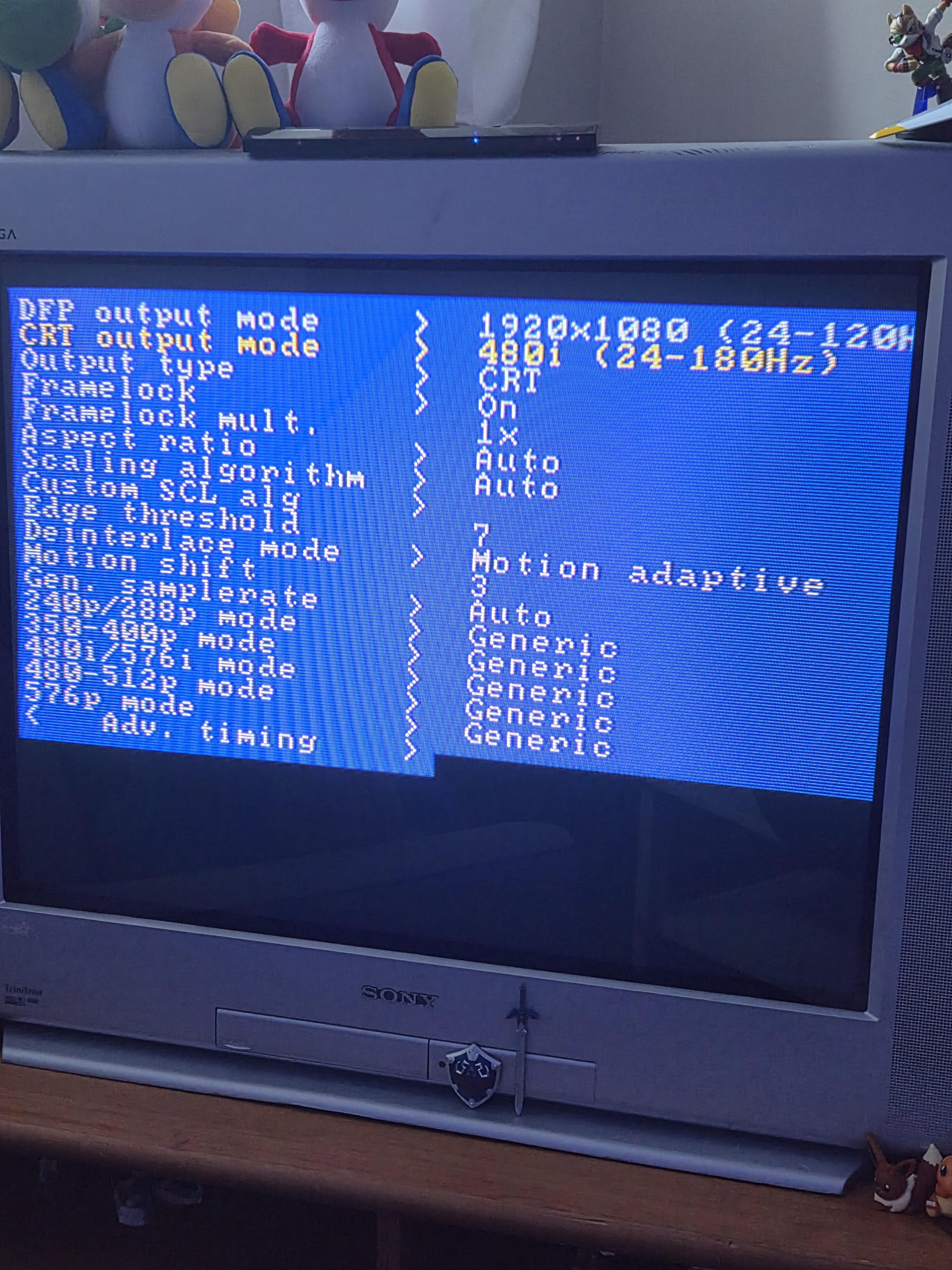 I think I am, so far I am just trying 480i.
-
AuthorPosts

