
Wii Digital Video Installation Service (Retro GEM)
€227.50
€227.50 incl. VAT
VAT inclusive price is estimated based on the geolocation of your browser and may be subject to recalculation at checkout. What's VAT?
The best possible picture and sound for the original Wii, analogue or digital.
2 in stock
Available now (handled by our partners BetaGamma Computing in Greece). Please allow for shipping and processing delays due to bad weather in Corfu. UK customers MUST e-mail us first about ANY upgrade/repair work (except NI).
All repair/modification work is carried out subject to our terms and conditions. Once you have placed your order, details of where to ship your hardware will be sent to your e-mail address. Prices do NOT include return postage.
The Wii was (and still is) an amazing console with a huge library of amazing games in lots of different genres. Rather than try to compete with Microsoft or Sony, Nintendo designed the Wii to be as cheap and cheerful as possible. Unfortunately, that means its video output options were limited to a rather sub-par component video at best, that is until now.
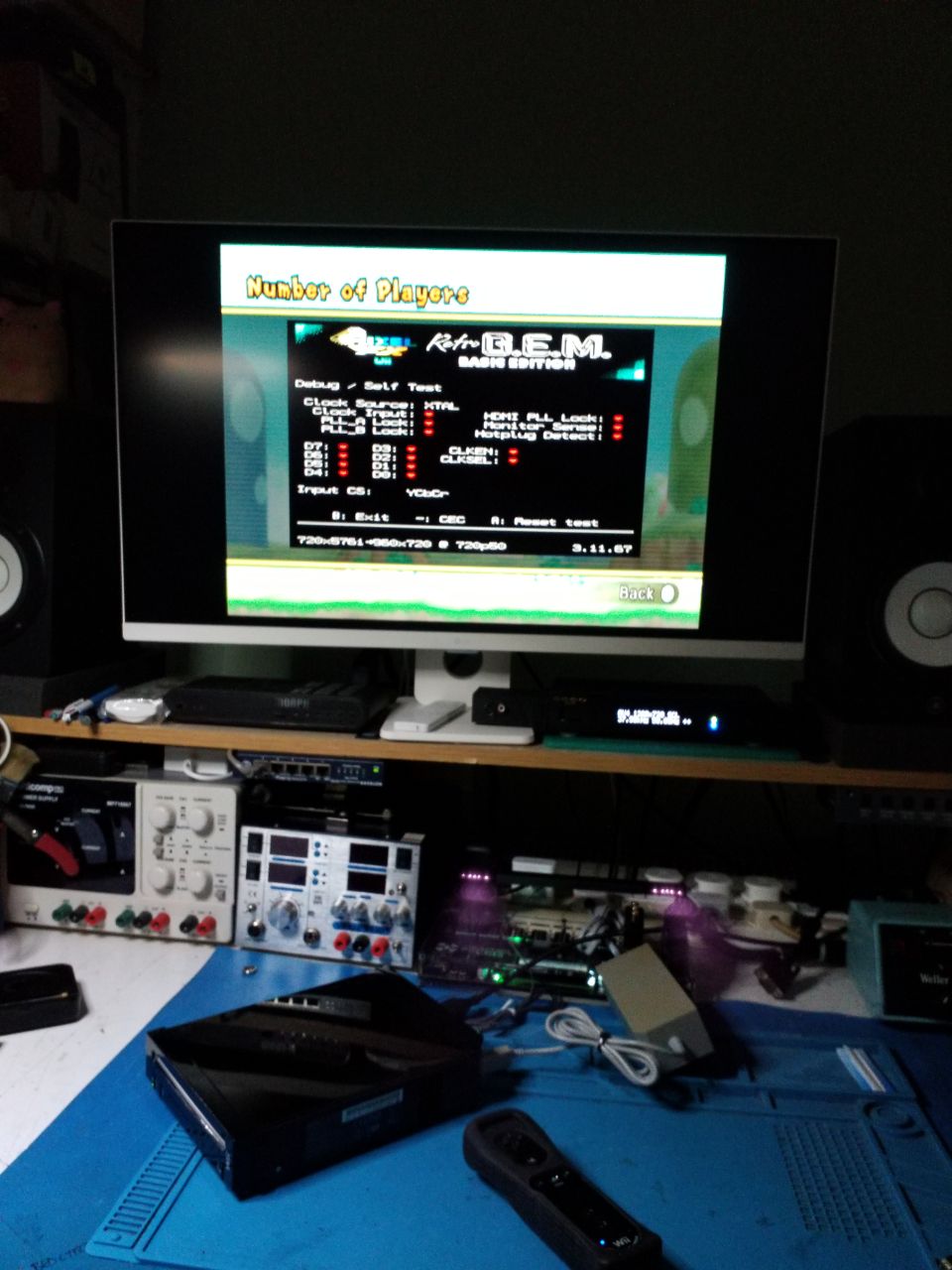
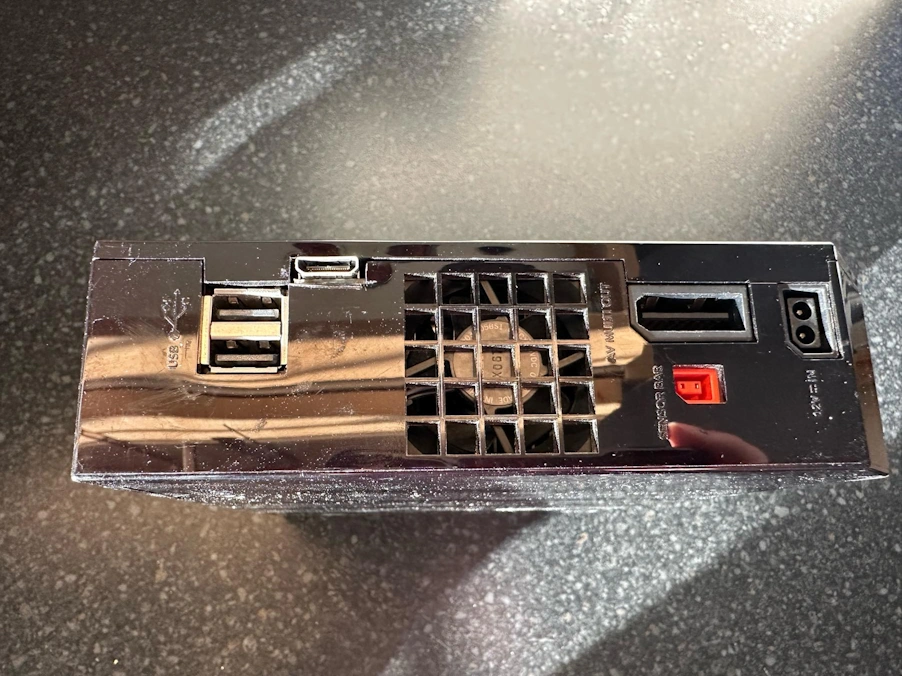
Retro GEM Wii, the successor to the Wiidual, is the absolute best video upgrade possible for your classic Nintendo console. Set your Wii free on your modern HDTV or classic high end CRT monitor (via a DAC) with this all in one solution. By ordering this modification and sending us your Wii console, we will professionally install and test the Retro GEM kit for you. The price above includes supplying the Retro GEM kit, installation and testing.
Retro GEM adds the following features to your classic console:-
HDMI output – Full ultra low latency HDMI output including audio, with optional line doubling or tripling of 240p/480i sources and optional scanlines. Note that Retro GEM uses a Mini HDMI port.
Scaling and advanced scaling (with Shiny upgrade) – No external scaler? No problem! Purchase the Retro GEM Shiny software upgrade and unlock 1080p scaling and advanced post processing effects.
Pass-through mode – Already got an external scaler? Simply use the pass through mode to send the signal directly, letting your scaler do all the heavy lifting while still maintaining a completely clean digital video and audio signal.
OSD control – Access Retro GEM’s settings from a convenient OSD which now works via the Wii Remote! No need to find a GameCube controller or IR remote! To access the settings menu, press B Trigger + A + Home.
Firmware updates via Wifi – No need to find and install homebrew apps, the Retro GEM’s firmware can be updated automatically by simply connecting it to your home WiFi connection
Game ID – Send information about the currently playing game to your external scaler or PC to track hours played or to automatically apply per-game settings. This functionality is not available at launch but may be added later.
ALL models supported – Unlike earlier digital video mods, all models of Wii console are now supported.
Analogue and digital output active at the same time – Stream via HDMI while you game lag-free on your CRT like a pro. No upscaling is applied to the consoles analogue output and it will behave exactly as it did on an unmodified console.
Note – analogue output – The RetroGEM Wii does NOT alter the analogue output of the console at all. Unlike some older Wii upgrades, there is no analogue 480p output option. We recommend users who require this option to use the device with a digital to analogue converter (DAC).
FAQ
- How do I bring up the OSD? – press B Trigger + A + Home on a paired Wii Remote
Nintendo and Wii are trademarks of Nintendo Co., Ltd. Retro GEM is NOT an official Nintendo product.
Be the first to review “Wii Digital Video Installation Service (Retro GEM)”
Related products
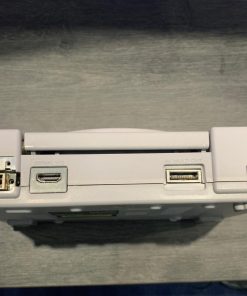
Console upgrades/repairs
€207.45
€207.45 incl. VAT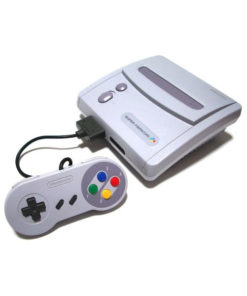
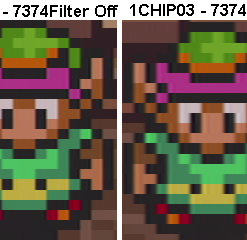
Console upgrades/repairs
€63.10
€63.10 incl. VAT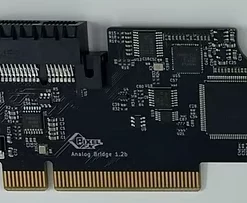
Other Converters
€90.00
€90.00 incl. VAT
Console upgrades/repairs
€157.50
€157.50 incl. VAT
Mod kits and spare parts
€18.00
€18.00 incl. VAT
€13.50
€13.50 incl. VAT
Mod kits and spare parts
€18.00
€18.00 incl. VAT
Scalers/line multipliers
€14.00
€14.00 incl. VAT
Reviews
There are no reviews yet.