
Layer

@layer
Forum Replies Created
-
AuthorPosts
-
November 1, 2023 at 9:31 AM in reply to: OSSC sync settings required with Sega Mega Play hardware #58516
I’ve finally got it fine, I’ve used Sync Strike + GBS8220 without editing Clamp St & Sp + OSSC without editing Analog sync Vth :
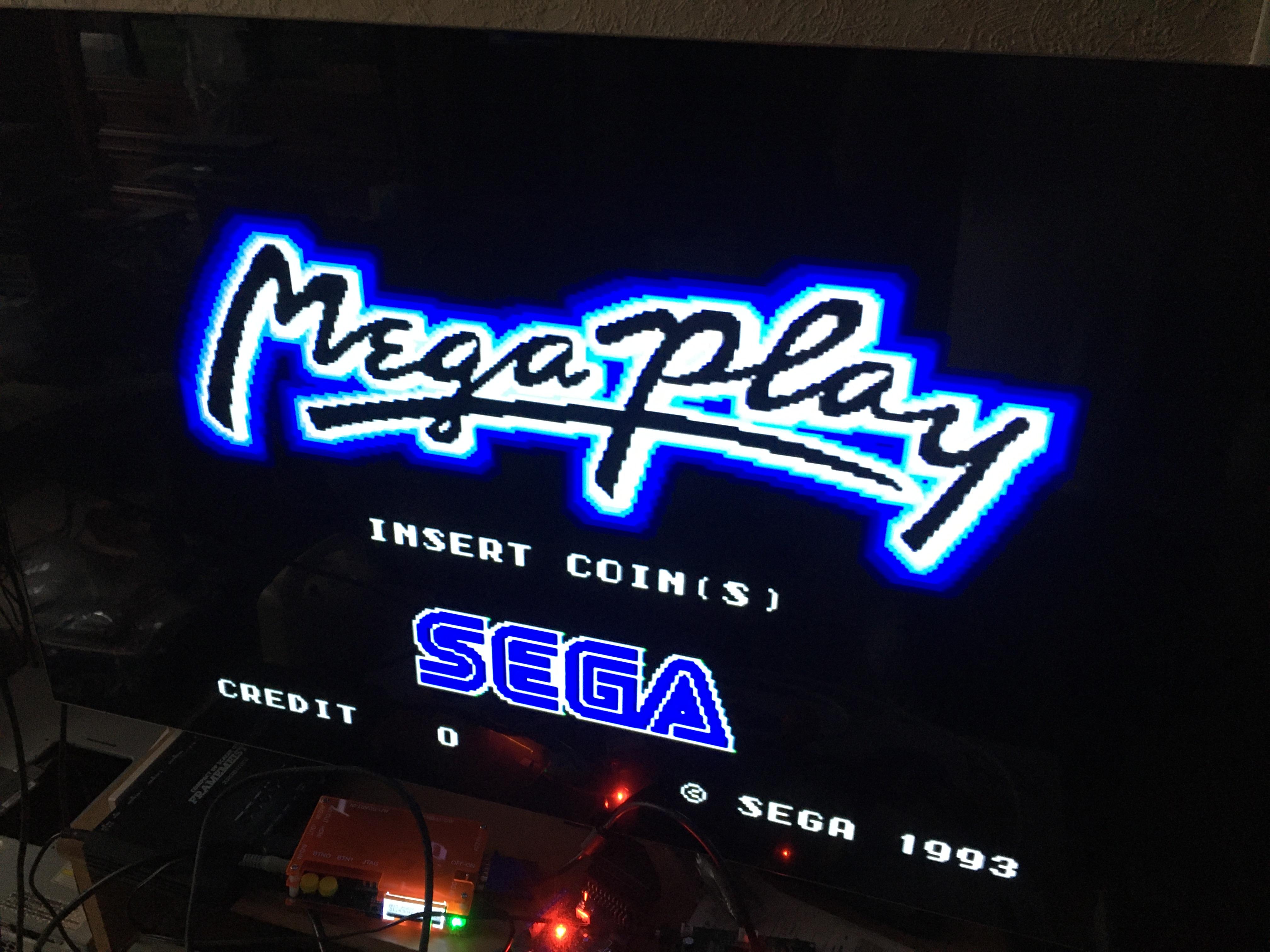
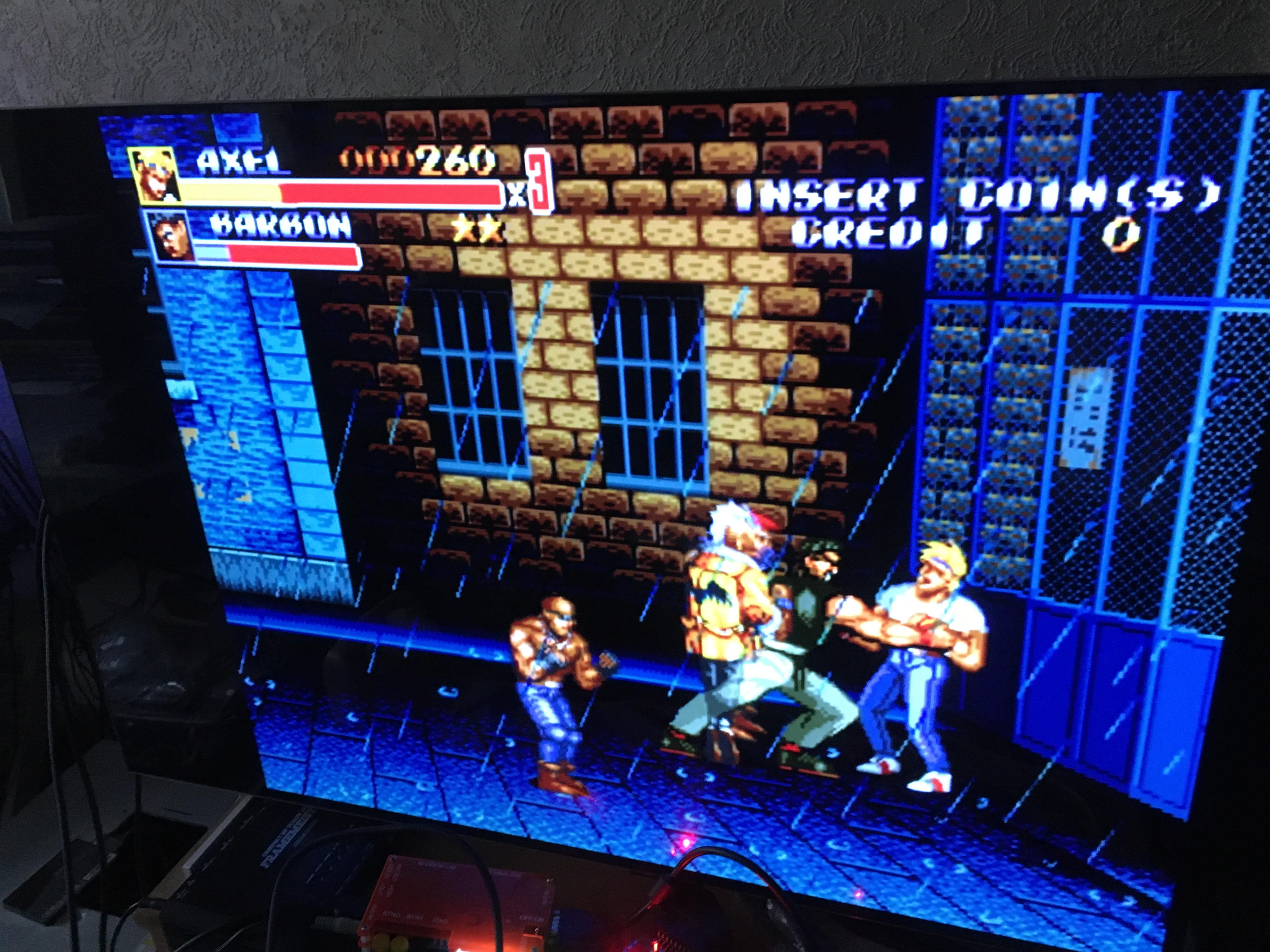
-
This reply was modified 2 years, 10 months ago by
Layer.
October 21, 2023 at 4:51 AM in reply to: OSSC sync settings required with Sega Mega Play hardware #58367I’ve finally soldered a small adapter (JAMMA to RGBS) to connect to GBS8220 before entering into OSSC.
I’ve launched Atomiswave in 31 kHz via GBS8220 then AV3 from OSSC, and it has worked fine !
I’ve succeeded in getting Sega System 24 running as well (JAMMA to GBS8220 adapter + GBS8220 with options Clamp St up to 03 and Clamp Sp up to 04 + OSSC) :
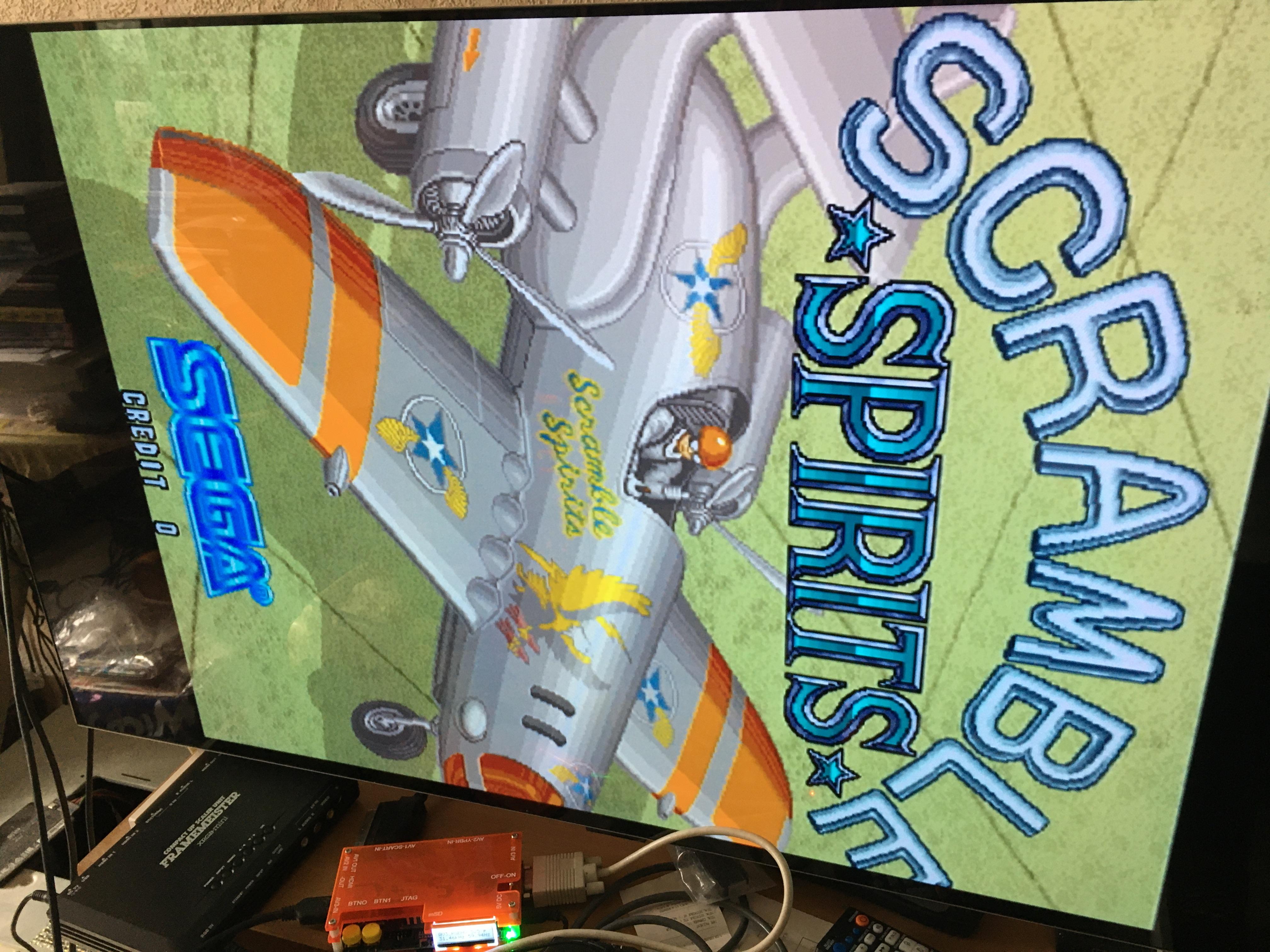
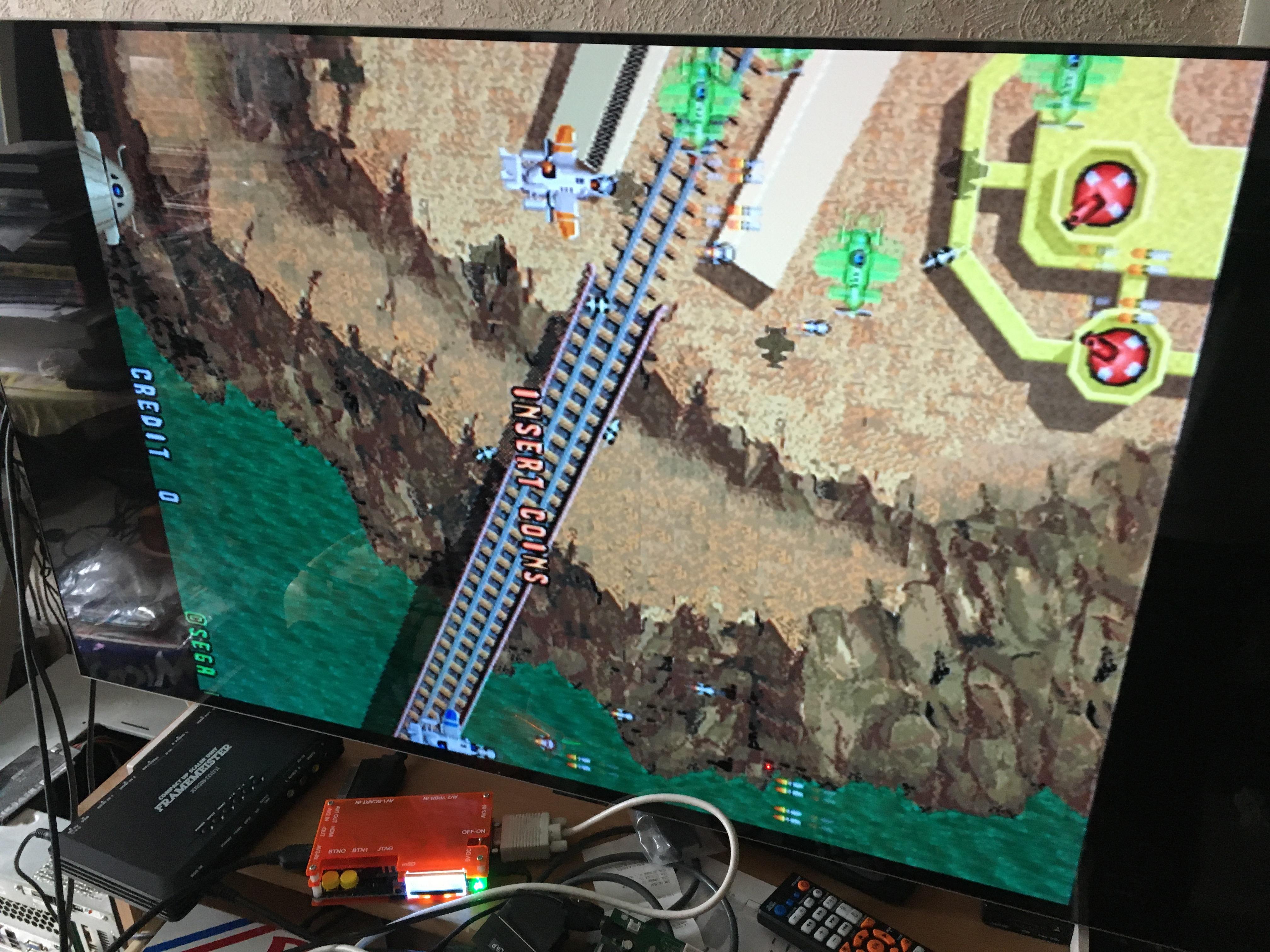
Btw, I still have sync issues with Sega Mega Play, it’s more stable now, but sometimes the sync is lost.
October 9, 2023 at 10:12 AM in reply to: OSSC sync settings required with Sega Mega Play hardware #58286Your assumptions are good, JAMMA pin P (video sync) is directly wired to CXA1145P pin 10 (CSYNC in), the continuity test is OK.
About CXA1145P pin 20 (C-video out) to DIN 8 connector pin 3 and DIN 8 connector pin 3 to SCART pin 20, the multimeter doesn’t ring. The wiring is not direct, but it should be something like that.October 8, 2023 at 11:05 AM in reply to: OSSC sync settings required with Sega Mega Play hardware #58275Thanks again for the reply 🙂
I’ve traced the path between JAMMA pin P (video sync) and the output of the RGB connector (I’ve tried all the pins) and the multimeter hasn’t rung.
Btw, I use an official RGB cable from PAL MD1 with the small board, which has the same pinout than Vega Jr. RGB connector :
When I use Atomiswave mobo with the cab, I use GBS8220 and the input signal is in RGBHV.
October 5, 2023 at 8:25 AM in reply to: OSSC sync settings required with Sega Mega Play hardware #58244OK, I’ve traced the path between JAMMA pin P (video sync) and CXA1145P pin 11 (csync output), and it appears they’re not in the same path.
Atomiswave mobo is working, I’ve tested it in the cab as well. I think I’ve to edit something in OSSC settings.
October 4, 2023 at 4:08 PM in reply to: OSSC sync settings required with Sega Mega Play hardware #58225I’ve to edit “Analog sync Vth” until I get the game displayed.
I was surprised as well about LM1881, but the supergun hasn’t it. I’ve written what the guy said on the Web before checking.
The small board before RGB out in Vega Jr. supergun :


And I’ve finally got Green Beret/Rush’n Attack running, it needed a bit more than 5V.
About Atomiswave, this is the message I get :
AV1-RGBS
NO SYNCOctober 3, 2023 at 8:52 AM in reply to: OSSC sync settings required with Sega Mega Play hardware #58185I mainly use default settings with :
Video in proc/Video LPF 9MHz (SDTV)
Video in proc/Pre-ADC Gain 4 (if I let default 8, white is too clear)
Sampling opt./Allow TVP HPLL2x Off
Sampling opt./Adv. timing tweaker 240p or 256×240 or 320×240 or 640×480 (depending of the game played)
Sync opt./Analog sync LPF 2.5MHz or Off
Sync opt./Analog sync Vth 123 to 169 (depending of the game played)
Output opt./256×240 aspect 1:1 PAR
Settings opt./Initial input Last usedI have tested Atomiswave in VGA and via JAMMA port in 31 kHz, and got no sync. I think my settings are not enough complete. Could this hardware mod be useful ? https://junkerhq.net/xrgb/index.php?title=OSSC_AV3_use_AV1_RGB_mod
Vega Jr. supergun has a small board with an LM1881, same board used in Sigma Raijin supergun.
October 2, 2023 at 6:48 AM in reply to: OSSC sync settings required with Sega Mega Play hardware #58175In fact, it’s easier to get CPS-1 and PGM syncs with 0.90 fw than 1.06 fw, but it’s easier to get Namco System 2 and Denjin Makai 2 with 1.06 fw than 0.90 fw.
I believed Sega Mega Play was like an MD, but MD profiles didn’t help at all.
I’ve tried Atomiswave via JAMMA port in 15 kHz (not in VGA).
And I didn’t get Green Beret/Rush’n Attack PCB syncing at all, even with NES profiles.
October 1, 2023 at 5:48 AM in reply to: OSSC sync settings required with Sega Mega Play hardware #58163I’ve done more tests :
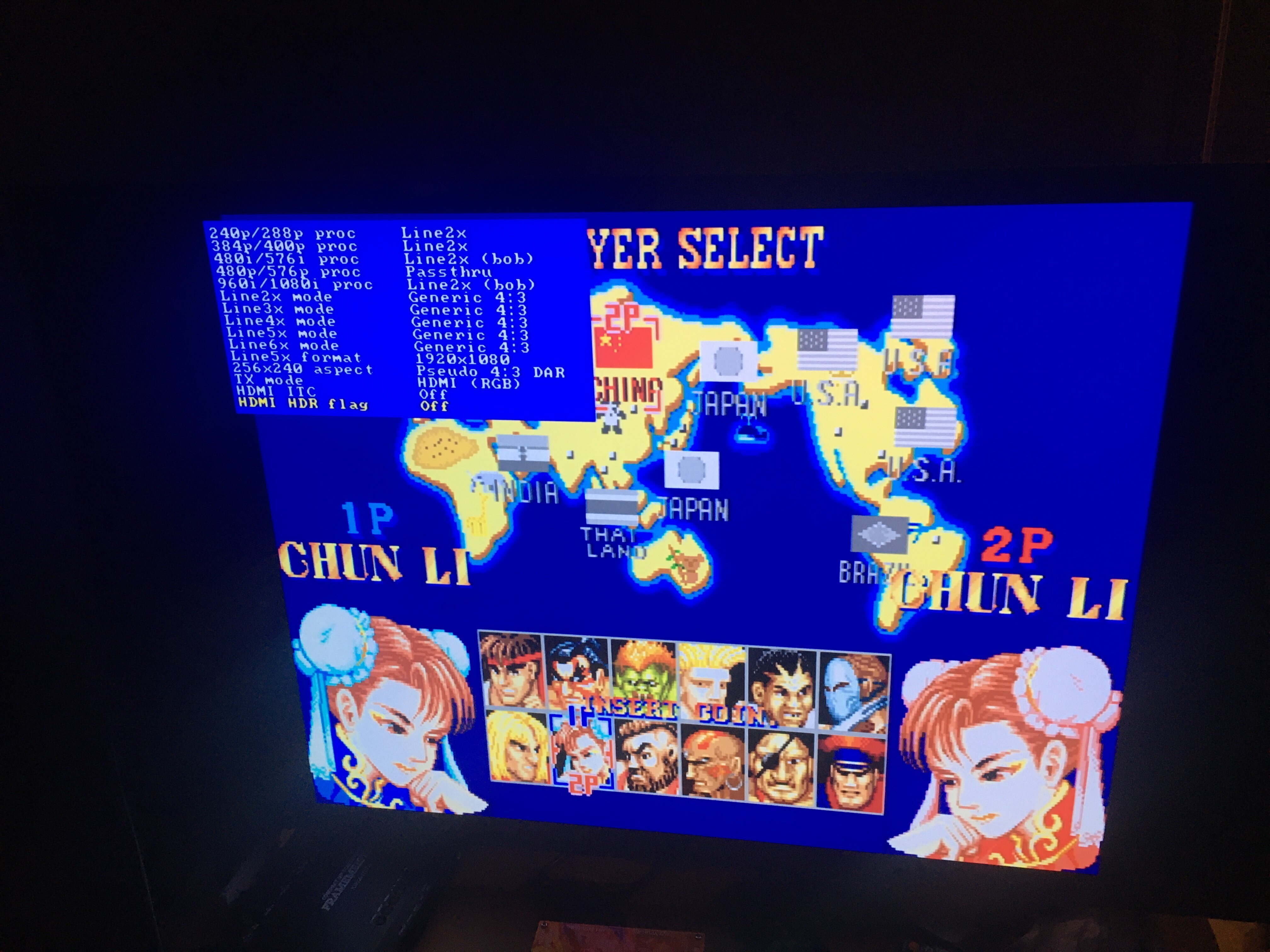
CPS-1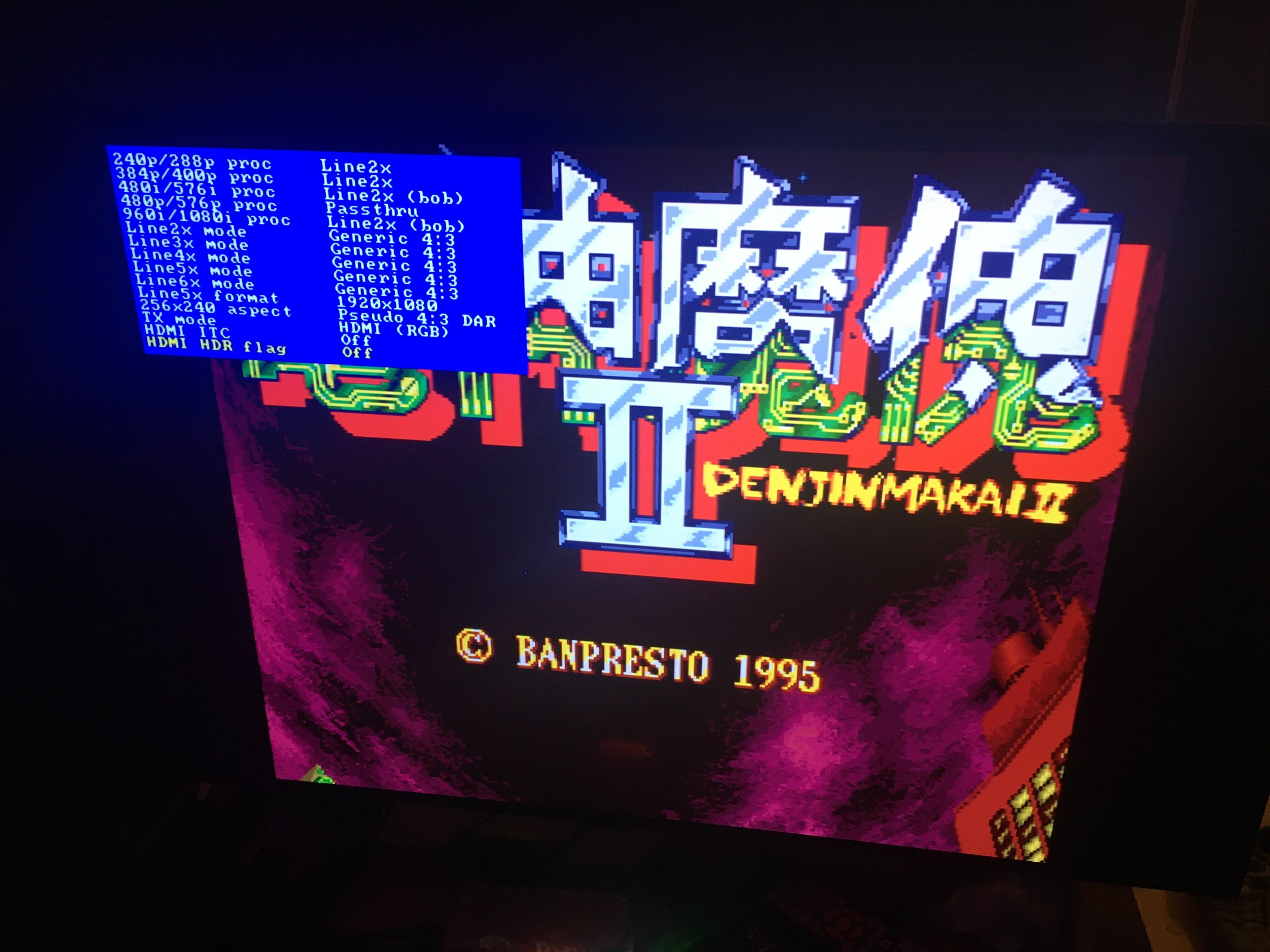
Banpresto PCB (Denjin Makai 2)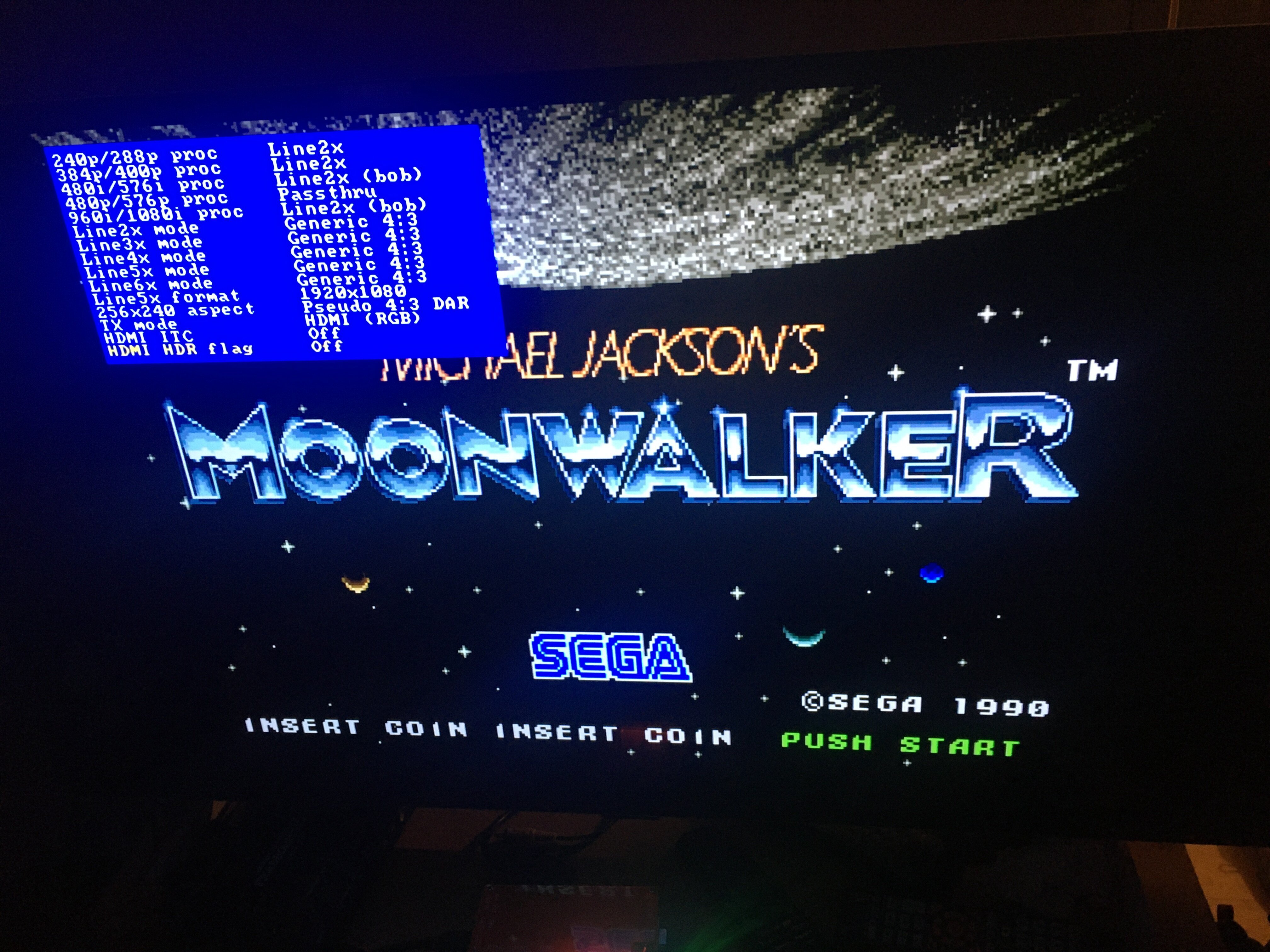
Sega System 18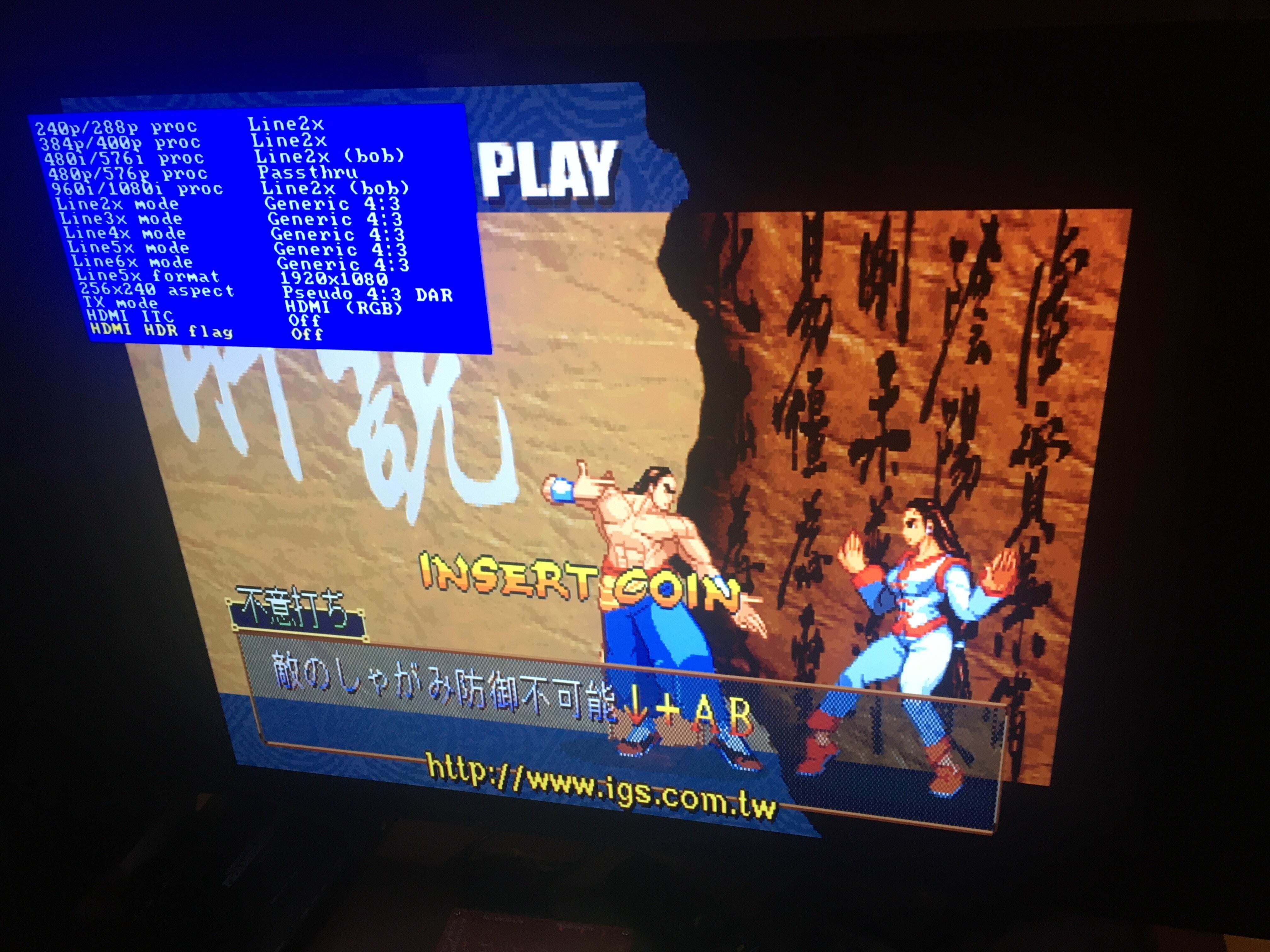
PGM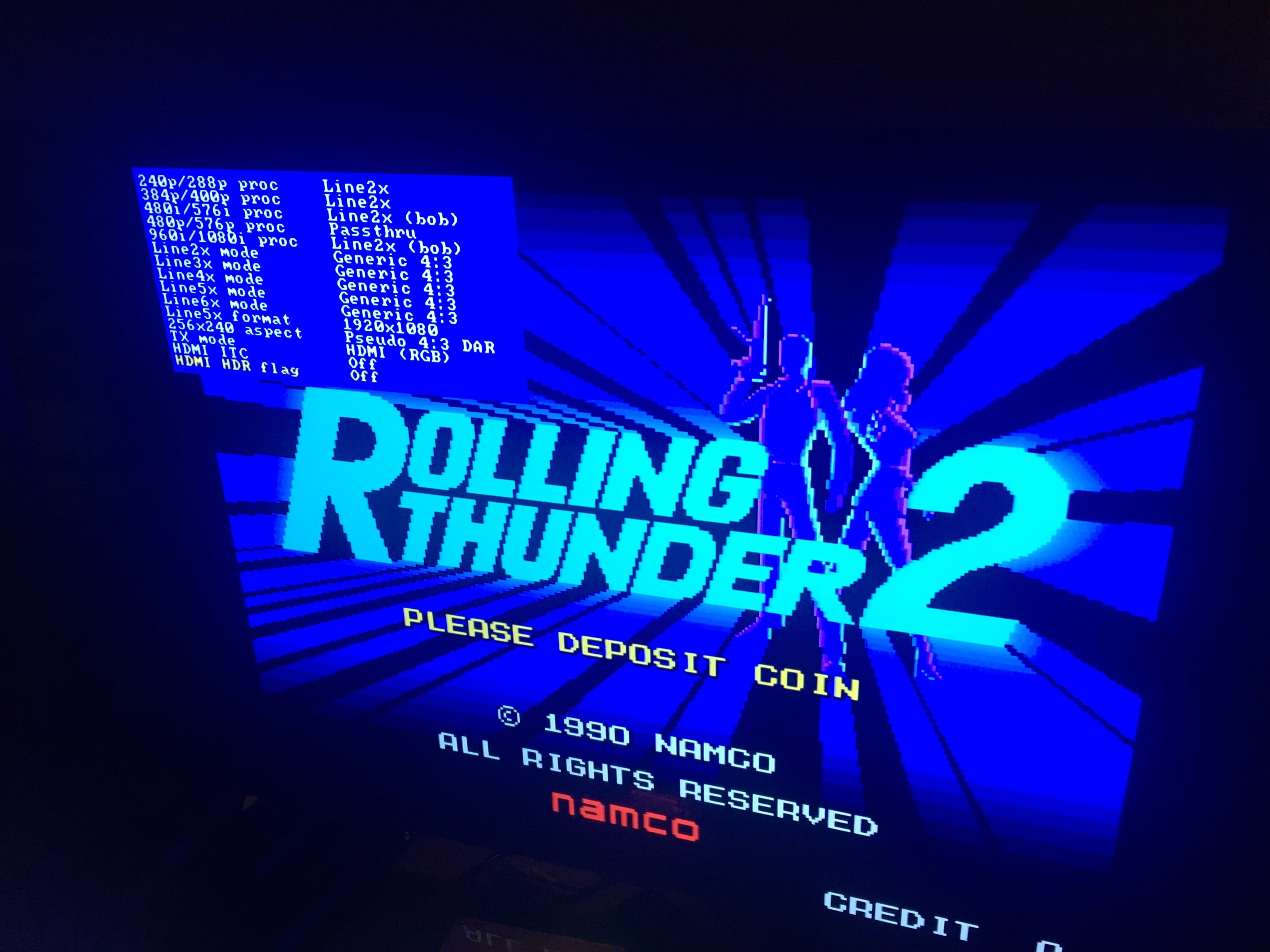
Namco System 2Sega Mega Play still has sync issue and AtomisWave doesn’t sync at all.
I use LG C2 42″ OLED TV.-
This reply was modified 2 years, 11 months ago by
September 30, 2023 at 7:01 PM in reply to: OSSC sync settings required with Sega Mega Play hardware #58156I’ve done the mod, I’ve removed the SMD resistor (R35) and put a wire between U1 (pin 25 on the last side as in the picture) and the pad of R35.
I’ve updated to Beta fw 1.06a marqs, now everything looks OK, but there’s no better sync when I try to launch a board with the supergun.
Is there something to do to autosync ?I’ve reupdated to official release fw 0.90, everything works like before, then I’ve reupdated to Beta fw 1.06 and tested Sega Mega Play, it runs like with fw 0.90, the sync is not better.
Btw, I don’t happen to get PGM and CPS-1 systems syncing with Beta fw 1.06.September 27, 2023 at 1:32 PM in reply to: OSSC sync settings required with Sega Mega Play hardware #58138Most of the ones tested work well (PGM, CPS-1, CPS-2, MVS, Sega System 18, Data East PCBs…) with OSSC, but I have a lot of PCBs not tested yet.
Vega Jr. supergun has Mean Well MWP-602 110V/220V switchable PSU, like Sigma Raijin and Hakuryu. I only have to set/check +5V (between 4.8V and 5.15V) when I want to play.-
This reply was modified 2 years, 11 months ago by
September 27, 2023 at 12:34 AM in reply to: OSSC sync settings required with Sega Mega Play hardware #58135Thanx for the reply 😉
It could be a good idea and may fix the sync issue, but I don’t know if a micro SD card with less than 1 GB storage is enough to update to your “Beta” fw.
I only have a small micro SD card I formerly used with a linker for N3DS.
September 26, 2023 at 3:37 PM in reply to: OSSC sync settings required with Sega Mega Play hardware #58131Tested. PLL coast values to 4 don’t change anything.
The sync is still instable when I try to play or insert coin and always changes from :
AV1-RGBS 262-P
15.69 kHz 59.91 Hzto :
AV1-RGBS
NO SYNC-
This reply was modified 2 years, 11 months ago by
September 26, 2023 at 3:00 PM in reply to: OSSC sync settings required with Sega Mega Play hardware #58129Thanx for your reply 😉
I use a Vega Jr. supergun. Gonna try to change PLL coast values to 4 and post the result.
-
This reply was modified 2 years, 10 months ago by
-
AuthorPosts


