
mills

@mills
Forum Replies Created
Viewing 2 posts - 1 through 2 (of 2 total)



Viewing 2 posts - 1 through 2 (of 2 total)
Do you have another 480p console you can test with the OSSC?
Unfortunately, no, not yet.
For the Dreamcast you definitely want to dial in the correct (baseline) settings as per the wiki page here:- http://junkerhq.net/xrgb/index.php?title=Dreamcast
It looks like that because you haven’t (correctly) configured the OSSC. You need to enforce the sampler to 480p and adjust active/backporch settings for H & V to suite your display…
I have configured a remote and adjusted the settings. H.active is set to 640, as by default. “480p in sampler” cannot be set to “DTV 480p”, as it causes a black screen, so I have to use the other mode (VESA).
Not sure what other settings I could adjust.
Have you checked your TV’s settings? Your post makes it sound like the OSSC is plugged into a different screen than if you just plug the Dreamcast in with VGA. Am I correct?
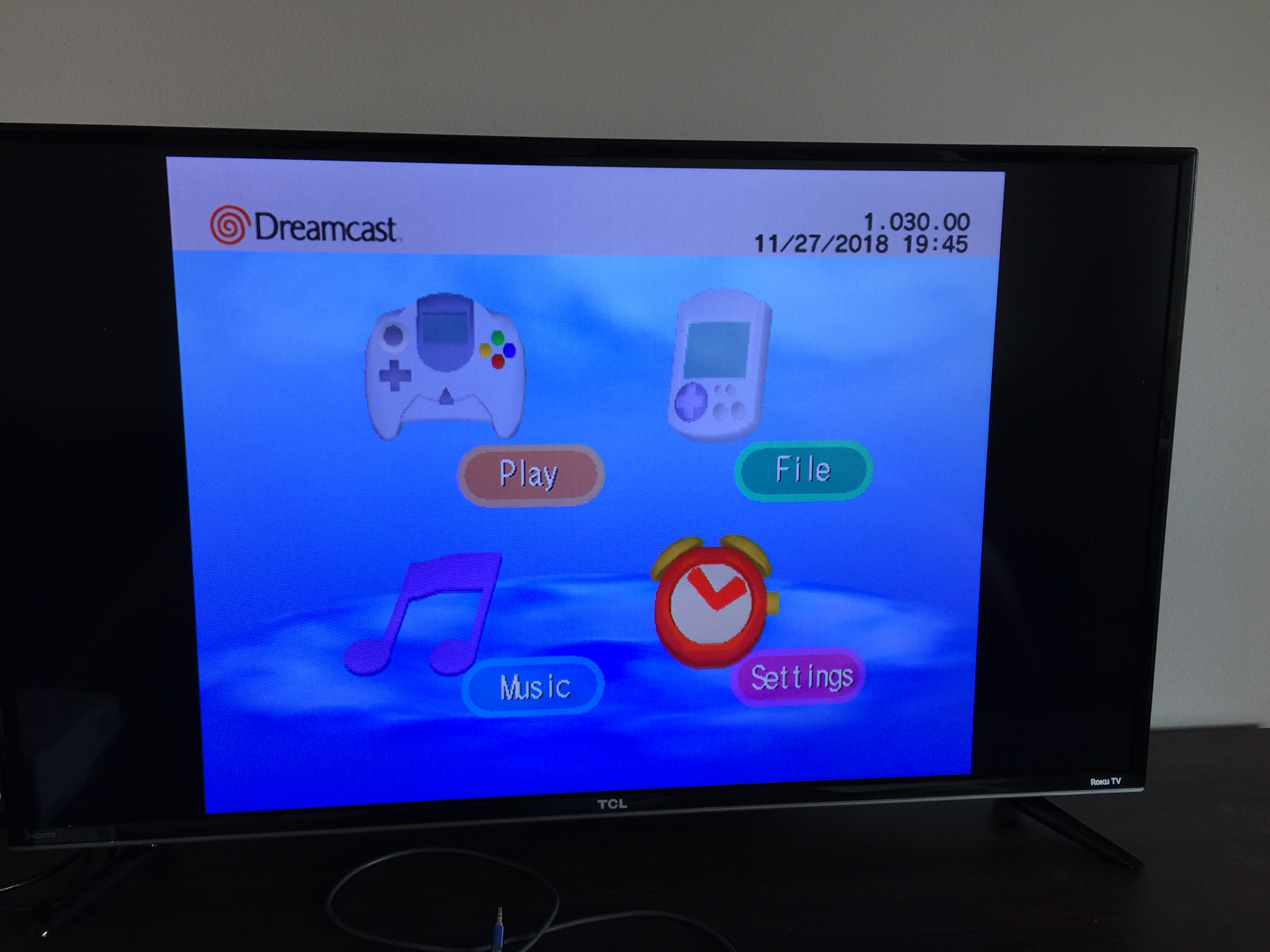
To clarify, I’m trying to make it work on my TV (TCL 40FS3800), which only accepts HDMI, so I can only do Dreamcast -> VGA Box -> OSSC -> TV (HDMI). I tried testing Dreamcast -> VGA Box -> PC Monitor (VGA) and the image was fine.
The OSSC’s black-and-white test screen, on my TV via HDMI, does not have any artifacting or vertical lines. It looks perfectly fine.
I adjusted my TV’s settings, and by turning “Sharpness” all the way to 0, the image did get a bit better, but the vertical lines and visual artifacting are still there, just more subtle: https://i.lensdump.com/i/8svb03.jpg https://i.lensdump.com/i/8svwB0.jpg
EDIT: So apparently according to this thread, this is normal, and what I’m seeing is just the dithering effect brought out by the high quality HDMI conversion of the OSSC, that you wouldn’t normally see? https://i.lensdump.com/i/8sLMUe.jpg is this normal?
| Cookie | Duration | Description |
|---|---|---|
| _gat | 1 minute | This cookie is installed by Google Universal Analytics to restrain request rate and thus limit the collection of data on high traffic sites. |
| Cookie | Duration | Description |
|---|---|---|
| __gads | 1 year 24 days | The __gads cookie, set by Google, is stored under DoubleClick domain and tracks the number of times users see an advert, measures the success of the campaign and calculates its revenue. This cookie can only be read from the domain they are set on and will not track any data while browsing through other sites. |
| _ga | 2 years | The _ga cookie, installed by Google Analytics, calculates visitor, session and campaign data and also keeps track of site usage for the site's analytics report. The cookie stores information anonymously and assigns a randomly generated number to recognize unique visitors. |
| _gid | 1 day | Installed by Google Analytics, _gid cookie stores information on how visitors use a website, while also creating an analytics report of the website's performance. Some of the data that are collected include the number of visitors, their source, and the pages they visit anonymously. |
| Cookie | Duration | Description |
|---|---|---|
| IDE | 1 year 24 days | Google DoubleClick IDE cookies are used to store information about how the user uses the website to present them with relevant ads and according to the user profile. |
| test_cookie | 15 minutes | The test_cookie is set by doubleclick.net and is used to determine if the user's browser supports cookies. |
| Cookie | Duration | Description |
|---|---|---|
| ct_checked_emails | session | No description |
| ct_has_scrolled | session | No description |
| ct_mouse_moved | session | No description |
| ct_screen_info | session | No description |
| wordpress_apbct_antibot | session | No description |
| wp_woocommerce_session_9cc3598a6315be16da4f85bb374cf6a5 | 2 days | No description |
