longsun_zhao

@longsun_zhao
Forum Replies Created
-
AuthorPosts
-
I set up my PS1 and SNES profiles again and they look great! The 384x mode with my PS1works much better in 5x than the older method of using the 320x mode. SNES is limited to 3x mode for perfect compatiblity but it looks great still.
August 18, 2019 at 5:38 PM in reply to: Japanese Model 2 Saturn, 5x scaling and Benq GL2706PQ #27529Honestly, arw you seeing much difference between 4x and 5x? I have similar issues with aspect ratio on my TV but I just use 4x because there’s virtually no difference in image quality.
August 12, 2019 at 8:55 PM in reply to: Dreamcast OSSC 480p 2X settings for Retro Access scart cable #27418Yes, I get identical results with my SCART switcher in the middle and with the DC directly plugged in to the OSSC.
August 11, 2019 at 4:17 AM in reply to: Dreamcast OSSC 480p 2X settings for Retro Access scart cable #27384No issues with the input, other consoles work great. It happens with both the retro access cable and the retrogamingcables version. Also looks very sharp via VGA.
Yeah the reverse LPF as more of a last resort for me. There is definitely a tradeoff there, especially when it’s turned up before 3-4. I can’t recommend using it on consoles besides unmodded SNESs and I really wish the blur wasn’t there to start with.
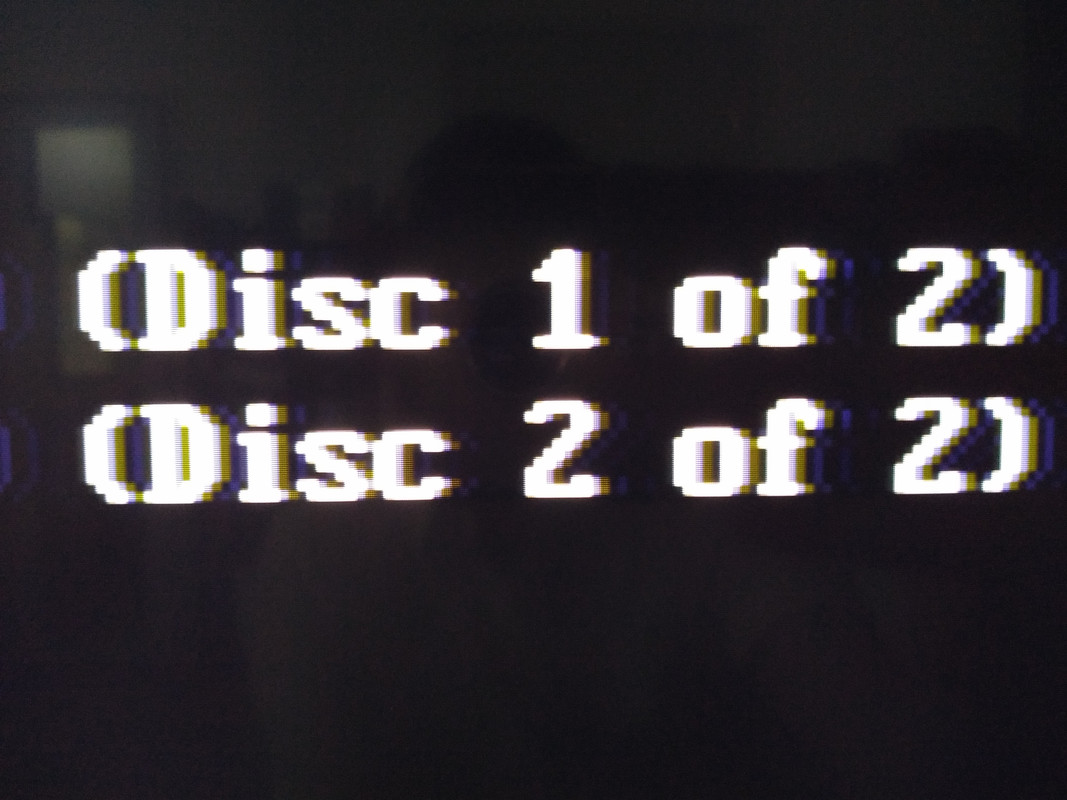
August 7, 2019 at 2:40 AM in reply to: Dreamcast OSSC 480p 2X settings for Retro Access scart cable #27305Here’s a couple.of picture that sort of represent what I’m seeing. You can clearly see the ghosting on the right side of all text.
August 4, 2019 at 5:19 AM in reply to: Dreamcast OSSC 480p 2X settings for Retro Access scart cable #27266For future reference, the best picture I can get is using the retro access cables,with Forebrand X’s exact settings, adjusting samplerate so the ghosting is more on the right side, and then using 3-5 degrees of Reverse LPF to lessen the impact of the ghosting.
August 4, 2019 at 4:57 AM in reply to: Dreamcast OSSC 480p 2X settings for Retro Access scart cable #27265Hate to bump an old thread, but I still haven’t been able to solve this problem.
I’ve tried with both retrogamingcables and retro access’ versions and just can not get an image that doesn’t have horizontal ghosting. I have tried everything but I just don’t have the tools or know-how to produce good optimised settings. Is there no one with the knowledge to make this work right?
July 17, 2019 at 3:59 PM in reply to: Dreamcast OSSC 480p 2X settings for Retro Access scart cable #27037I also found that disabling the LFP and changing the Hsamplerate to 859 instead of 858 produced slightly better results, but still no crisp horizontal edges on text and such.
July 17, 2019 at 3:53 PM in reply to: Dreamcast OSSC 480p 2X settings for Retro Access scart cable #27036I’ve been experiencing the same problem. I can’t get rid of horizontal ghosting. I can get it really close, but it never goes away and is very visible depending on the colors onscreen.
I’m using the retroaccess cable with firebrandx’s exact settings.
I know they are 384 pixel width games, and I’ve tried but I can’t get sample rates which work at all.
Also, my TV can display 384 pixel width games in standard 4:3 just fine. I just have to use Line 3x instead of 4x.
I definitely have it booting in 240p mode already. I’m asking if anyone has any idea what optimised timing setting are appropriate for these games.
I should add this is via SCART, there’s nothing in the middle to mess up the signal.
October 22, 2017 at 8:25 AM in reply to: OSSC 1.6 – No audio or video output, garbled messages #16286Nothing that I’ve tried has caused my OSSC to output anything anymore, and I confirmed that my devices were outputting audio just fine, even though the OSSC wouldn’t detect it. Would it be possible to get a replacement? Thank you.
October 19, 2017 at 9:39 AM in reply to: OSSC 1.6 – No audio or video output, garbled messages #16186I have attempted a settings reset, however I’m still not getting any video or audio output, as well as the garbled screen.
-
AuthorPosts