
SubparHans69

@subparhans69
Forum Replies Created
-
AuthorPosts
-
November 22, 2026 at 4:02 AM in reply to: Struggling to get OSSC Pro to display video over component – Downscaling #71383
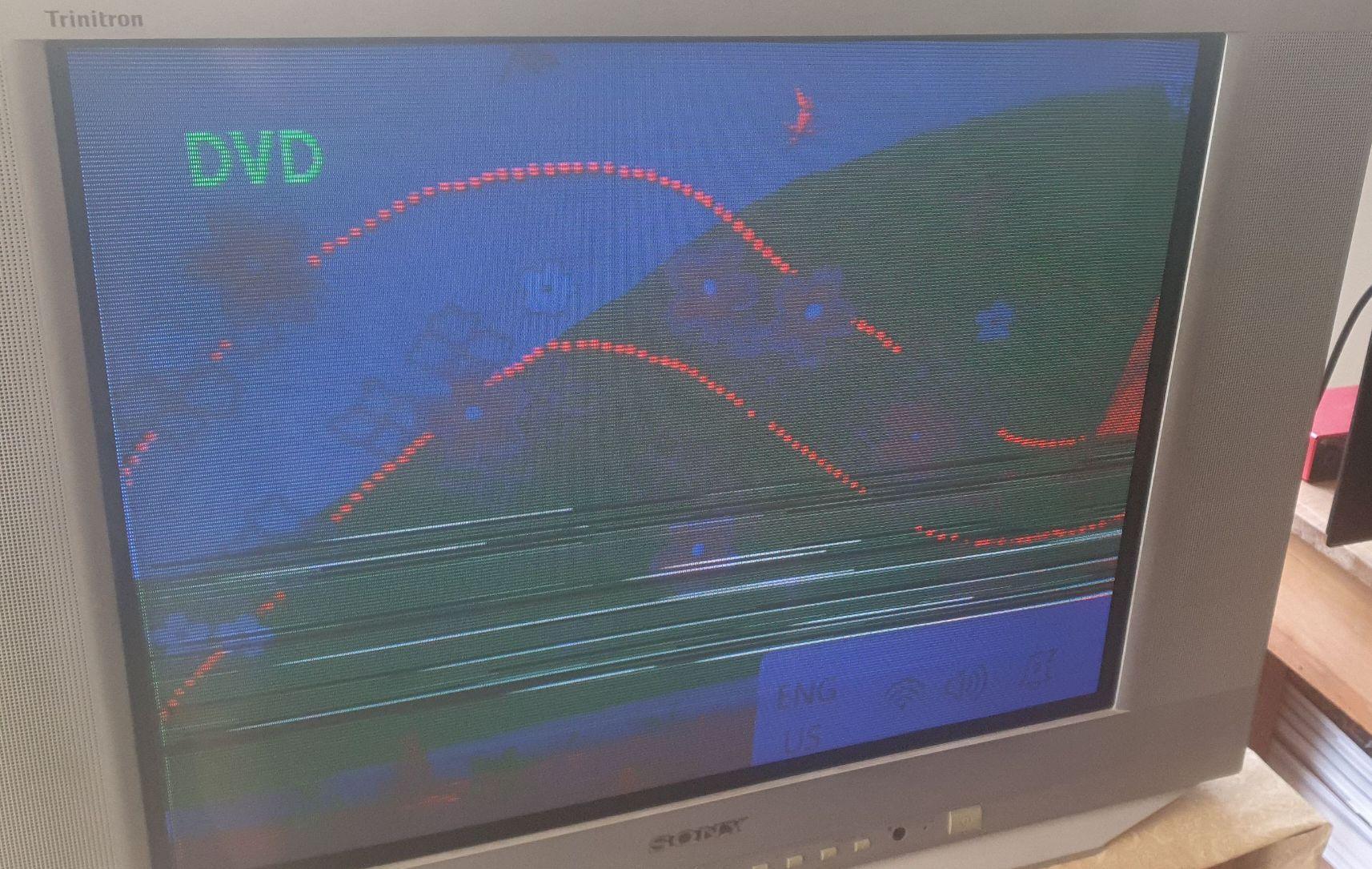
<p>I tried connecting composite to the component input and it gave those weird lines on the screen. The issue is possibly to do with the TV circuitry which isn’t ideal. I may eventually try and fix it in the future but most likely I may just get a new CRT honestly if I am that fussed. For now, composite is perfectly fine. Appreciate everyone’s help in narrowing down the issue.</p>
-
This reply was modified 1 day, 11 hours ago by
SubparHans69.
-
This reply was modified 1 day, 11 hours ago by
November 6, 2026 at 3:23 AM in reply to: Struggling to get OSSC Pro to display video over component – Downscaling #71183My guess is AV 1.3 is damaged or component circuitry/capacitors are damaged in the TV. The image was stuffed due to capacitors having wrong values because some clown tried to “repair” it before I got my hands on it. I may wait a bit and buy a cheap component converter simply to test the component input (or get a second hand DVD player). From there I can further nail down whether it is due to AV or component input itself. Before that I may have another go at component via OSSC pro! Thanks 🙂
-
This reply was modified 2 weeks, 3 days ago by
November 6, 2026 at 2:51 AM in reply to: Struggling to get OSSC Pro to display video over component – Downscaling #71178Okay update. New cables arrived. Component is still the same weirdness as I kind of expected. I managed to hook up composite and that seems to work. I had to output from PC to 59.94hz instead of 60hz and that worked. I will have a play around at a later date to attempt to get component working but I do have an OLED I can use for a “clearer” image or I can try to hunt down a PC monitor for a more HD image. In other words, I will probably deem this as solved. Thanks for all the help guys. I may come back in the future if I have further issues or if I want to try and get component working.
-
This reply was modified 2 weeks, 3 days ago by
-
This reply was modified 2 weeks, 3 days ago by
November 2, 2026 at 1:06 AM in reply to: Struggling to get OSSC Pro to display video over component – Downscaling #71104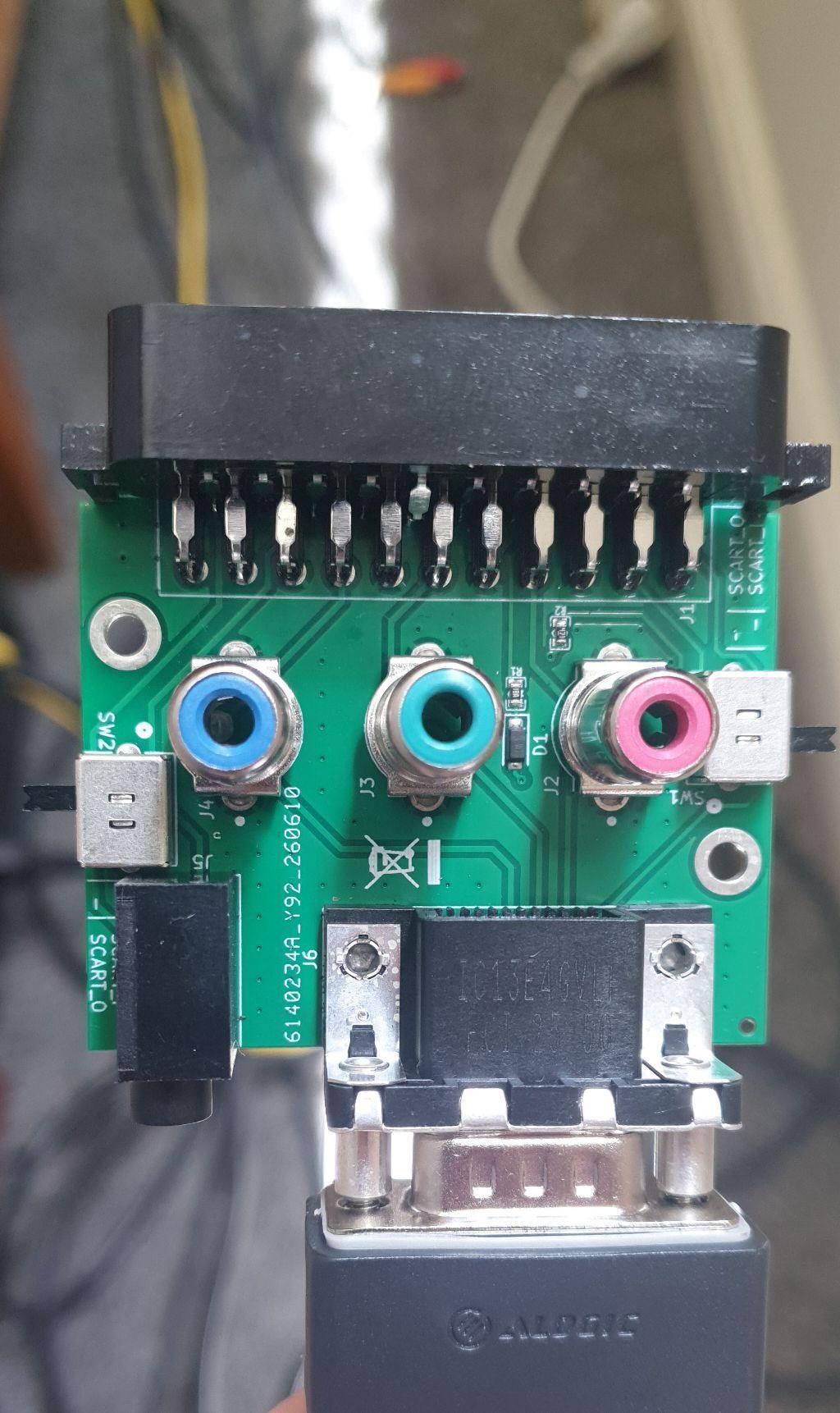
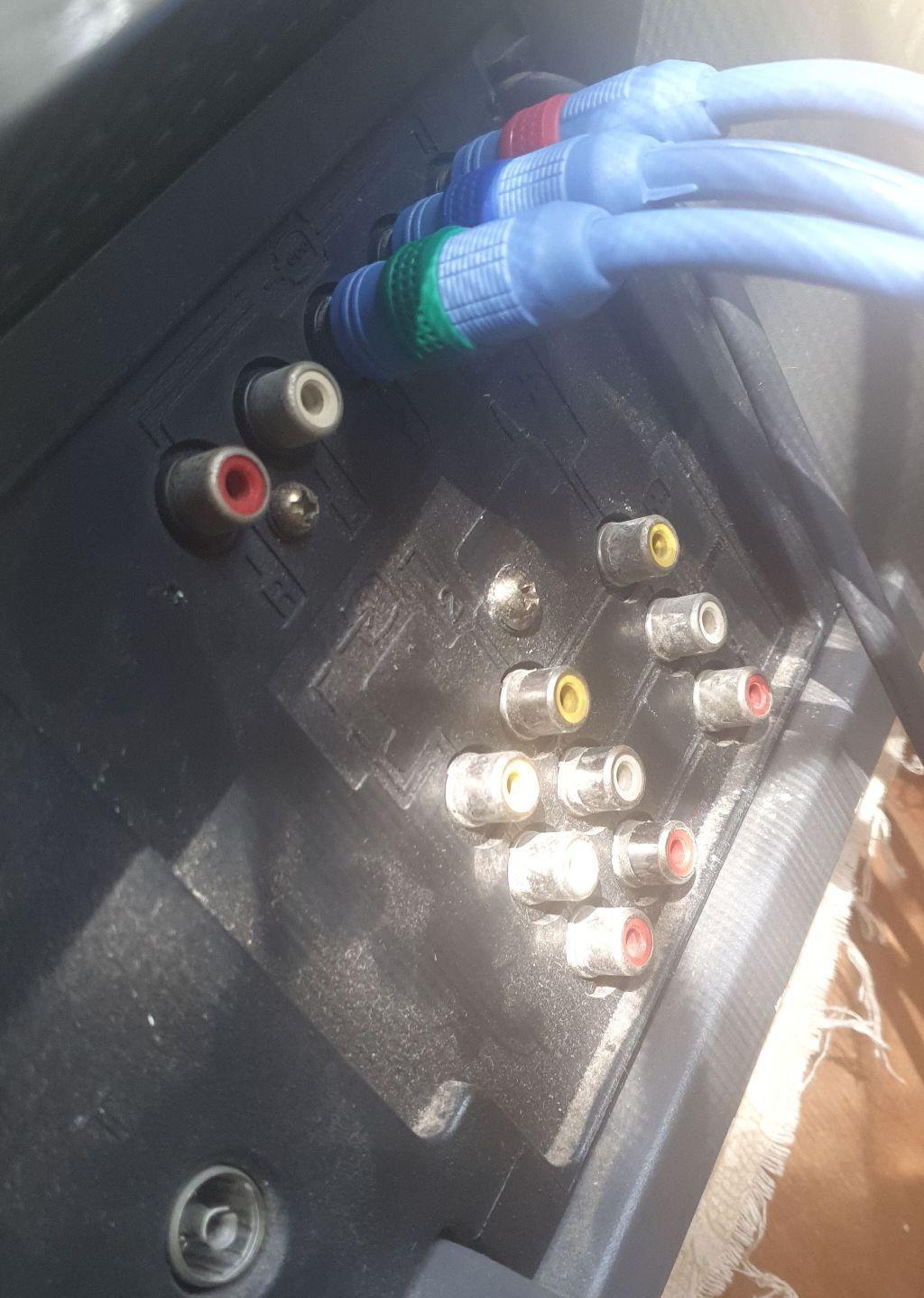
Also sorry to double-post but here is what the AV 1.3 looks like without the plugs. Not sure if this will add any extra context but I thought I’d include it just in case.November 1, 2026 at 9:46 PM in reply to: Struggling to get OSSC Pro to display video over component – Downscaling #71103Technician said they didn’t check anything to do with component. Thank you for the advice. Do I need to change any settings to tell it to output to composite?
November 1, 2026 at 6:58 AM in reply to: Struggling to get OSSC Pro to display video over component – Downscaling #71100<p><p>Hey Bucko. Mine is PAL region I believe but it can do both 50hz/60hz according to the TV itself. When I do 480i TP on my TV, I can faintly see the image but it is very dark and still has the horizontal interference. I am not sure if the TV itself has an issue with component as I have never used it before. I did get it serviced recently but that was for geometry issues (bad capacitors). I will check to see if it works with composite when that cable arrives. If it works, it will mean the issue will lie within the AV adapter 1.3 or the TV’s component circuitry. I am sort of running out of ideas as to where the issue is. Also as an update I asked the technician if he checked component and noticed any issues with it so I will see what he says. If he says the component input has issues then that is that. But it will help narrow down what the problem is.</p>
-
This reply was modified 3 weeks, 1 day ago by
October 31, 2026 at 8:06 AM in reply to: Struggling to get OSSC Pro to display video over component – Downscaling #71090<p>Thank you for the reply and help. I don’t think it is S Video. It looks like something else. I have a cheap S video adapter that won’t fit. I am not sure if the Extra AV out is tight enough. I don’t really have a screw that fits it. Would you guys happen to know the name for the bit I would need to screw it in? Would LM-A-Mode make a difference do you think? My PC does have VGA but it isn’t used by the GPU. I may be able to get a HDMI to VGA adapter if that works. However I don’t know if that will make much difference as new VGA cable didn’t do a whole lot. What should I do with the switches on the AV adapter? I thought they only affect SCART. However I am happy to try any ideas you have. Yes it is set to AV4 and showing it can detect my PC just fine. It seems to recognise the 480p I am sending to it. I bought a new component cable and a composite cable. I do know composite works as I have used it before. Although I do want the sharper image, if worse comes to worse I will use composite. At least the Sonic waterfall will look correct!</p>
-
This reply was modified 3 weeks, 2 days ago by
-
This reply was modified 3 weeks, 2 days ago by
October 30, 2026 at 4:00 AM in reply to: Struggling to get OSSC Pro to display video over component – Downscaling #71081I got a new VGA cable from the PC shop and image is still the same.
I may try high quality component cables next.
https://www.amazon.com.au/1-8m-BlueRigger-Component-Video-Audio/dp/B008UGDG1G/
This has good reviews, what do you think?
Also what is LMA mode?Also should I flip the switches the other way?
-
This reply was modified 3 weeks, 3 days ago by
-
This reply was modified 3 weeks, 3 days ago by
October 30, 2026 at 12:14 AM in reply to: Struggling to get OSSC Pro to display video over component – Downscaling #71077I managed to get the picture less garbled by outputting 640×480 to it in Windows 11, however the image is still purple and wrong. I will attach some videos/pictures to this post to show what I am working with and what the image looks like. I can confirm CSync was already XNOR+ but thank you for the suggestion. and Output mode is definitely YPbPr.
@Kekstier Thank you. I don’t have SCART unfortunately. Only Composite and component. Attached are images of the switches and component wires. I can confirm that everything is seated properly. It could be a crappy VGA or component cable. I just got some that I thought looked serviceable on Amazon. I will try replacing my VGA today and see if that makes a difference. I may also get some other component cables if needed. Because this is my first time using component I cannot say if it worked before or with another device as the only devices I own use composite.For reference these are the AMZN listings: https://www.amazon.com.au/dp/B0HF5M2R37 & https://www.amazon.com.au/Hexchuang-Computer-1920×1080-Television-Projector/dp/B0FP5KVC42
It should be worth mentioning, only 480i seems to produce any image. 576i just gives a blue screen. 240p produces same image as 480i.
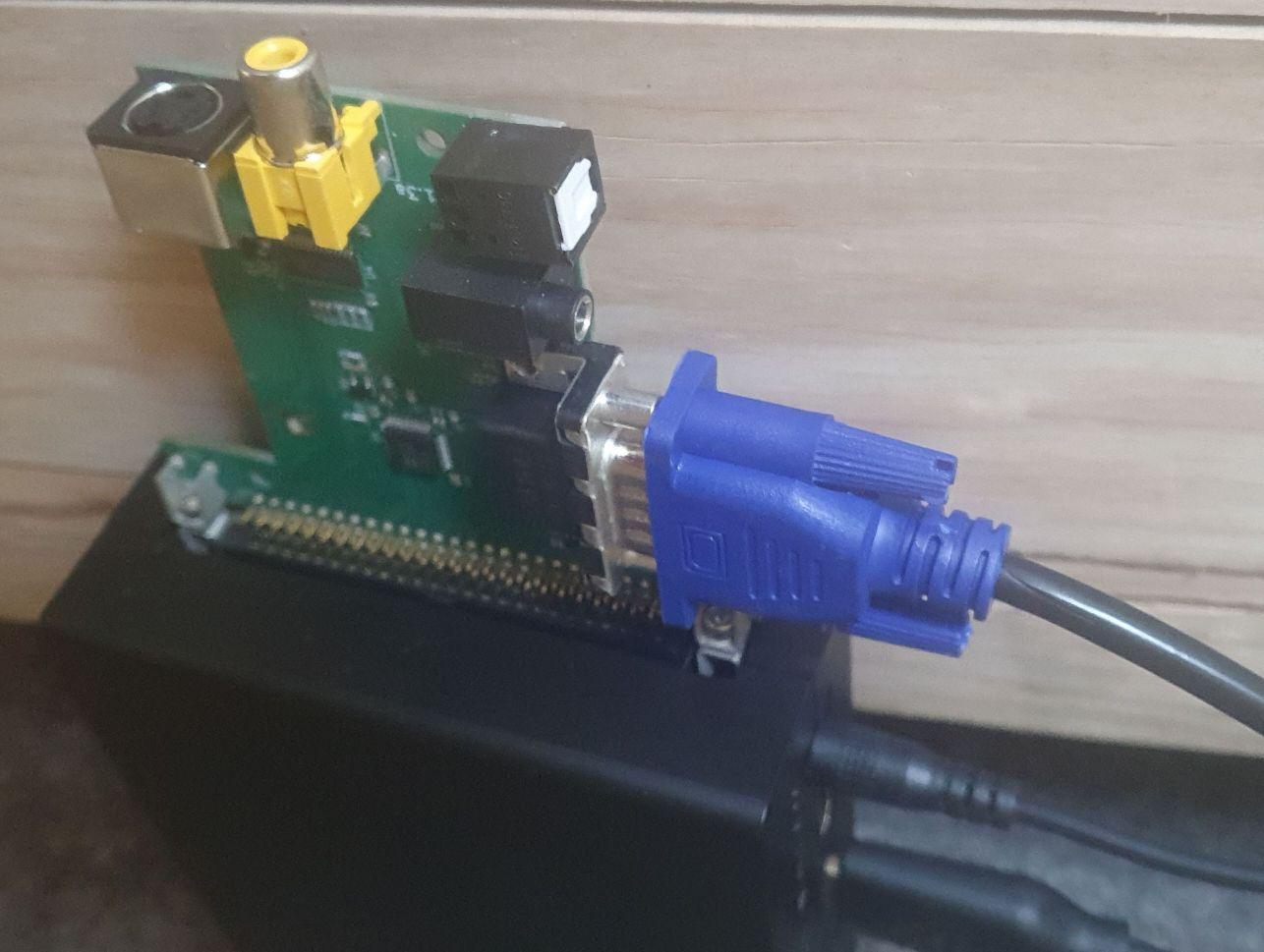
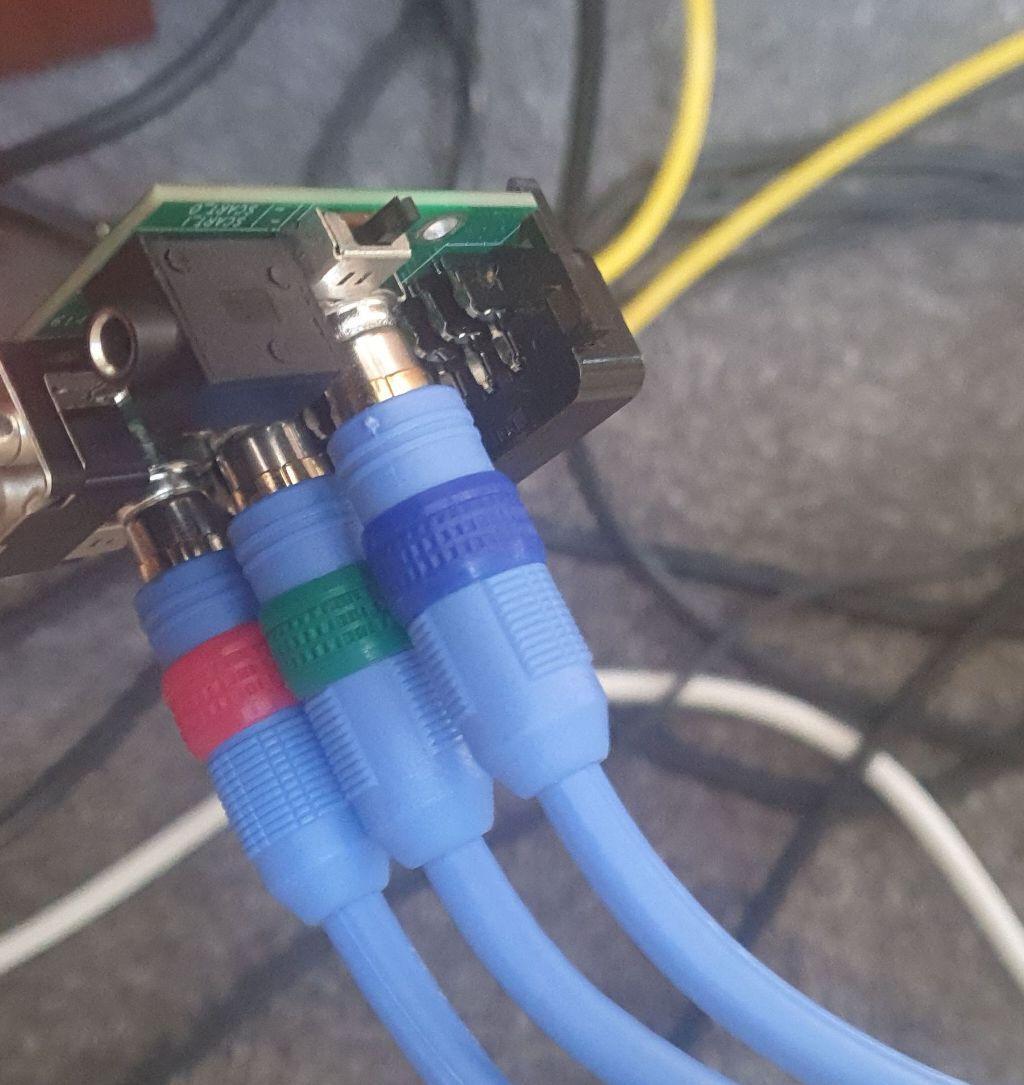
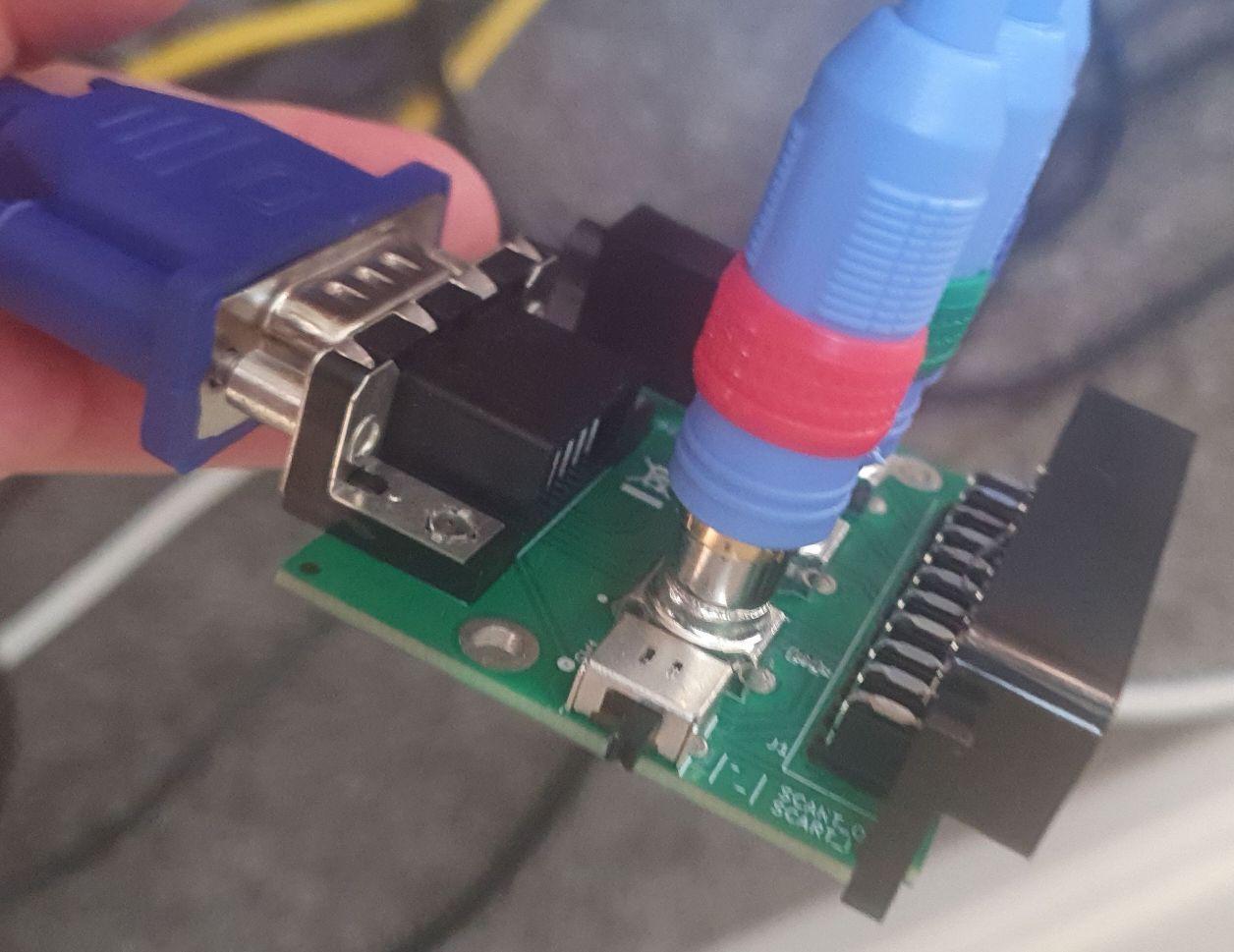
-
This reply was modified 3 weeks, 3 days ago by
-
This reply was modified 1 day, 11 hours ago by
-
AuthorPosts


